Skip to content
View in the app

A better way to browse. Learn more.

BariatricPal

A full-screen app on your home screen with push notifications, badges and more.

To install this app on iOS and iPadOS
  1. Tap the Share icon in Safari
  2. Scroll the menu and tap Add to Home Screen.
  3. Tap Add in the top-right corner.
To install this app on Android
  1. Tap the 3-dot menu (⋮) in the top-right corner of the browser.
  2. Tap Add to Home screen or Install app.
  3. Confirm by tapping Install.

Inner-healing is important to our weight loss journey

blog-0272470001430938059.jpg

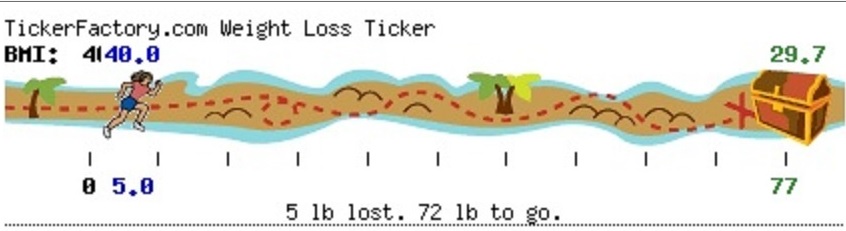
This was my ticker from my first blog entry. I'm happy to say that I am now 17 lb to go.


It's good to look back and see how far I've come!


60 lbs has taken me down 4 dress sizes, improved my knees and led me on a journey of self discovery and forgiveness.


I never thought my weight lost would take so many years. I think God had many lessons I needed to learn along the way. With help, I've come to understand why I made some of the choices I have in life. I have truly forgiven myself and with this understanding helps me not to repeat that same pattern again. God is Good!


Good Journey All,

MaggieGT

0 Comments

Recommended Comments

There are no comments to display.

Guest
Add a comment...

Account

Navigation

Search

Search

Configure browser push notifications

Chrome (Android)
  1. Tap the lock icon next to the address bar.
  2. Tap Permissions → Notifications.
  3. Adjust your preference.
Chrome (Desktop)
  1. Click the padlock icon in the address bar.
  2. Select Site settings.
  3. Find Notifications and adjust your preference.