Skip to content
View in the app

A better way to browse. Learn more.

BariatricPal

A full-screen app on your home screen with push notifications, badges and more.

To install this app on iOS and iPadOS
  1. Tap the Share icon in Safari
  2. Scroll the menu and tap Add to Home Screen.
  3. Tap Add in the top-right corner.
To install this app on Android
  1. Tap the 3-dot menu (⋮) in the top-right corner of the browser.
  2. Tap Add to Home screen or Install app.
  3. Confirm by tapping Install.

My Husband's Handy Work

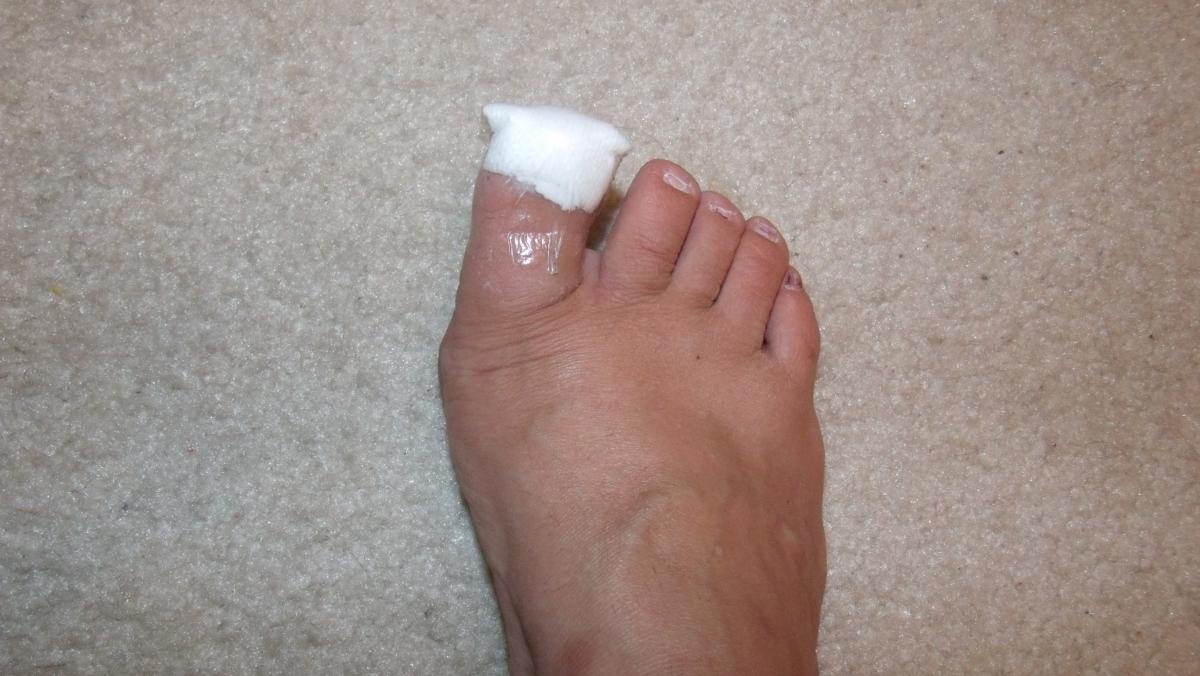
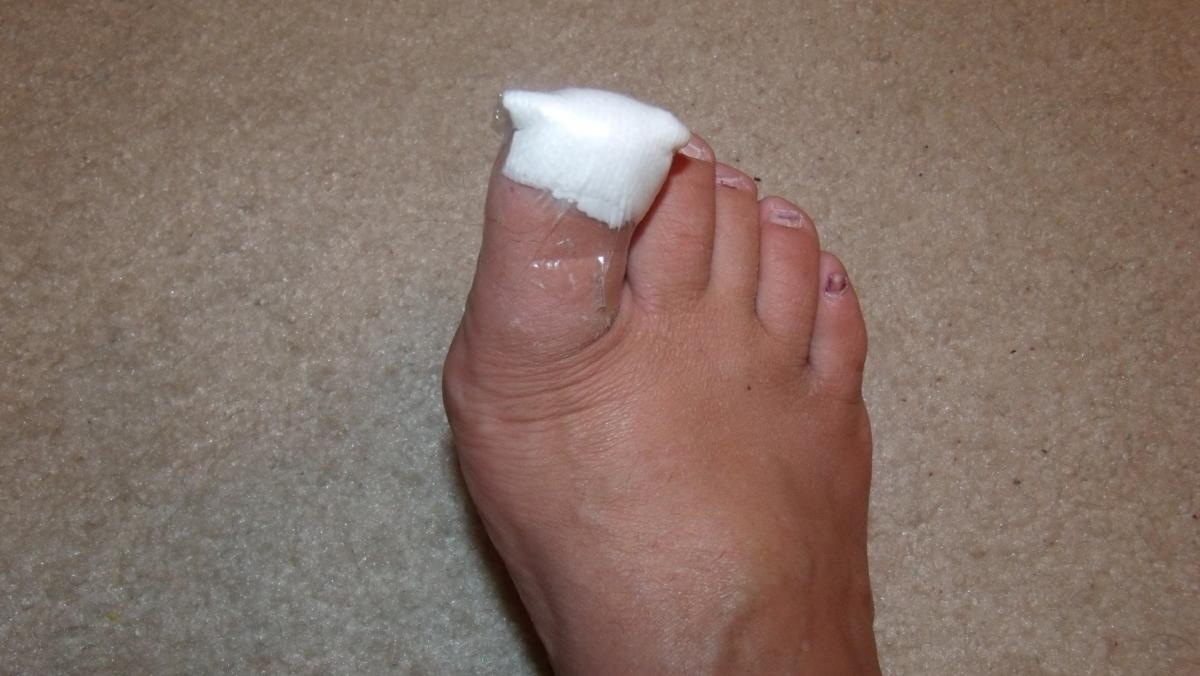
After posting my blog about my toe, I decided that it would be a great idea to post a photo of my husband's handywork. This is why I like him taking care of my wounds. He seems to know how to make them look all pretty. Sorry you have to see my feet and my really small little toe nails. Also, sorry for the bad polish removal. Ok, I think I am done with my sorrys for the day. :)


blogentry-24624-13814461100155.jpg


blogentry-24624-13814461100876.jpg

0 Comments

Recommended Comments

There are no comments to display.

Guest
Add a comment...

Account

Navigation

Search

Search

Configure browser push notifications

Chrome (Android)
  1. Tap the lock icon next to the address bar.
  2. Tap Permissions → Notifications.
  3. Adjust your preference.
Chrome (Desktop)
  1. Click the padlock icon in the address bar.
  2. Select Site settings.
  3. Find Notifications and adjust your preference.