




Skip to content
View in the app

A better way to browse. Learn more.

BariatricPal

A full-screen app on your home screen with push notifications, badges and more.

To install this app on iOS and iPadOS
  1. Tap the Share icon in Safari
  2. Scroll the menu and tap Add to Home Screen.
  3. Tap Add in the top-right corner.
To install this app on Android
  1. Tap the 3-dot menu (⋮) in the top-right corner of the browser.
  2. Tap Add to Home screen or Install app.
  3. Confirm by tapping Install.

Week 14- Day 1 Of 90... Let The Training Begin!

5'7''

surgery date 12-12-11

HW: 265

GWfS: 250

DoS: 238.1

CW: 186.8

GW:150


Today is 3-19-2012, I am starting a new work out regimen so that I can prepare myself for TOUGH MUDDER! I am really excited about this journey and because I want to do everything in my power to succeed I went and got myself a personal trainer! Now this is only for 3 months, so Im making a short term goal!


MY GOAL IS TO HIT MY GOAL WEIGHT BY THE END OF JUNE!


I think its very doable. Now in all reality I don't care if I really hit goal because I will be doing a lot of strength training which undoubtedly will build muscle which mean possible weight gain or just lack of loss.. as you can see by the fact that I have only lost half a lb since my last weigh-in.. But im not discouraged because even tho im not losing weight i am toning up and losin inches... thats all that really matters..


Hopefully I will have great news come next week about my training.. but until then i leave you with pictures...lol

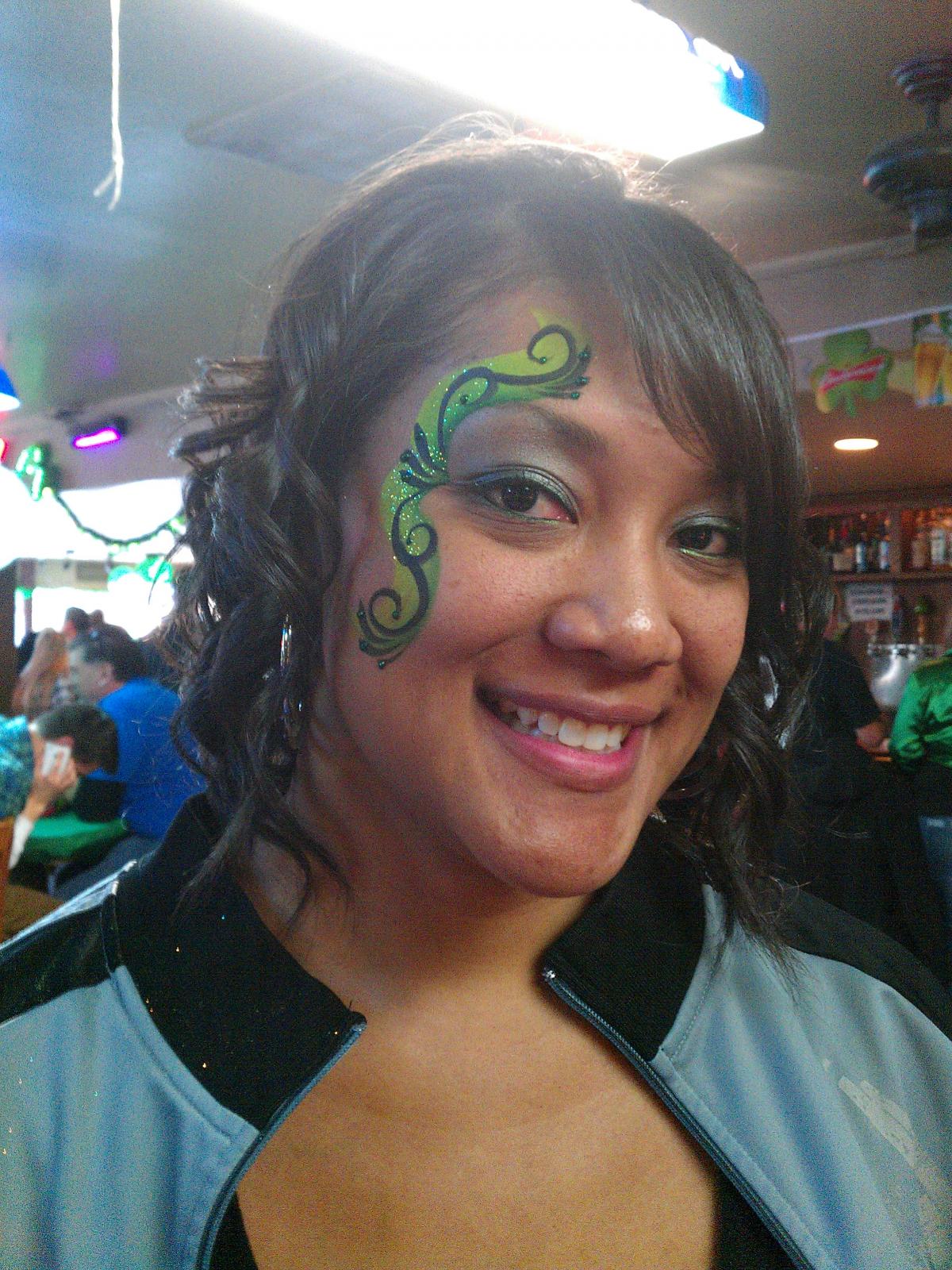
 

blogentry-18927-1381446102333.jpg

blogentry-18927-13814461024502.jpg

2 Comments

Recommended Comments

Jesusislove

LAP-BAND Patients

You look great! You are two inches shorter than me and I started at 220. Thanks for the inspiration.

blackanese25

Gastric Sleeve Patients

thank you.... and im glad that i can inspire anyone!! lol... We are all just doin what we can to better our lives right?!

Guest
Add a comment...

Account

Navigation

Search

Search

Configure browser push notifications

Chrome (Android)
  1. Tap the lock icon next to the address bar.
  2. Tap Permissions → Notifications.
  3. Adjust your preference.
Chrome (Desktop)
  1. Click the padlock icon in the address bar.
  2. Select Site settings.
  3. Find Notifications and adjust your preference.