Skip to content
View in the app

A better way to browse. Learn more.

BariatricPal

A full-screen app on your home screen with push notifications, badges and more.

To install this app on iOS and iPadOS
  1. Tap the Share icon in Safari
  2. Scroll the menu and tap Add to Home Screen.
  3. Tap Add in the top-right corner.
To install this app on Android
  1. Tap the 3-dot menu (⋮) in the top-right corner of the browser.
  2. Tap Add to Home screen or Install app.
  3. Confirm by tapping Install.

Can see my

  • Replies 5
  • Views 667
  • Created
  • Last Reply

Top Posters In This Topic

Most Popular Posts

  • VIKING 0424
    VIKING 0424

    GOOD JOB !!!!! KEEP UP THE GOOD WORK CHEERS

  • And I am cheering you and all my other Bari- mates, we are starting 2019 in better, healthier state than we were just a year ago . Hurray for each of US.

  • Myhorseisfattoo
    Myhorseisfattoo

    Go girlie!!!!

Posted Images

Featured Replies

GOOD JOB !!!!! KEEP UP THE GOOD WORK CHEERS

And I am cheering you and all my other Bari- mates, we are starting 2019 in better, healthier state than we were just a year ago . Hurray for each of US.
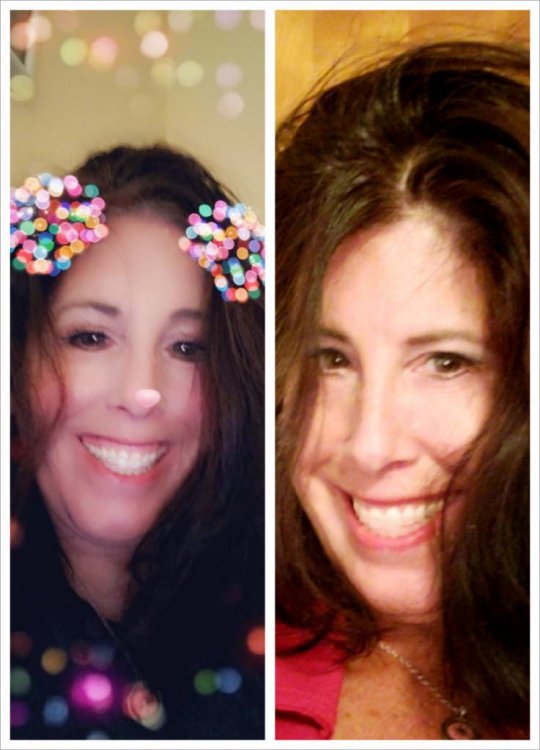
You look so beautiful hun...it’s amazing how the weight changes our looks. Keep up the good work, we are in this together and rooting each other on. Thanks for sharing your pictures ?
I want to look beautiful also, I guess a smile instead of a grimace would be a good start, right? Ok Frustr8, nothing to it but to do it, here it goes! ???

Join the conversation

You can post now and register later. If you have an account, sign in now to post with your account.

Guest
Reply to this topic...

Trending Products

PatchAid Vitamin Patches

Account

Navigation

Search

Search

Configure browser push notifications

Chrome (Android)
  1. Tap the lock icon next to the address bar.
  2. Tap Permissions → Notifications.
  3. Adjust your preference.
Chrome (Desktop)
  1. Click the padlock icon in the address bar.
  2. Select Site settings.
  3. Find Notifications and adjust your preference.