Start here
Where are you in your journey?
Choose the path that fits today. We’ll take you to the most useful discussions.
- GLP-1 medication Zepbound, Wegovy, access, side effects, progress, and support.
- Before surgery Compare procedures, plan ahead, and get honest pre-op answers.
- Post-op Recovery, food stages, symptoms, and support.
- Long-term Regain, labs, habits, and life after the honeymoon.
- Revision Explore revision options, complications, and next steps.

queenbeev
LAP-BAND Patients
-
Joined
-
Last visited
-
I had my surgery Wed 5/20/09 and I feel disgusted with ever food and I am even confused as to whether or not I am hungry, lost 10lbs in 5 days...I hope I feel my band restriction and get to eat some solid foods soon!
-
Hello All, I had my surgery at South Miami Hospital with Dr. Rabaza on Wed, May 20th. My Pre-Op Weight was 389, and I am currently at 369, so thats a total weight loss of 20 lbs. But from my surgery date (weighing in at 379) to today (weighing in at 369) I have lost 2 lbs a day, for a total of 10lbs. I have not been eating 1,000, maybe 600-700 but I feel disgusted with all the liquids. I wake up in the morning put my ipod on and take a 20 minute walk. In the afternoon I walk my dog 20 minutes and at night around 8pm I do my last 20 minute walk for a total of 1 hour. I paid way too much for this surgery not to lose weight since my insurance wouldn't cover it. So stay focused, eat right work out and call it a day. P.S. I am drinking Zero Carb Isopure Protein shake (creamy vanilla) which has 50g of protein, Vitamin B12, BComplex, Calcium and the chewable Bariatric Advantage Multivitamin provided at my surgeons office.
-
Here are some pictures of me the morning after my surgery, as you can see by my smile, I was in good spirits and ready to go home!
-
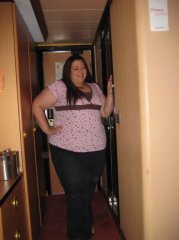
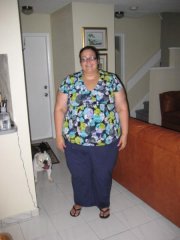 This is a full body shot of me so that I can document what I look like.
-
 The "Get Well" card I received
-
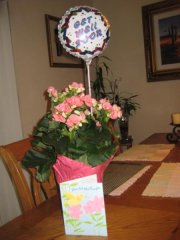 A gift post-surgery...I was so happy, it was so sweet...I love my family!!!
-
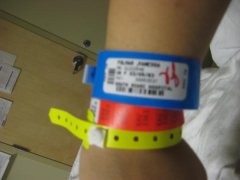 All my dog tags =-)
-
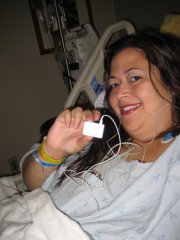 Thank goodness for my ipod, I was jamming all night...just me, my music and my lap band!
-
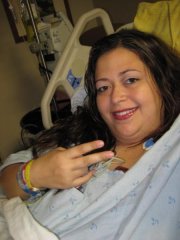 Peace to all!
-
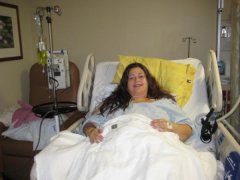 Laying comfortably in bed at South Miami Hospital
-
-
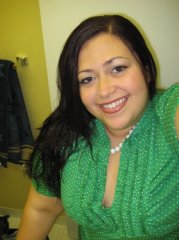
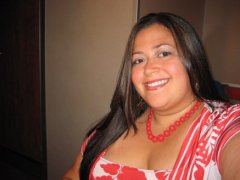
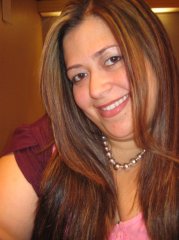
Here are some pictures of me before my surgery which was done on May 20th, 2009.