




Start here
Where are you in your journey?
Choose the path that fits today. We’ll take you to the most useful discussions.
- GLP-1 medication Zepbound, Wegovy, access, side effects, progress, and support.
- Before surgery Compare procedures, plan ahead, and get honest pre-op answers.
- Post-op Recovery, food stages, symptoms, and support.
- Long-term Regain, labs, habits, and life after the honeymoon.
- Revision Explore revision options, complications, and next steps.

candace09
LAP-BAND Patients
-
Joined
-
Last visited
Everything posted by candace09
-
-
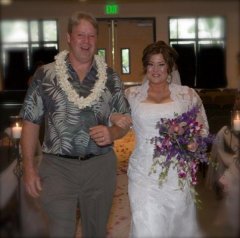 My wedding day. 08/25/2007 211lbs. It took all of God's grace to get me at that weight to fit into my dress!
-
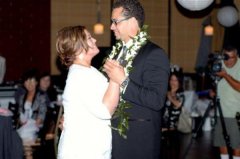 Even when I worked out and eat healthy, my lowest weight was 211lb. He loves me.... 08/2007
-
 Graduation. 235lbs 12/2008
-
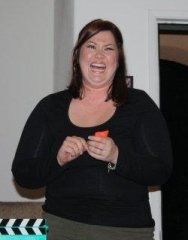 Gaining slowly. 229lbs 11/2008
-
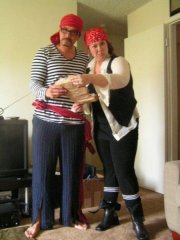 After the honeymoon and on our way to a PARRRRty. 216lbs 11/2007
-
 My heaviest. 243lbs 05/2009
-
-
This is my first atempt to blog here and I feel safe. Knowing that we all have experienced that same failures, the same pain and soon to be the same sucessess. I got married almost 2 years this August and gained 30lbs. There is just something about making love and hot wings. So, my doctor decided to send me off on my way to my WLS journey. She suggested bypass, I ended up choosing the band. Thanks for stopping by and showing some love. More pictures and blogs to come. Peace.
-
This is my first atempt to blog here and I feel safe. Knowing that we all have experienced that same failures, the same pain and soon to be the same sucessess. I got married almost 2 years this August and gained 30lbs. There is just something about making love and hot wings. So, my doctor decided to send me off on my way to my WLS journey. She suggested bypass, I ended up choosing the band. Thanks for stopping by and showing some love. More pictures and blogs to come. Peace.