Start here
Where are you in your journey?
Choose the path that fits today. We’ll take you to the most useful discussions.
- GLP-1 medication Zepbound, Wegovy, access, side effects, progress, and support.
- Before surgery Compare procedures, plan ahead, and get honest pre-op answers.
- Post-op Recovery, food stages, symptoms, and support.
- Long-term Regain, labs, habits, and life after the honeymoon.
- Revision Explore revision options, complications, and next steps.

ron h
LAP-BAND Patients
-
Joined
-
Last visited
-
FROM FEB 09 2009 TO DECEMBER 2009, a weight loss surgery photo album by ron h on BariatricPal. 15 photos in Member Photo Gallery.
-
 ME NOV 2009
-
 MY WIFE LOVES THIS SHOT OF HER LOL
-
 MY PUG ...MAGGIE MAE
-
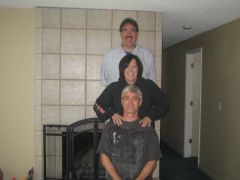 ME SISTER RHONDA AND BROTHER TOM
-
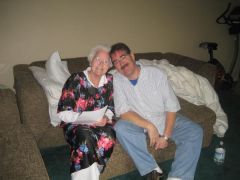 MOM AND ME NOV 2009
-
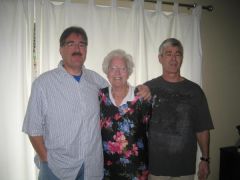 ME MOM AND BROTHER TOM
-
 ME SO HAPPY
-
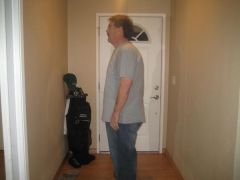 NOV 2009
-
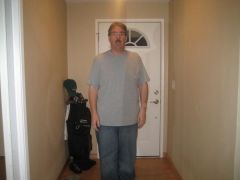 DOWN TO 255 POUNDS
-
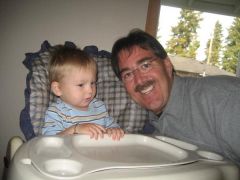 SAMMY AND GRANDPA
-
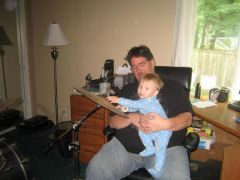 PLAYING MY DRUMS
-
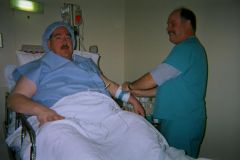 ME AND LARRY...FUNNY FUNNY LARRY
-
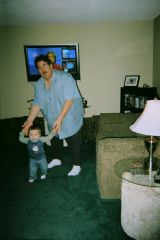 403 POUND ME AND ONE OF MY GRANDSONS
-
 I NEED SLEEP
-
 FEB 2009 ME AND MY BEAR COOS
-
-
Me, a weight loss surgery photo album by ron h on BariatricPal. 1 photo in Member Photo Gallery.
-
I was banded on 2-9-2009 had my 1st fill 3-18-2009 i started 1-1-2009 at 403 lbs and as of today 4-1-2009 i am at 346 wahooooooooooooooooooooooooooooooo the fills are a walk in the park..... keep doing good for yourself ron h
-
yep dr t and all of his staff were great
-
milwaukie here banded 2-9-09 in coos bay
-
milwaukie here getting banded 2/9/2009 in coos bay tick toc tick toc i cant wait
-
feb 9 th for me i cant wait