Ken S.
Administrators
-
Joined
-
Last visited
Bariatric journey
Multiple procedures
Since 2012
Considering options
-
-
@Briswife15 Thank you for reporting this. I've sent you an email requesting some additional information and will look out for your response so we can get to the bottom of this.
-
Hi @Hop_Scotch, Is this an issue that you're running into frequently, or was it an isolated incident with this specific user posting spam?
-
-
Hey everyone, can you please have a try now?
-
Hi Bianca, I’m looking into this now. As a test, I’m posting this from the iOS app.
-
-
Hi @FluffyChix, I believe this issue should be resolved now. You may have to refresh your cache to see it updated. If you continue to have issues, please let me know!
-
-
-
Thanks for the update! I've sent her an email as well, if you could let her know, we'd love to help her out to get this fixed!
-
-
Thank you for the screenshot, Looking into what this could be right now.
-
-
-
-
-
Thank you for the heads up! We're working for a fix on this - you do not need to change your email address ?
-
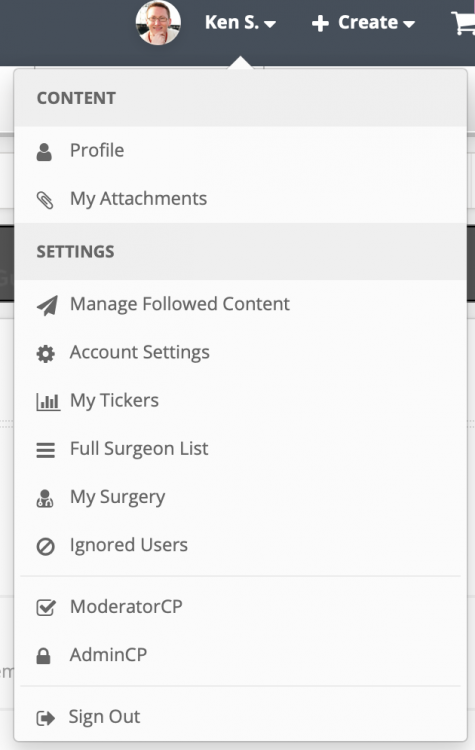
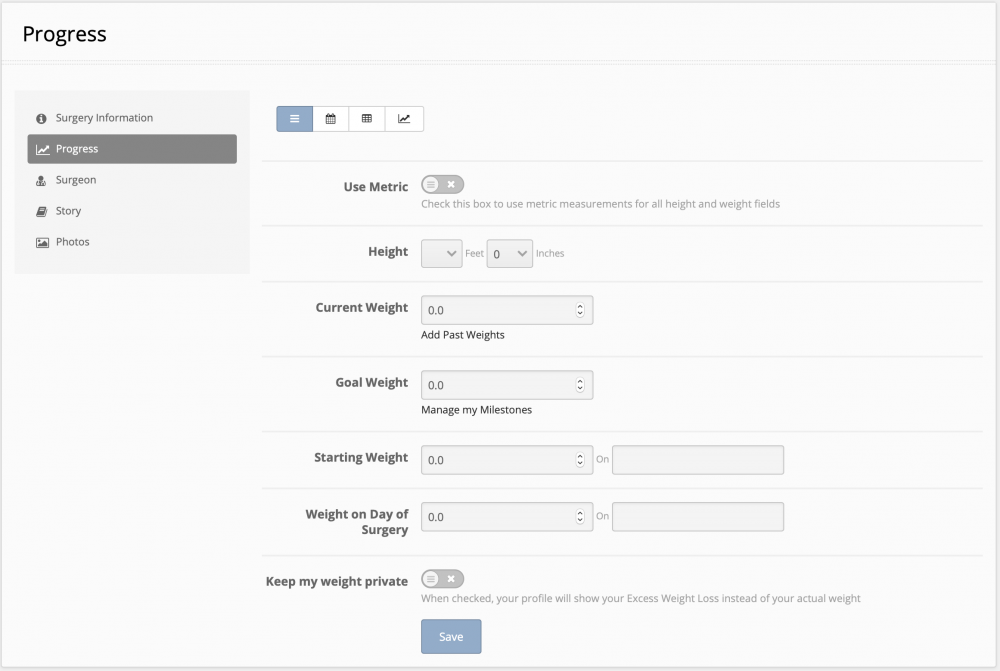
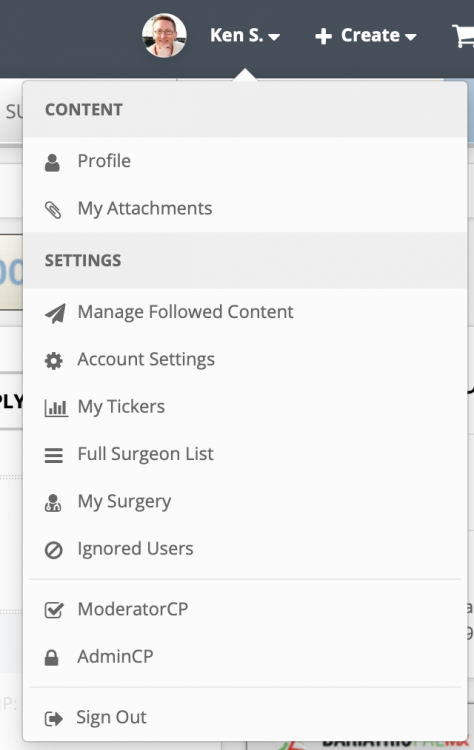
Hi @The 56 Bypass, you can update your stats (including your weight) by clicking on your username and then selecting "My Surgery" from the drop down. Once there, selecting the "Progress" tab from the left side will bring you to where you need to be ?
-
Hi @Matt Z, they should still appear there, but they shouldn't be from after I responded saying it was fixed - they should be from prior to that. They should drop out of your notifications altogether over the next few weeks.
-
-
Hi @Matt Z - I believe we've got this issue resolved - please let me know if you're still having issues!
-
Thanks Matt! We're looking into this now.
-
Hi there @GettinSkinnywithit, thank you for bringing this to our attention! It should now be resolved ?
-
Hi there, You should have a large review box within the My Surgery settings on the "Surgeon" tab where you can leave a review for your surgeon. We agree that you should definitely have a button on the surgeon profile, if you've already selected that surgeon - so we've gone ahead and added a "Review" button to surgeon profiles. If you view your surgeon profile, you should be able to see it now ? Please let me know if this works for you ?
-
You got it! We believe we've resolved this issue - can you let me know if it's been OK so far today? Thanks in advance!