Start here
Where are you in your journey?
Choose the path that fits today. We’ll take you to the most useful discussions.
- GLP-1 medication Zepbound, Wegovy, access, side effects, progress, and support.
- Before surgery Compare procedures, plan ahead, and get honest pre-op answers.
- Post-op Recovery, food stages, symptoms, and support.
- Long-term Regain, labs, habits, and life after the honeymoon.
- Revision Explore revision options, complications, and next steps.

AZ DD
Pre Op
-
Joined
-
Last visited
Everything posted by AZ DD
-
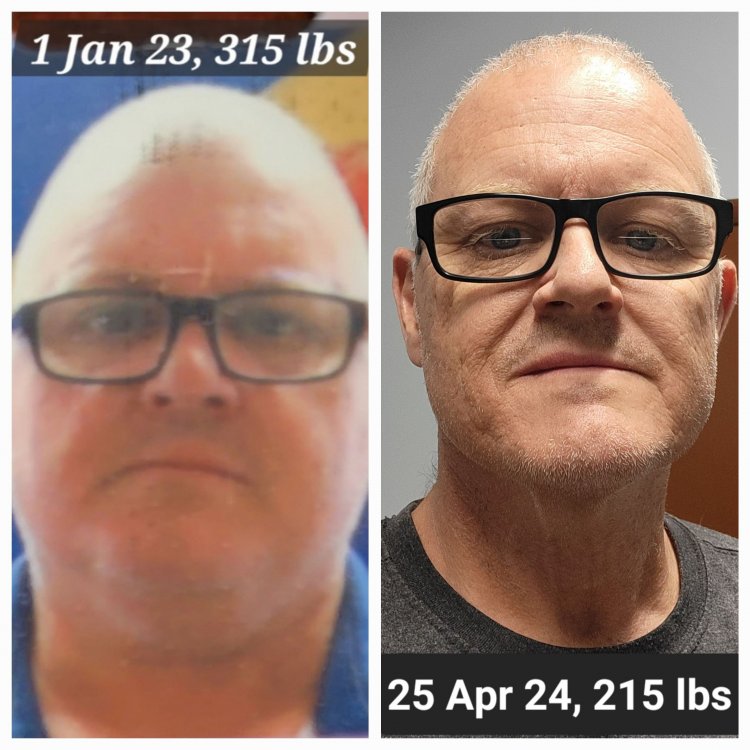
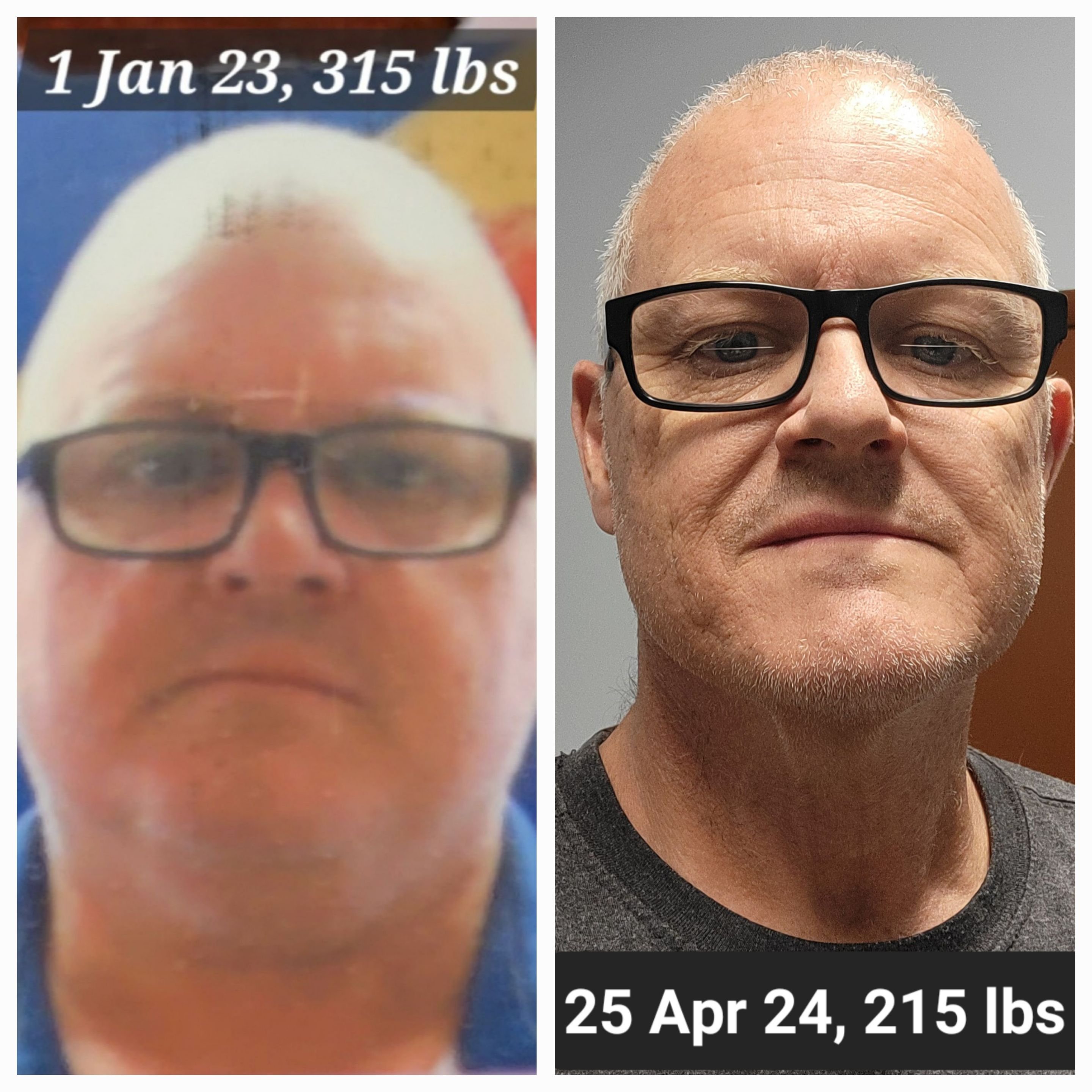
I live in Tucson, AZ and had ballooned to 315 lbs. I was on meds for high blood sugar (not quite diabetic), high blood pressure and high cholesterol. I was also headed for knee replacement surgery. I started my journey in January 2023, with my Dr asking me to lose 20-30 lbs before surgery. By the time of my surgery in Feb 2024, I'd lost 59 lbs. Thru 9 Sep 2024, I've lost an additional 62 lbs, for a total of 121 lbs! My pic is the day I hit 100 lbs lost. Now that I'm healthier, its time to find a special lady to share life with.