




Start here
Where are you in your journey?
Choose the path that fits today. We’ll take you to the most useful discussions.
- GLP-1 medication Zepbound, Wegovy, access, side effects, progress, and support.
- Before surgery Compare procedures, plan ahead, and get honest pre-op answers.
- Post-op Recovery, food stages, symptoms, and support.
- Long-term Regain, labs, habits, and life after the honeymoon.
- Revision Explore revision options, complications, and next steps.

consuelo1957
Pre Op
-
Joined
-
Last visited
Everything posted by consuelo1957
-
I wasnt sore at all my problem was gas pain i just couldnt pass it drove me crazy
-
God bless praying for speedy recovery pain free
-
Wow your birthday its the birth of your new life .im happy for you your in my prayers .my surgery is in 2 days feb 9th my birth is feb19th im so excited too
-
Im not sure why they make you do all that my doctor in az ua awesome. I hust had to do 2 visits with phyciatris and get my heart doctor to clear me and a clearance from lung doctor and i had to be on a 1500 calorie daily drink 5 bottles of water daily took me 3 months and got approved within 1week
-
Congratulation
-
Im so readt to start my new journey and get my second chance in life
-
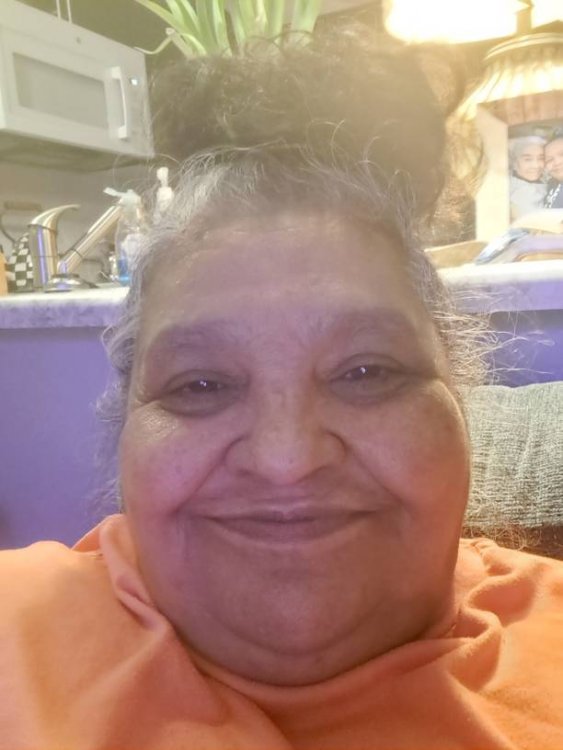
Hi everyone im new to this group
-
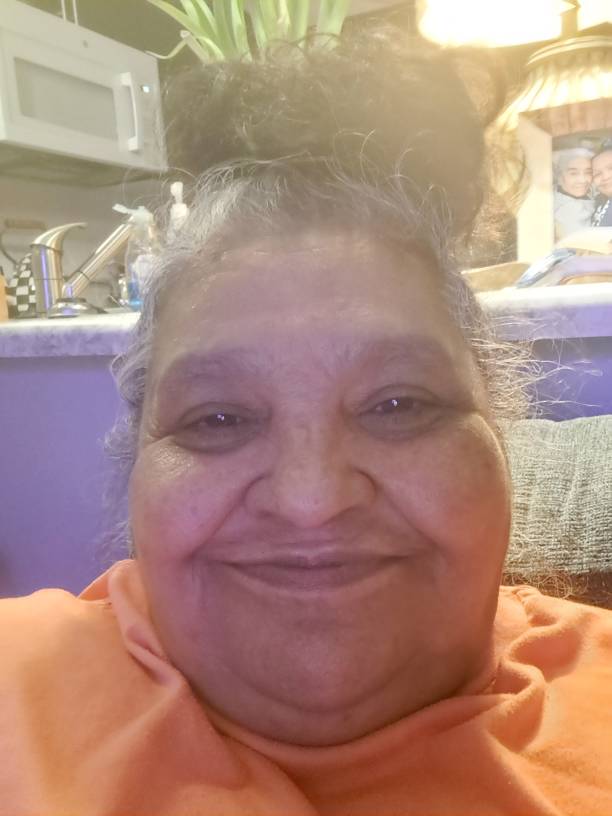
Mine feb 9 2023 im so excited


.png)