Start here
Where are you in your journey?
Choose the path that fits today. We’ll take you to the most useful discussions.
- GLP-1 medication Zepbound, Wegovy, access, side effects, progress, and support.
- Before surgery Compare procedures, plan ahead, and get honest pre-op answers.
- Post-op Recovery, food stages, symptoms, and support.
- Long-term Regain, labs, habits, and life after the honeymoon.
- Revision Explore revision options, complications, and next steps.

Scooter1973
Pre Op
-
Joined
-
Last visited
Everything posted by Scooter1973
-
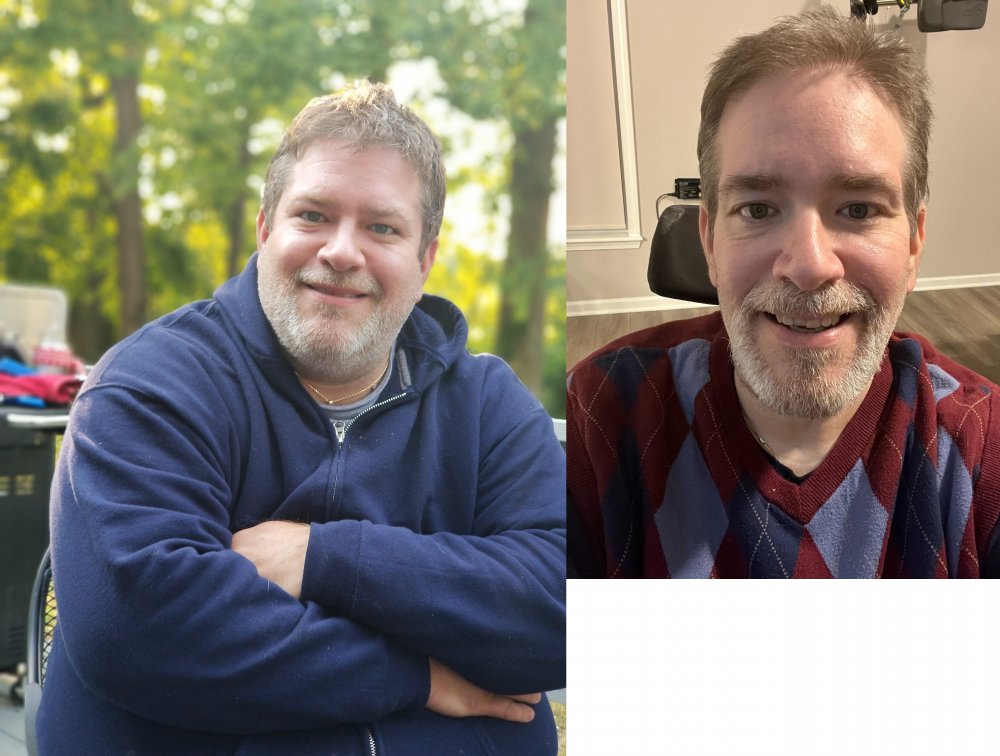
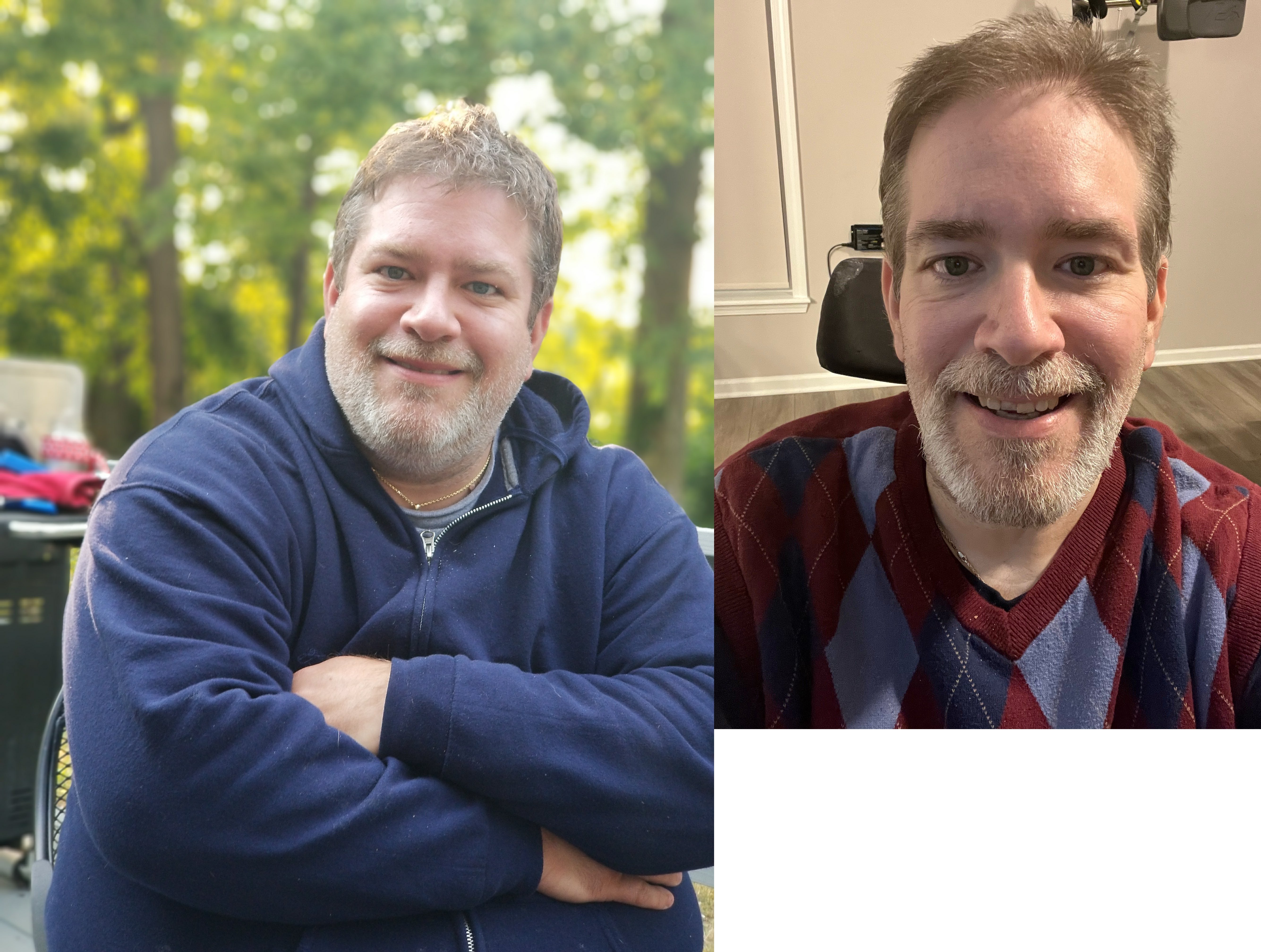
Hello my July Buddies. I am 49 and I had a rue n y on July 13. So far I’ve lost 78 pounds. I lost 115 prior to surgery starting back in 2018 so I’ve lost a total of 192 pounds since June 2018. I was in a car accident in 2018 that started me on this weight loss journey. I weighed 415 pounds before the accident, which left me with a spinal cord injury at T 7/8 incomplete. That makes me a paraplegic restricted to a wheelchair for the rest of my life. I immediately started eating differently and like I said prior, I was able to lose 115 pounds in about 3 1/2 years. Right now I weigh 222 pounds and my goal weight is 180. I have attached a before and after (taken at Thanksgiving). I appreciate all of you sharing your stories, and I sure thought it was time to share mine. Stay strong and diligent my friends. May GOD bless you all.