Start here
Where are you in your journey?
Choose the path that fits today. We’ll take you to the most useful discussions.
- GLP-1 medication Zepbound, Wegovy, access, side effects, progress, and support.
- Before surgery Compare procedures, plan ahead, and get honest pre-op answers.
- Post-op Recovery, food stages, symptoms, and support.
- Long-term Regain, labs, habits, and life after the honeymoon.
- Revision Explore revision options, complications, and next steps.

Sharon1064
LAP-BAND Patients
-
Joined
-
Last visited
Everything posted by Sharon1064
-
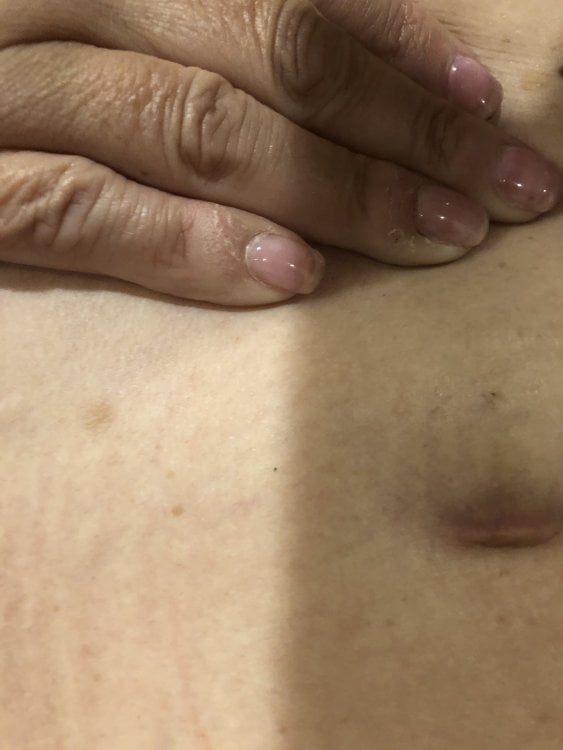
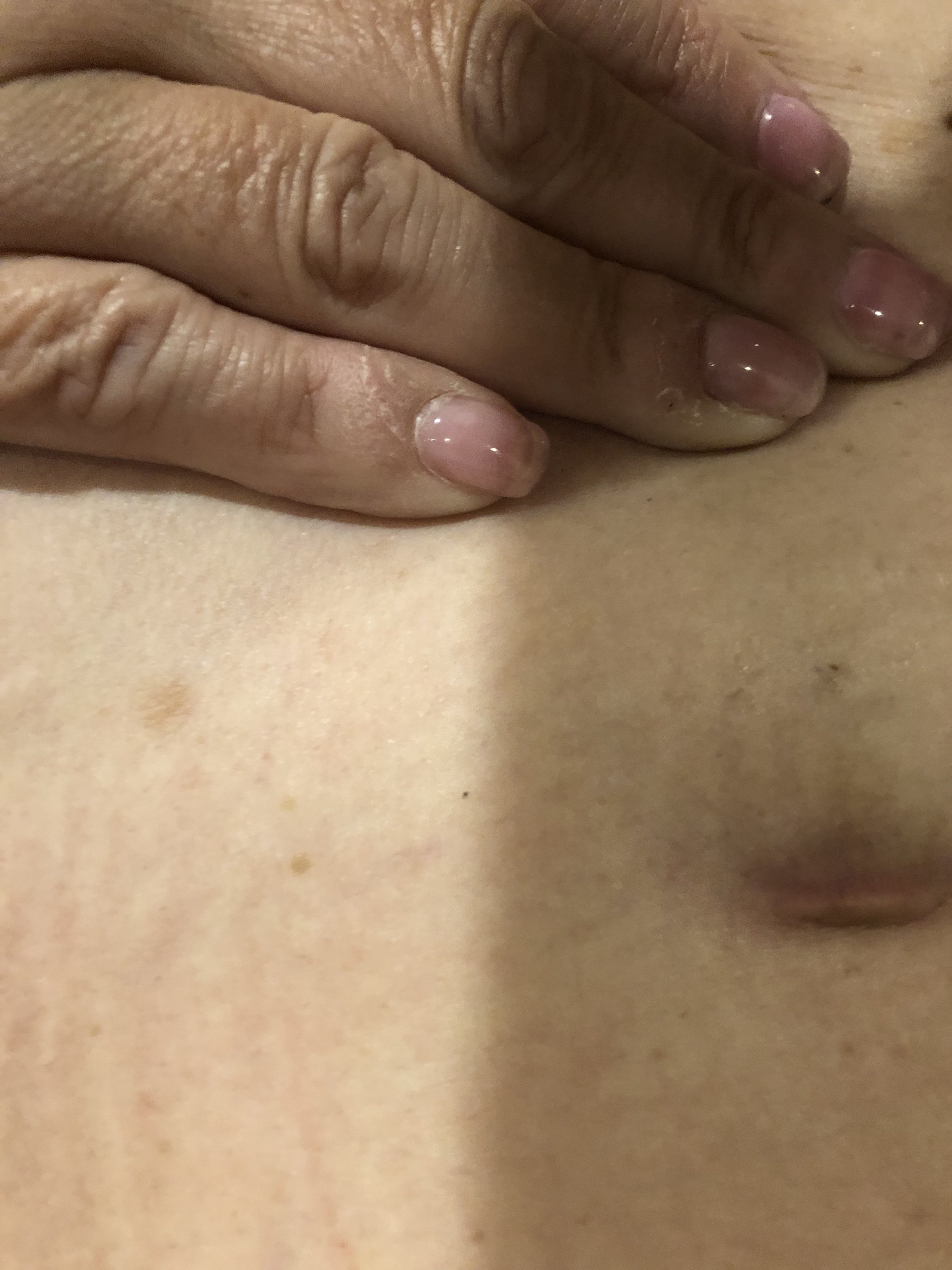
I was in a terrible car accident on 10/26/18 and just noticed this hours ago. Both my steering wheel and knee driver airbags deployed. Lots of chest and face contusions. I felt something that caused some discomfort at Port, but now seeing this is freaking me out. I had my LB Surgery in 4/05 and love life, but now.... WTH.... going to see a W/C doc tomorrow, and hoping my bariatric doc calls me before the appt. Be Well Folks and please drive safe!!