Start here
Where are you in your journey?
Choose the path that fits today. We’ll take you to the most useful discussions.
- GLP-1 medication Zepbound, Wegovy, access, side effects, progress, and support.
- Before surgery Compare procedures, plan ahead, and get honest pre-op answers.
- Post-op Recovery, food stages, symptoms, and support.
- Long-term Regain, labs, habits, and life after the honeymoon.
- Revision Explore revision options, complications, and next steps.


Sullie06
Gastric Sleeve Patients
-
Joined
-
Last visited
Everything posted by Sullie06
-
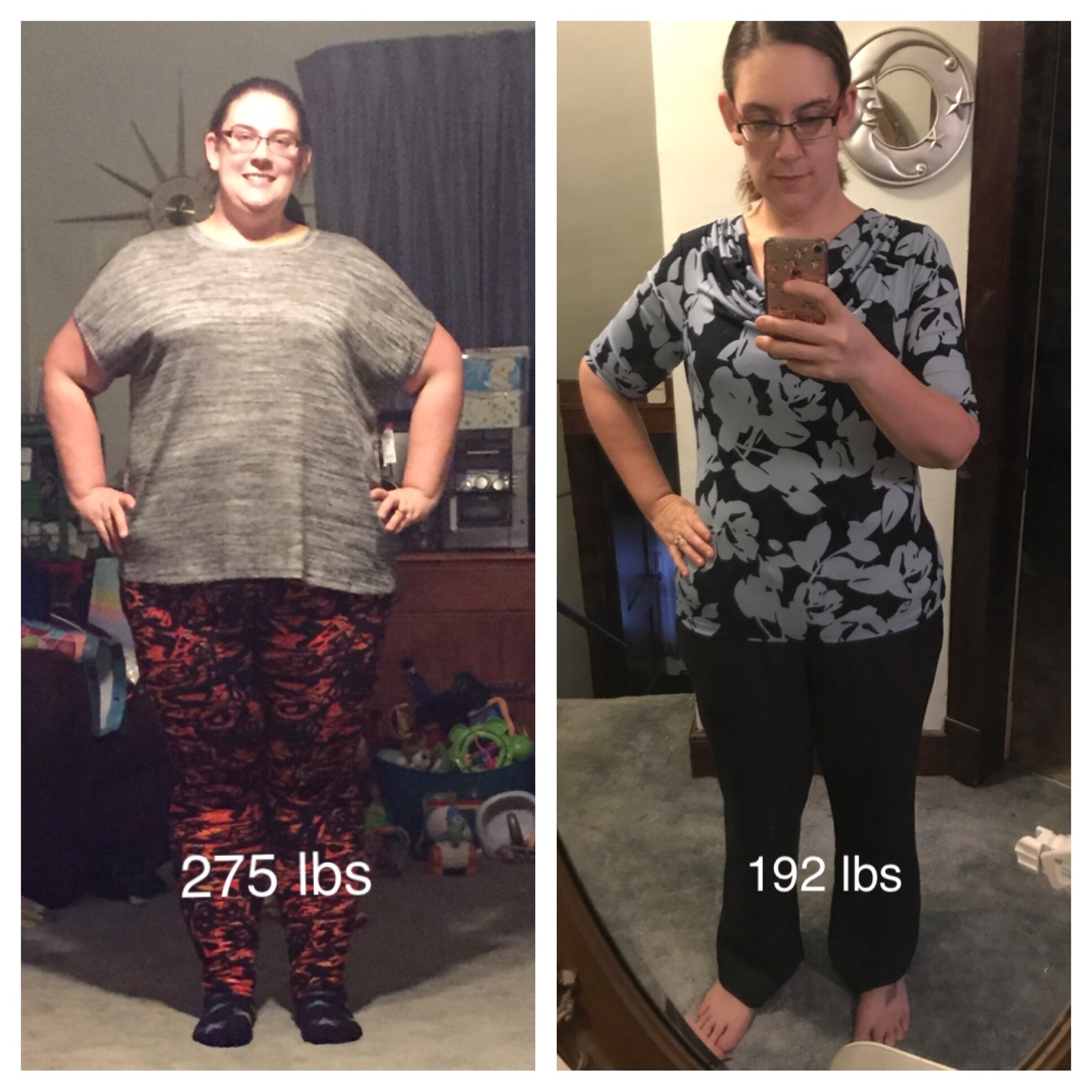
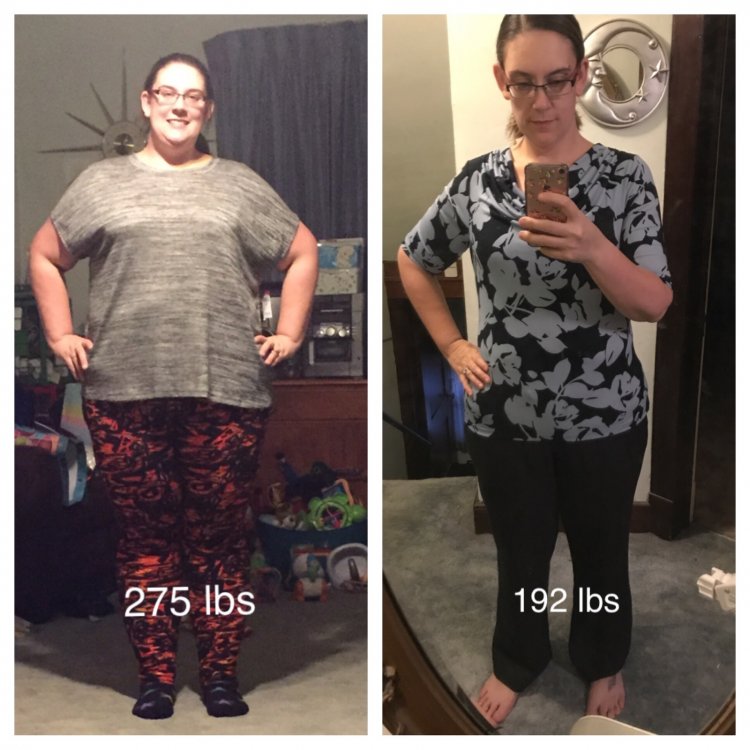
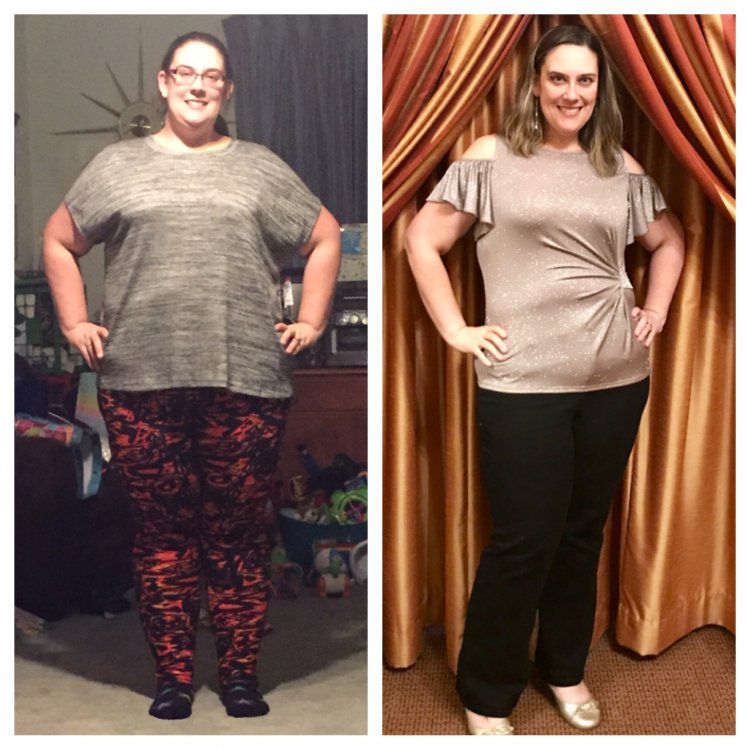
HW: 301 Day of Surgery: 271 Current: 192 This before picture was about a month before my surgery, not my highest weight but right around 275. I cannot get over how amazing I feel, no regrets at all!
-
I didn't have a drink until I hit 6 months post-op and got the okay from my doctor. I've never been a big drinker so it wasn't big deal to me to abstain. I've since had 2 drinks at a wedding, a glass of red wine with dinner and one of the couple signature cocktails (Malibu, Sprite and Blue Curuaco) at cocktail hour. Then this weekend I had a Lemon Drop Martini on a date night with hubby. I do not feel it hit me any harder than when I used to drink on occasion prior to surgery.
-
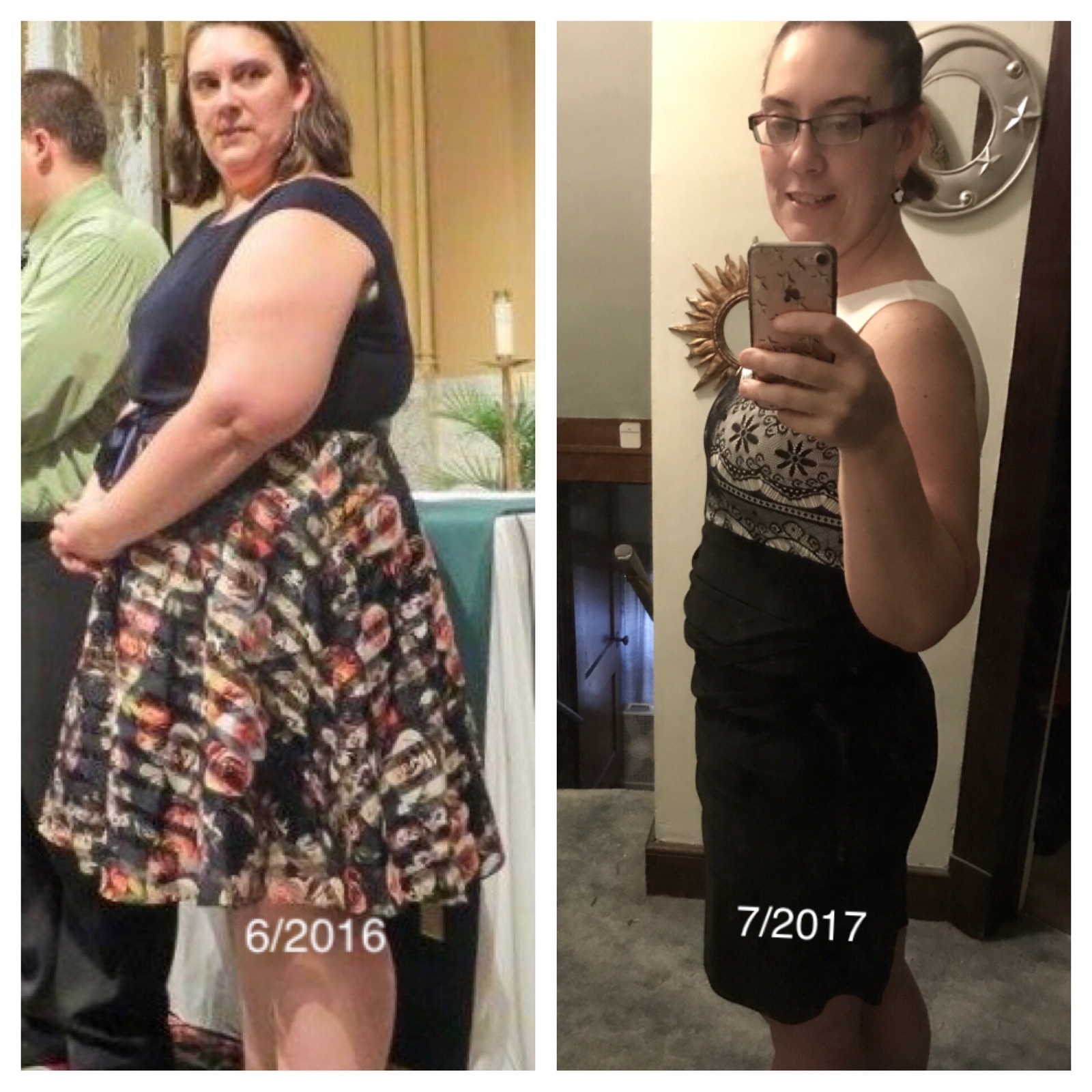
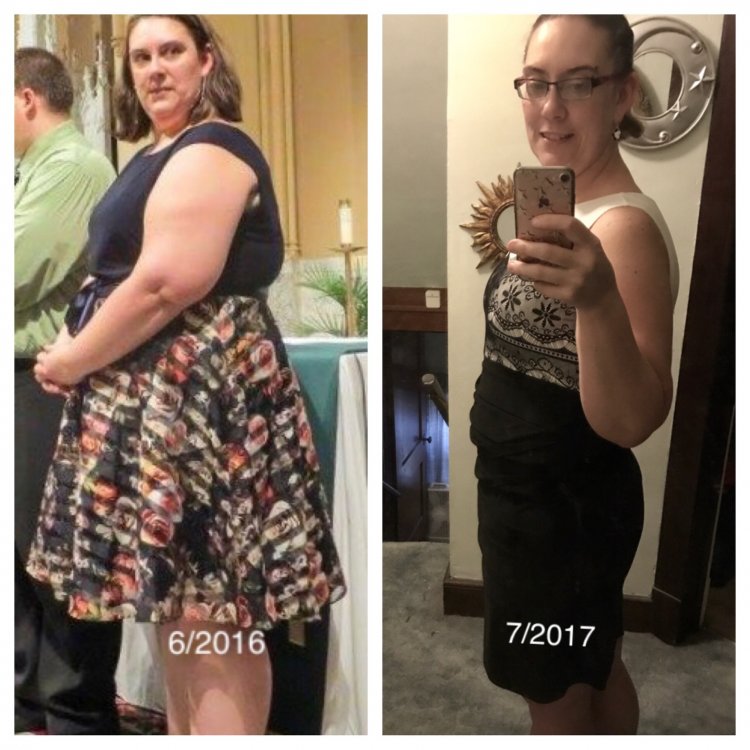
Surgery: 12/30/16 HW: 301 (7/19/16) SW: 271 CW: 200
-
Surgery: 12/30/16 HW: 301 Day of Surgery: 271 CW: 200 Size: 22W- 12/14 I have officially lost 101 pounds since starting the program last July and it feels amazing!!
-
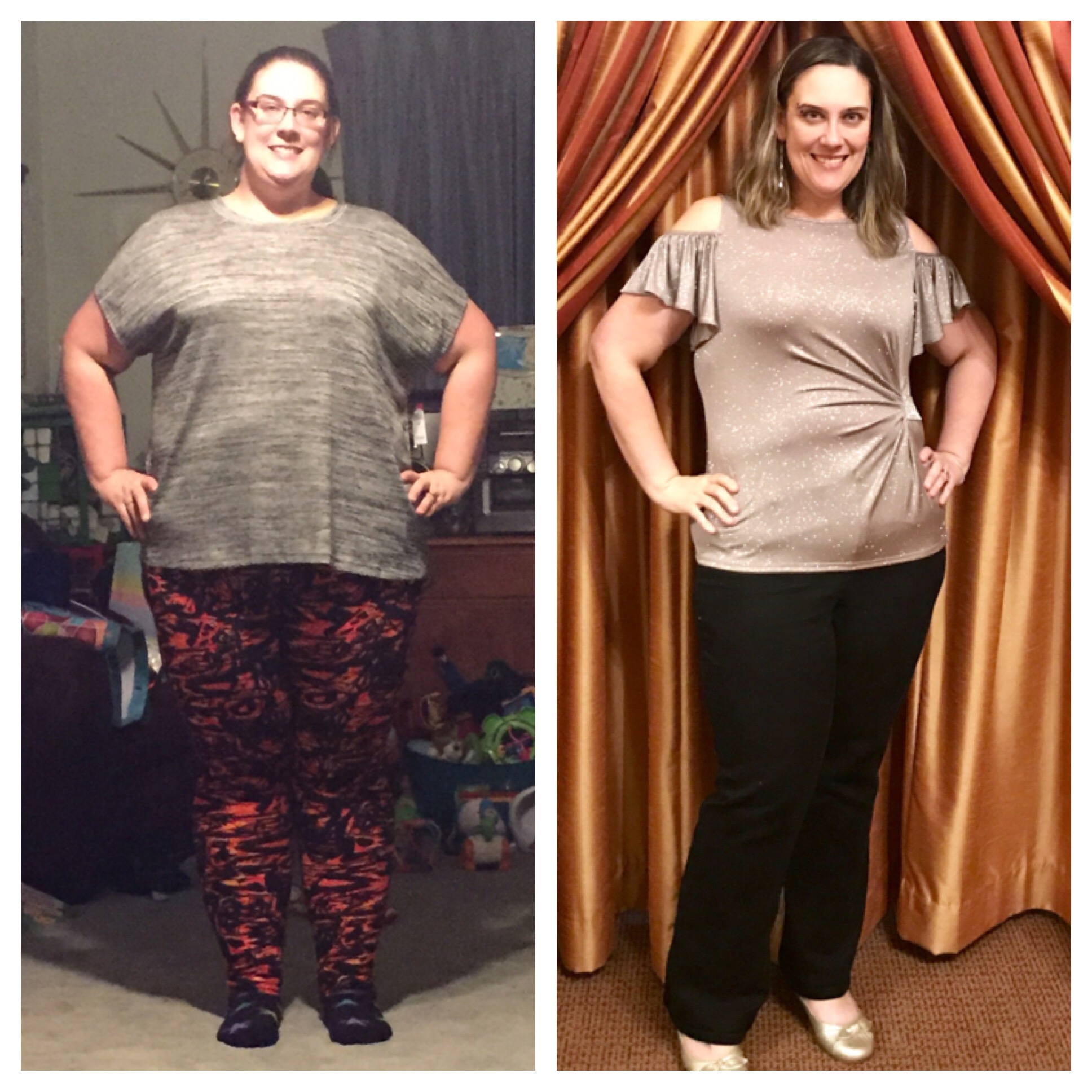
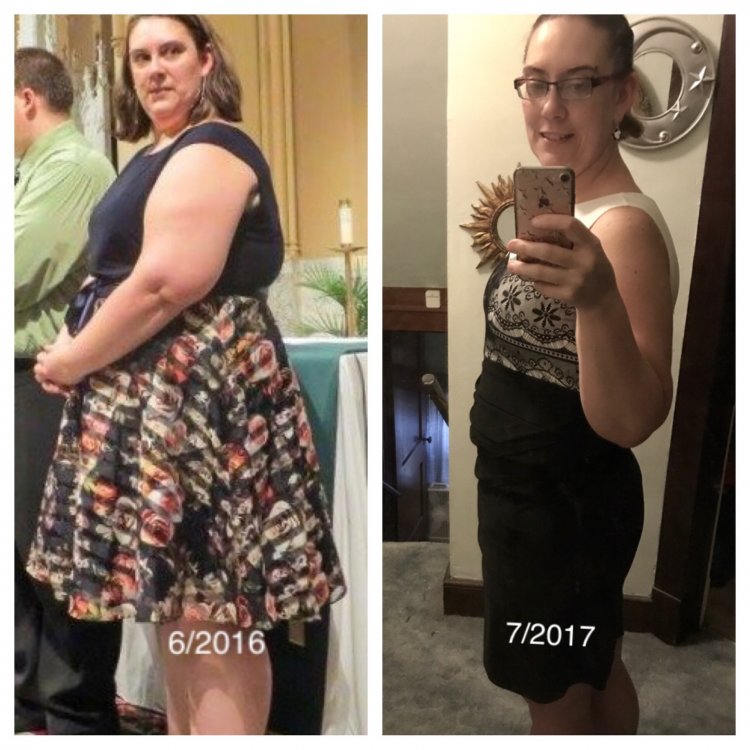
October 16- 275 lbs. My highest weight was 301 in July 2016. June 10, 2017- 211 lbs
-
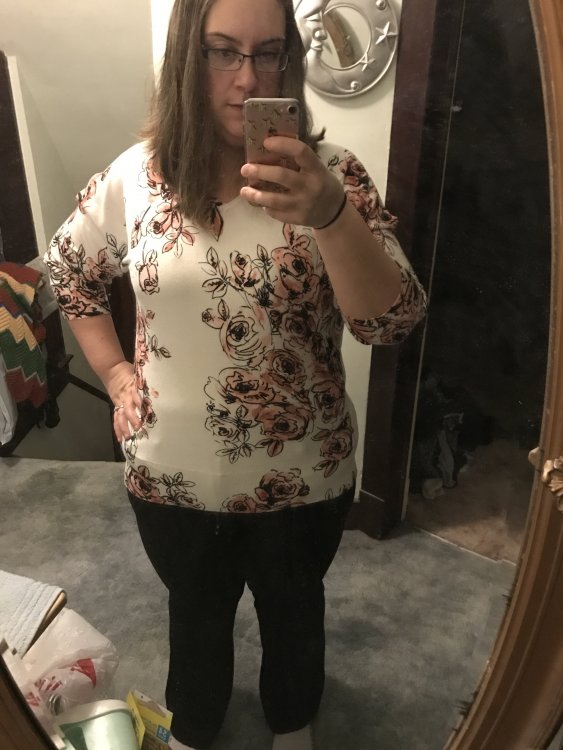
8wks Post-Op today! SW 301 Day of surgery 271 CW 242 Size 22- Size 16


-
Thanks! I've actually had the tip for years but got to a point I couldn't wear it anymore. I'm glad I hung into it ????
-
5.5 weeks post Op 5'10" SW 301 Surgery 271 CW 249