TJs_Dad2012
Pre Op
-
Joined
-
Last visited
Everything posted by TJs_Dad2012
-
Well if I knew how to delete my epic double post I would. Sent from my SM-G930T using BariatricPal mobile app
-
Sorry....? Sent from my SM-G930T using BariatricPal mobile app
-
Sent from my SM-G930T using BariatricPal mobile app
-
San Antonio Sent from my SM-G930T using BariatricPal mobile app
-
I had 3 strictures, 2 intestinal hernias after losing 100 in a short amount of time. Sent from my SM-G930T using BariatricPal mobile app
-
Good job! Sent from my SM-G930T using BariatricPal mobile app
-
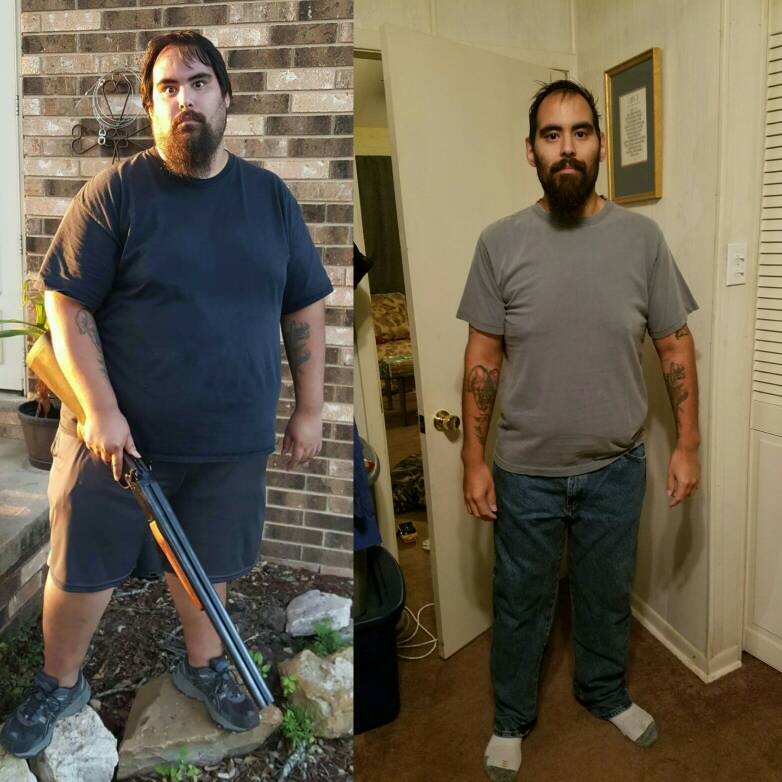
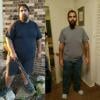
HW: 370s in the left pic SW: 319 CW: 178 Sent from my SM-G930T using BariatricPal mobile app
-
I survived on watermelon for almost 7 months... ate like a bird Sent from my SM-G930T using BariatricPal mobile app
-
Sent from my SM-G930T using BariatricPal mobile app
-
Haven't been on in a while as lifes a trip as usual...1 year and 3 months Sent from my SM-G930T using BariatricPal mobile app
-
How many a day are you doing? Replace with water, make sure you're not drinking so much that you're hurting yourself. Sent from my SM-G930T using BariatricPal mobile app
-
Problems how? Pain, burning, vomiting Sent from my SM-G930T using BariatricPal mobile app
-
What do your meals look like? I love creating new dishes as I go Sent from my SM-G930T using the BariatricPal App
-
The fat in Peanut Butter is a "healthy" fat. You're not going to gain 20 pounds eating it, you'll get sick way before then Sent from my SM-G930T using the BariatricPal App
-
195 CW today Sent from my SM-G930T using the BariatricPal App
-
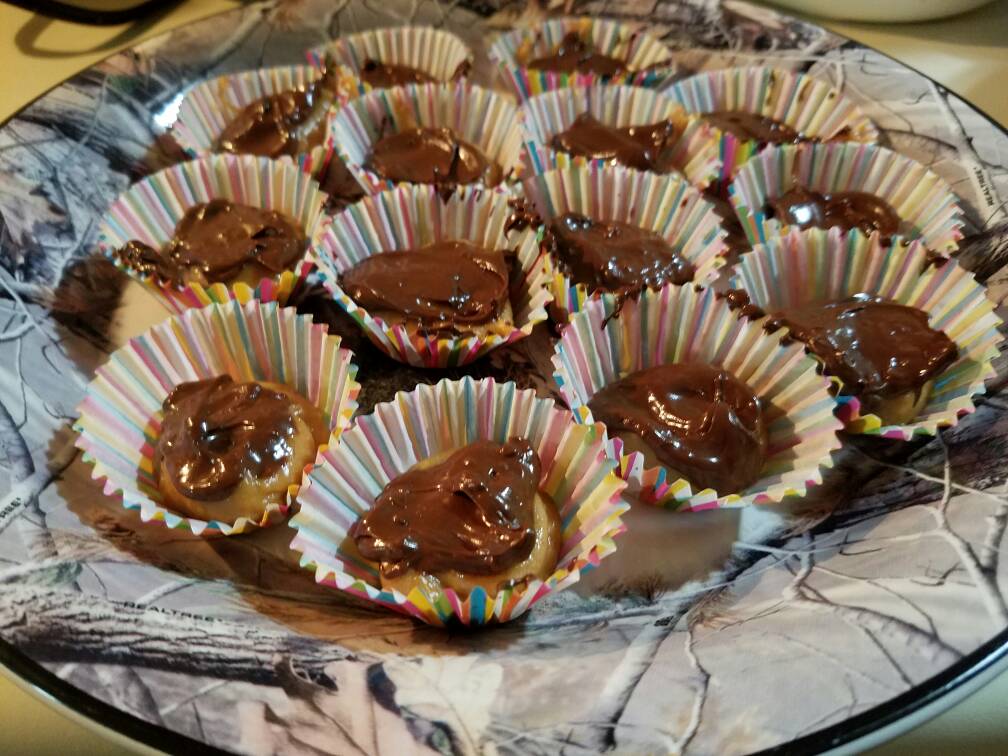
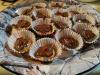
That looks so so good Sent from my HTC6500LVW using the BariatricPal App Mainly consists of chickpeas, 2TBSP peanut butter and 2TBSP melted sugar free chips. Mini muffin papers and throw them on the fridge. Perfect little Protein bites and knocks sweet cravings out Sent from my SM-G930T using the BariatricPal App
-
I do Peanut Butter when on the run also made peanut butter cups with sugar free chocolate chips, peanut butter, and chickpeas Sent from my SM-G930T using the BariatricPal App
-
4 months since surgery 8 months since the start. 132 pounds down. Typical diet is meat, two Protein shakes, yogurt, unsweetened apple sauce, and watermelon. Calories per day ar between 5 and 700. Sent from my SM-G930T using the BariatricPal App
-
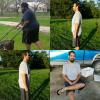
Weighed in yesterday at 238, feeling great Sent from my SM-G930T using the BariatricPal App
-
Bail and find one true friend to help you Sent from my SM-G930T using the BariatricPal App
-
I don't know if they'll sign off if you don't have any help. You may need to get one of your friends to come visit for a few days with you Sent from my SM-G930T using the BariatricPal App
-
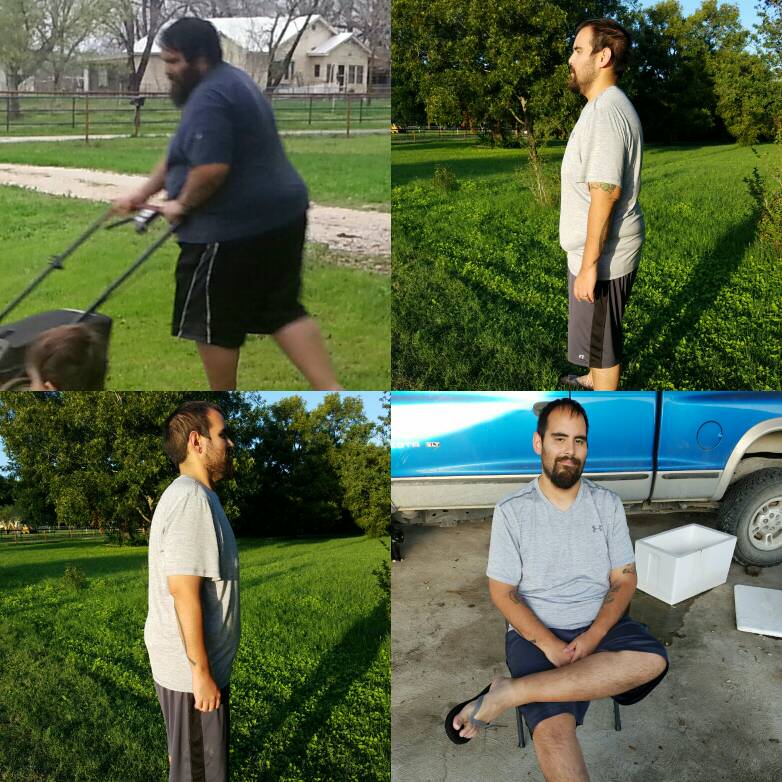
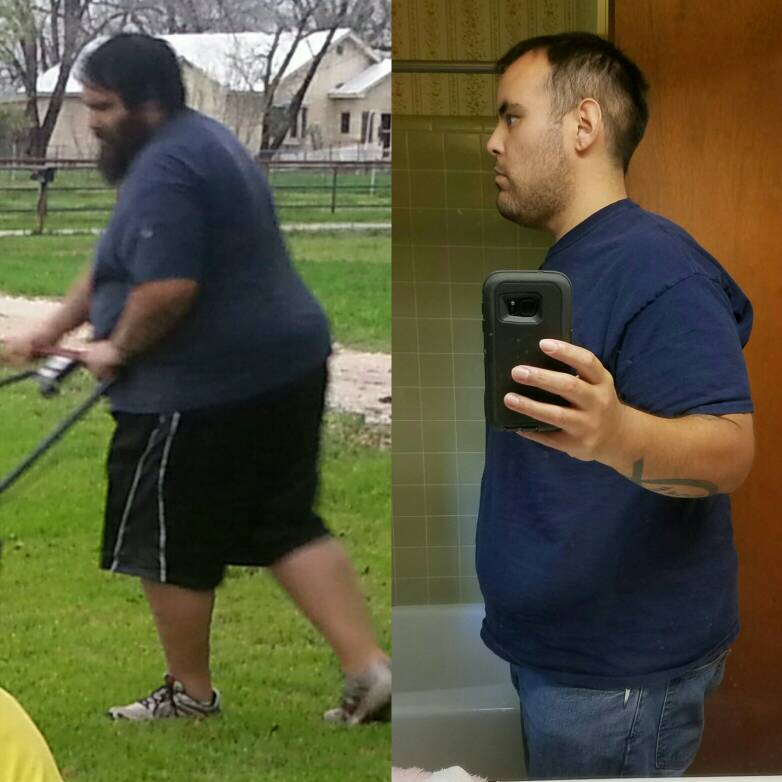
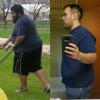
Most recent side by side Sent from my SM-G930T using the BariatricPal App
-
Weighed in yesterday at 289...30 pounds down since surgery 81 total Sent from my SM-G930T using the BariatricPal App
-
That stuff isn't that bad...just slam it and make sure you drink plenty of Water Sent from my SM-G930T using the BariatricPal App
-
2k the day of plus meds and cpap and other crap that didn't hit the out of pocket before the day of surgery. Conveniently slow Sent from my SM-G930T using the BariatricPal App