-
-
Any Georgia sleevers?
I'm in Marietta which is not far
-
Any Georgia sleevers?
- Hi fellow Ga. Peaches!
We have the same doctor- Atlanta- Dr. Fritz Jean-Pierre
Great!!! How are things going? I was sleeved on 12/2/14.- Beginning Cardio
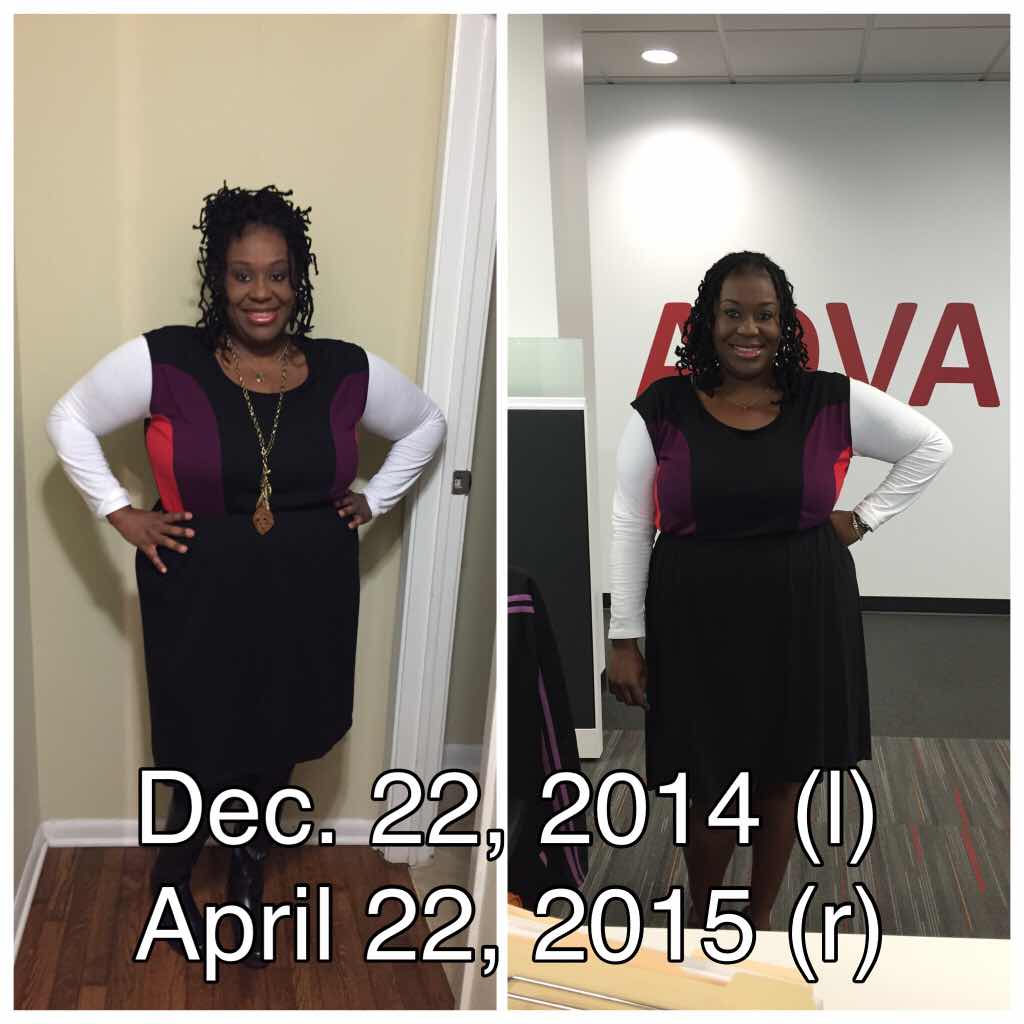
- Before and After Pics
- 4 Months and 100lbs!
My surgery was 12/2/14 I've only lost 40 pounds. Congratulations on your weigh loss. What is your regiment? I've been on the stall for weeks.- 4 months out and weight gain
Girl I'm 4 months out too. Surgery was on 12/2/14. I haven't lost any weight in a month. I'm about to lose my mind. I'm working out 3 to 4 days a week and still not jumping pounds.- Anyone else have a runny nose when full?
My nose do the same thing I thought it was just me- Looking for a buddy
I was sleeved on 12/2/14- Atlanta,Ga
I'm from Atlanta, Georgia sleeved on December 2, 2014 by Dr . Fritz Jean- Pierre- December sleevers
I totally feel you!!! Hang in there.- Where are the Mississippi Sleevers?
I was born and raised in Greenville Ms. Sleeved in Atlanta Ga on 12/2/14 Doing great but at a stall right now. Ugh Congrats to all the newcomers- 4 months out "HAIR THINNING" OMG
Yes a serious problem!!! ????????????- December sleevers
Please send me an email or text 678-497-5820 or tamnic75@gmail.com Tammy
Join BariatricPal free
- Ask your own questions
- Reply and follow topics
- Message other members
- No cost, no spam
Account
Navigation
Search
Configure browser push notifications
Chrome (Android)
- Tap the lock icon next to the address bar.
- Tap Permissions → Notifications.
- Adjust your preference.
Chrome (Desktop)
- Click the padlock icon in the address bar.
- Select Site settings.
- Find Notifications and adjust your preference.
Safari (iOS 16.4+)
- Ensure the site is installed via Add to Home Screen.
- Open Settings App → Notifications.
- Find your app name and adjust your preference.
Safari (macOS)
- Go to Safari → Preferences.
- Click the Websites tab.
- Select Notifications in the sidebar.
- Find this website and adjust your preference.
Edge (Android)
- Tap the lock icon next to the address bar.
- Tap Permissions.
- Find Notifications and adjust your preference.
Edge (Desktop)
- Click the padlock icon in the address bar.
- Click Permissions for this site.
- Find Notifications and adjust your preference.
Firefox (Android)
- Go to Settings → Site permissions.
- Tap Notifications.
- Find this site in the list and adjust your preference.
Firefox (Desktop)
- Open Firefox Settings.
- Search for Notifications.
- Find this site in the list and adjust your preference.