Skip to content
View in the app

A better way to browse. Learn more.

BariatricPal

A full-screen app on your home screen with push notifications, badges and more.

To install this app on iOS and iPadOS
  1. Tap the Share icon in Safari
  2. Scroll the menu and tap Add to Home Screen.
  3. Tap Add in the top-right corner.
To install this app on Android
  1. Tap the 3-dot menu (⋮) in the top-right corner of the browser.
  2. Tap Add to Home screen or Install app.
  3. Confirm by tapping Install.

Join BariatricPal free

  • Ask your own questions
  • Reply and follow topics
  • Message other members
  • No cost, no spam

ThatGingerKelsey

Gastric Sleeve Patients
  • Joined

  • Last visited

  1.    Amy86 reacted to a post in a topic: Before and After Pics
  2.    thesuse2000 reacted to a post in a topic: Before and After Pics
  3.    MisforMimi reacted to a post in a topic: Before and After Pics
  4.    BettyLue reacted to a post in a topic: Before and After Pics
  5.    brinasl reacted to a post in a topic: Before and After Pics
  6.    Kristina Mccarthy-Martin reacted to a post in a topic: Before and After Pics
  7.    karlam29 reacted to a post in a topic: Before and After Pics
  8.    angierue reacted to a post in a topic: Before and After Pics
  9.    ThatGingerKelsey reacted to a post in a topic: Before and After Pics
  10.    latinmami0511 reacted to a post in a topic: Before and After Pics
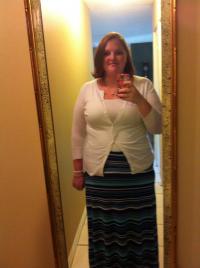
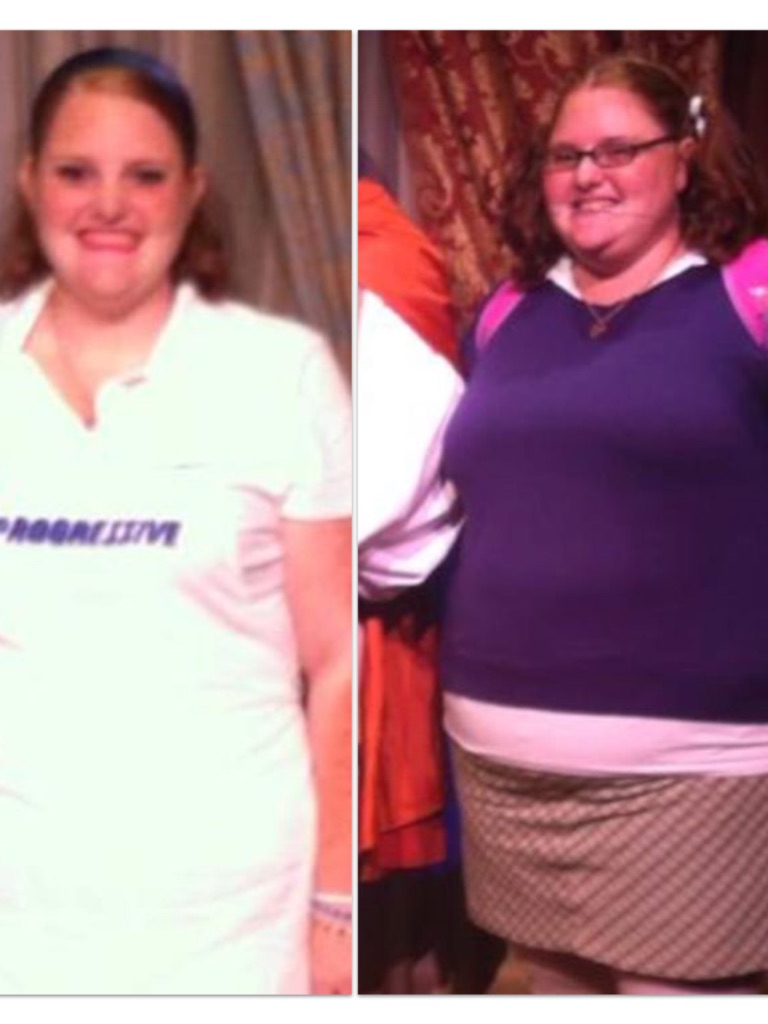
  11. These photos were taken almost exactly one year apart! The one with the purple top was when I was about 7 months pre-op, but by that point I was at a pretty steady weight of 319 pounds. The one where I'm Flo from Progressive, was taken almost 4 months post-op, in which I'm down 90 pounds! I've gotten to the point where if I don't work out, I don't lose weight, but starting this week, I have a 5k or 10k planned every month for the next few months. So training for those is helping!

  12. Images added to a gallery album owned by ThatGingerKelsey in Before and After Gastric Sleeve Photos
    These are my before surgery pictures.

Account

Navigation

Search

Search

Configure browser push notifications

Chrome (Android)
  1. Tap the lock icon next to the address bar.
  2. Tap Permissions → Notifications.
  3. Adjust your preference.
Chrome (Desktop)
  1. Click the padlock icon in the address bar.
  2. Select Site settings.
  3. Find Notifications and adjust your preference.