Start here
Where are you in your journey?
Choose the path that fits today. We’ll take you to the most useful discussions.
- GLP-1 medication Zepbound, Wegovy, access, side effects, progress, and support.
- Before surgery Compare procedures, plan ahead, and get honest pre-op answers.
- Post-op Recovery, food stages, symptoms, and support.
- Long-term Regain, labs, habits, and life after the honeymoon.
- Revision Explore revision options, complications, and next steps.

DOMINICANA88
Gastric Sleeve Patients
-
Joined
-
Last visited
-
-
-
-
-
-
-
-
-
6 month post op and I feel great 80lb lost



-
6 month post op After

-
Thanks ladies!!! I really appreciate it can't wait to see more of the change
-
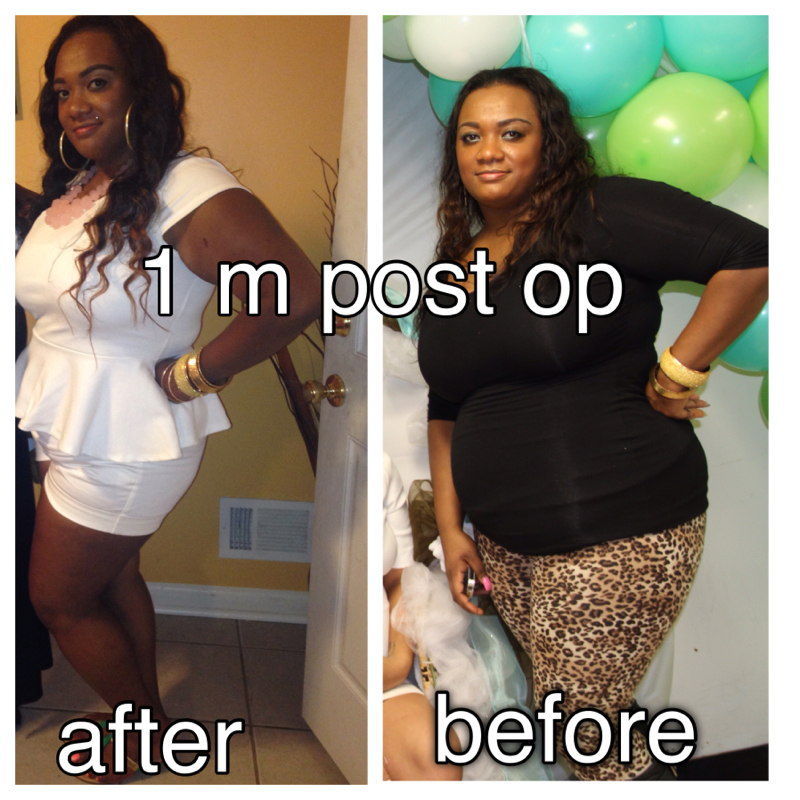
I am only about one month and 3 weeks post op and 45 lb lighter I don't see the difference tho
-
Before surgery




-
Did you have any stalls? How often did you work out ? Did you have issue with your Protein and Water Intake
-
-
LOVELY ME, a weight loss surgery photo album by DOMINICANA88 on BariatricPal. 12 photos in Before and After Gastric Sleeve Photos.
-
you look great ! i cant wait to see the outcome of mine! did you have to have any plastics suregery for the excess skin?