longroad34
Pre Op
-
Joined
-
Last visited
Everything posted by longroad34
-
Thank you everyone
-
My clinic is in another state .
-
I to have gone back to some old habits and now that I gained enough weight back to beat myself up . I no longer even live in the same state to go in for a follow up . I am the point that I can’t eat a lot of foods but still can’t seem to lose . The shakes all taste so sweet I can’t get myself to drink them .
-
I had my bypass 04/08/14.slowly lost. Got down to a size 4-6 Now I'm in 10-11 so I need to get back on track. Asap
-
That's a good question I'm not sure of the answer but I shall ask another suport group I use to ask that
-
Every clinic and insurance companies may have different requirements. Should call ur clinic and see what they say
-
That's awesome. I wish I looked that good. Keep up the great work what's the secert??? Plz share
-
Congratulations. As long as ur sure u want to do it. As long as your ready to follow doctors order you will be fine. It's jus a tool it up to us to use it. You deserve to live and happier healthier life.
-
Hey I had my 4/8/14 and I still say it's a learning process. It is breaking habits and learn to live for a better healthier life. You can do this. If I made it this far anyone who honestly wants it can do it. Welcome to the losers bench.
-
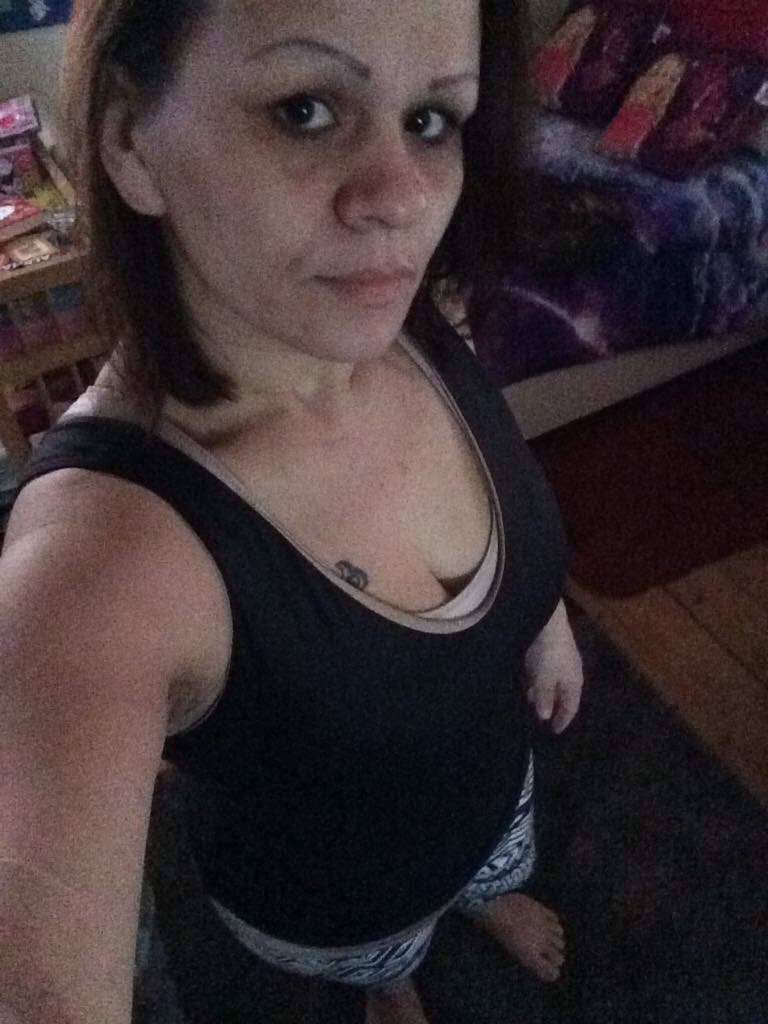
I will try to post pictures for u . hopefully u can see them I started at 246 last weigh in I was 151 my desired weigh is 120-130 I jus turned 9 months post opp


-
Hun I don't know 100% the answer to that but I doubt it. It's not a good idea to put it. But what's most important is that u get back on the right track
-
Those were grest questions. And im glad to hear that ur mother is doing well. Thanks for sharing her story. Best wishes to all
-
I had gastric by pass on 4-8-14 and i would do it all over again. No doubts in my mind
-
I had gastric by pass on 4-8-14 and i would do it all over again. No doubts in my mind
-
I live in randolph ma.
-
Yes thanx
-
Yes thanx
-
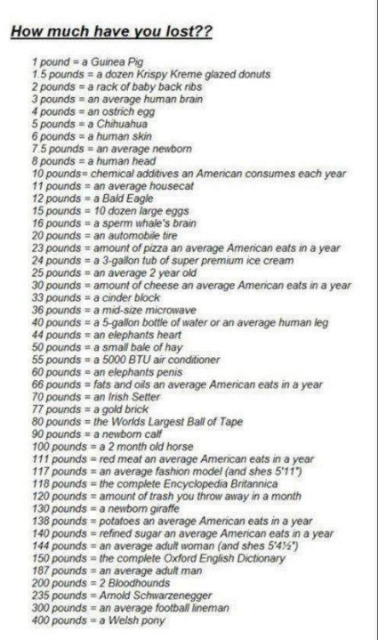
Ive lost 24 last time i checked.
-
Thanx for sharing ur story. And look great. Im 9 weeks post opp and still struggle to get in my fluids and protein. So it means alot that u shared ur story.
-
I was looking to see how everyones doing?
-
That is awesome. You look great. Keep up the good work thanx for sharing it helps motivate me.
-
Congratulations. On your surgery. Hope ur healing as well as possible. Ypu made a great choice. Itwill get better with each passing day.
-
@Mywish. I also had my opperation on april 8th. So how are you doing.??? Thanx for the encouragement. It means alot to me. I dont talk to others about my medical. I dont want or need the negative comments .ope that ur doing as well as possible
-
My biggest struggle seems to not beat myself about looking or feeling or eatting/drinking as good/as often as i should.
-
I know im not a march post opp im april post opp rny. I have decided to write a post cuz ive noticed that myself and 2others are around the same loss around same time and the 3of us seem to beating ourselves up feeling that not enough loss all 20_24pound loss. I jus looking to see if i can get any words of advise i can share. Thanx.