Start here
Where are you in your journey?
Choose the path that fits today. We’ll take you to the most useful discussions.
- GLP-1 medication Zepbound, Wegovy, access, side effects, progress, and support.
- Before surgery Compare procedures, plan ahead, and get honest pre-op answers.
- Post-op Recovery, food stages, symptoms, and support.
- Long-term Regain, labs, habits, and life after the honeymoon.
- Revision Explore revision options, complications, and next steps.

Dadeegurl
Gastric Bypass Patients
-
Joined
-
Last visited
Everything posted by Dadeegurl
-
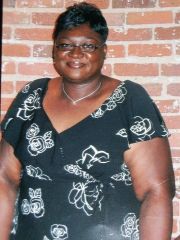
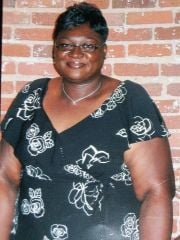
Dadeegurl, a weight loss surgery photo album by Dadeegurl on BariatricPal. 2 photos in Member Photo Gallery.
-
October 31, 2011 was when my new life begin. After the passing of my dad in March 2011, I realized I was an excellent caretaker for him, but not of myself. My weight had ballooned and my health was in trouble. The realization that I had just buried my dad, and if I did not take control of my life, my mom would be burying me. I chose life and had gastric bypass on Halloween last year. My life could not be better. (Ok, so I could have a man in my life, but hey it's very good). My starting weight was 268 size 22 and I wear a size 12 now! Life is good and I am blessed! I don't know what God has in store for the next half of my journey, but I am ready for the ride.