wifeofdes
Gastric Sleeve Patients
-
Joined
-
Last visited
-
-
-
-
-
-
-
-
-
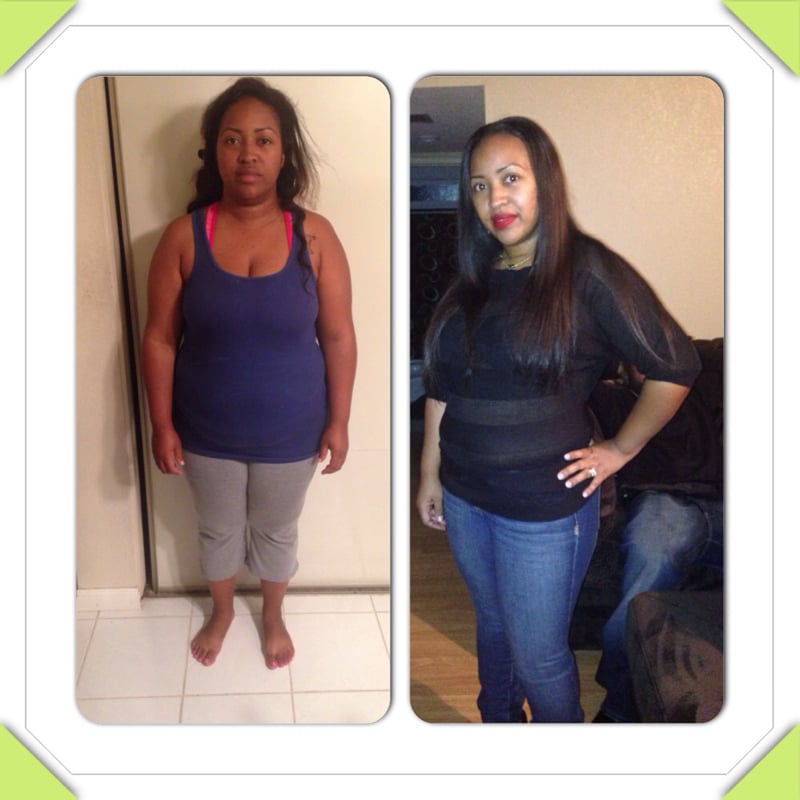
Vday 2013 and Vday 2014...sleeved Aug 2013...I went from a size 20 to a size 12. Rocking this sleeve!!!

-
Good luck!!
-
What part of California are you in? Who's your surgeon?
-
-
-
-
This is me right after I got out of the hospital...2nd is 4 months out. Down 46 lbs. 20 lbs to goal weight!!!

-
I had Dr Bohyrul out at Scripps La Jolla. Absolutely loved him!!
-
I was sleeved in San Diego, who's your surgeon?
-
-
*THANKSGIVING GOAL* CW 204 Goal 190 Current size: 16 Goal: 14
-
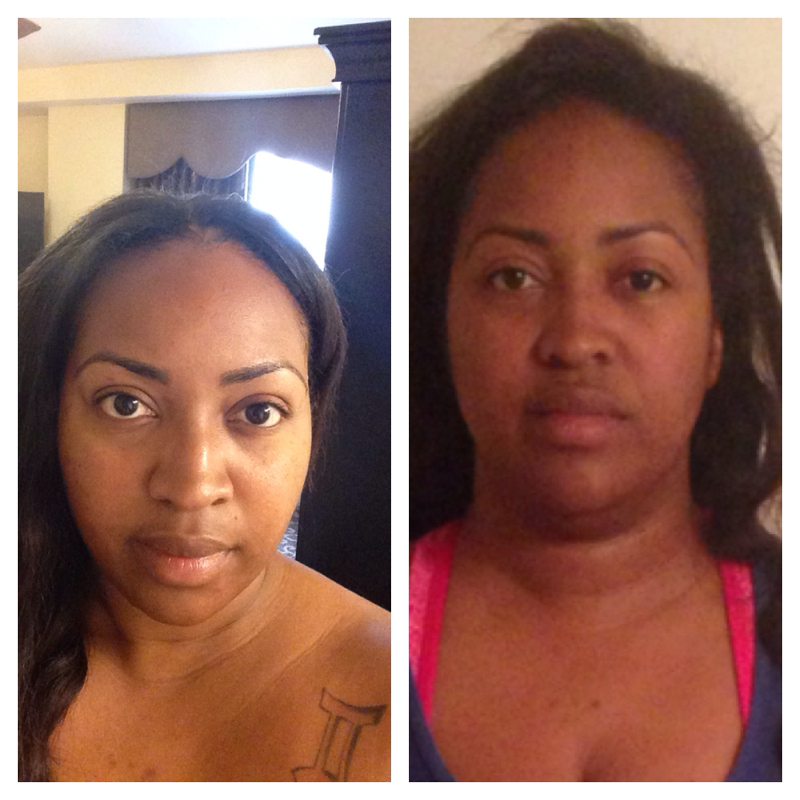
Thank you!!I always came on here looking at the pictures, thinking why am I not seeing a difference. Well I guess it's because I see myself everyday and had never compared two pictures...well I am finally able to see the difference and I am liking what I see. Excuse the pic on the right, I know I look a bit crazy LOL.
 Does this pertain to us, seeing as how we aren't bypass patients???Will I have to wait 30 minutes before and after meals to drink for the rest of my life??? *sigh* I can't take it!!!I can only tolerate children's Flinstone vitamins and I do a B-12.I can't answer your question but just wanted to comment that my doc told me losing more than 20 lbs a month is unhealthy. I don't know if that has anything to do with my personal treatment but 40lbs seems like a lot to me for one month.