Start here
Where are you in your journey?
Choose the path that fits today. We’ll take you to the most useful discussions.
- GLP-1 medication Zepbound, Wegovy, access, side effects, progress, and support.
- Before surgery Compare procedures, plan ahead, and get honest pre-op answers.
- Post-op Recovery, food stages, symptoms, and support.
- Long-term Regain, labs, habits, and life after the honeymoon.
- Revision Explore revision options, complications, and next steps.

livvsmum
Gastric Sleeve Patients
-
Joined
-
Last visited
Everything posted by livvsmum
-
Thank you :-)
-
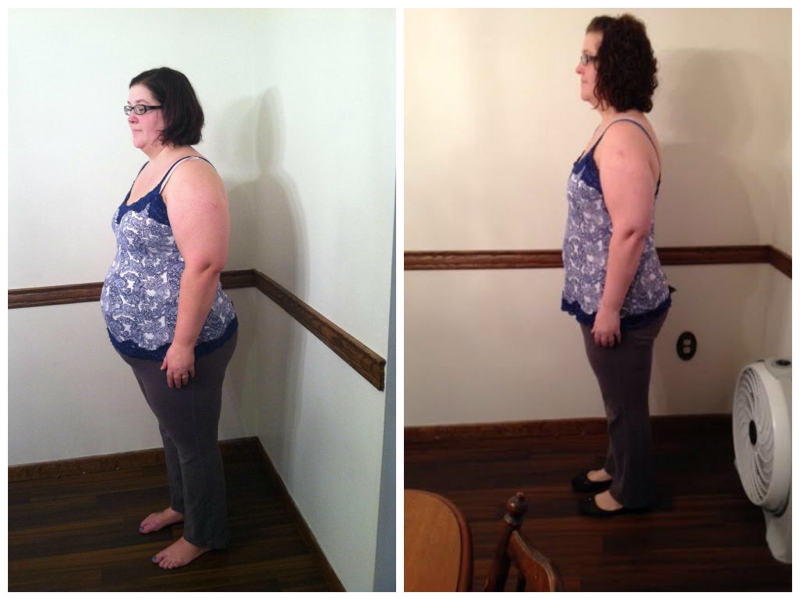
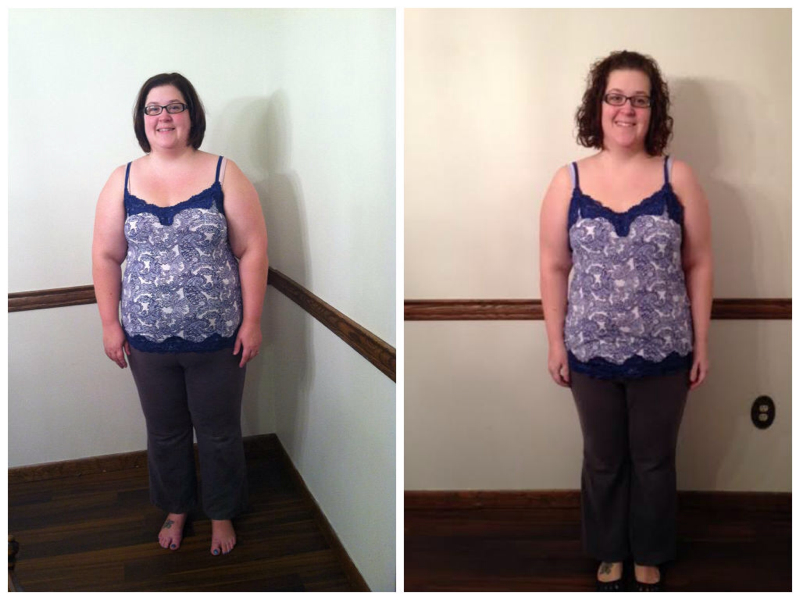
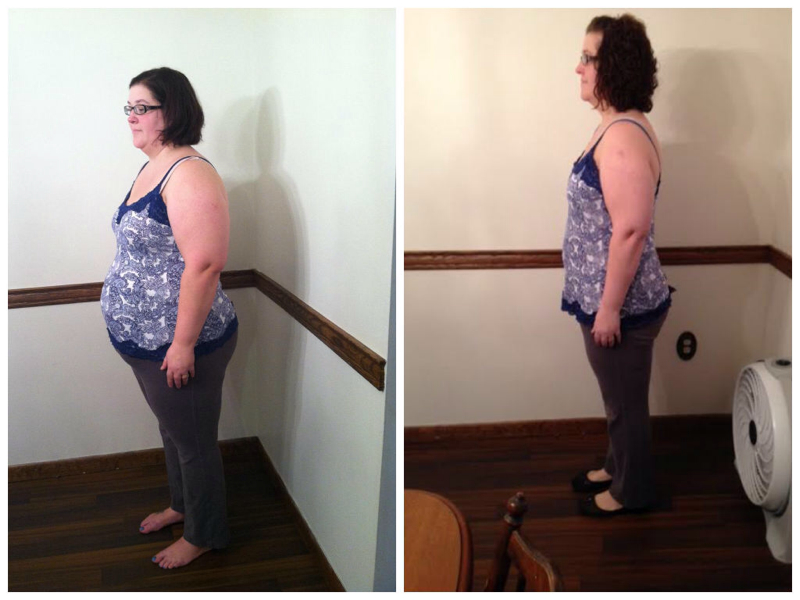
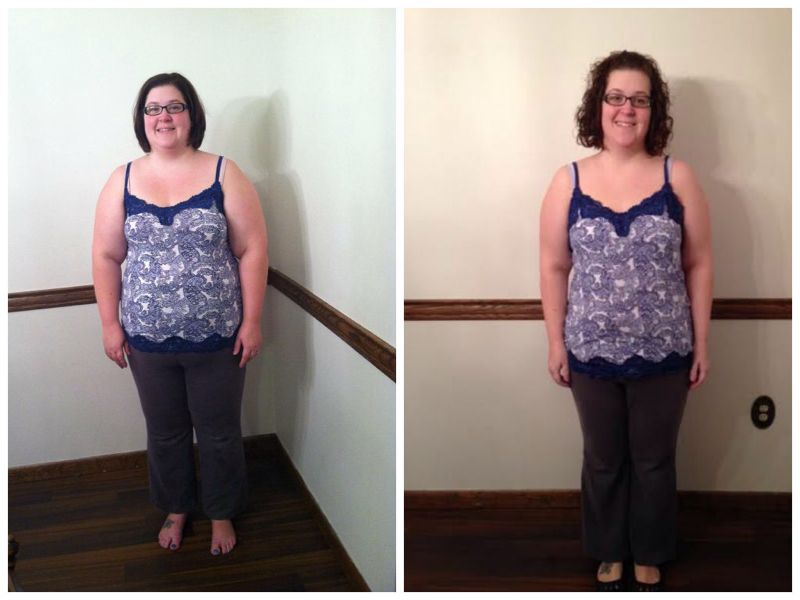
Here's one I snapped today . 7.5 months, -116.4, 17 more to go to goal!!
-
Here's my most recent before/after pic. 7 months post op, 112 pounds lost, 20 to goal

-
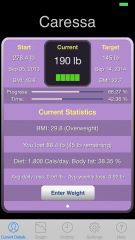
Stats, a weight loss surgery photo album by livvsmum on BariatricPal. 2 photos in Member Photo Gallery.
-
Thanks!!
-
This is mine from 3 months post op. Not "after" in that I'm still losing, but super pleased so far.

-
Here is my most recent. This is 3 months post op. -51% of excess weight & 65 pounds I did this from my phone so hopefully the pics work :-)

-
Thanks!
-
Not really sure if this counts as a "before and after" since I'm only 8 weeks out, but here are my pics. The first the morning of surgery (9/12/13) and the other at 8 weeks after surgery (11/12/13). Sorry they are showing up all smooshed. You can click on them to see them full sized.