Start here
Where are you in your journey?
Choose the path that fits today. We’ll take you to the most useful discussions.
- GLP-1 medication Zepbound, Wegovy, access, side effects, progress, and support.
- Before surgery Compare procedures, plan ahead, and get honest pre-op answers.
- Post-op Recovery, food stages, symptoms, and support.
- Long-term Regain, labs, habits, and life after the honeymoon.
- Revision Explore revision options, complications, and next steps.

SLF1027
Gastric Sleeve Patients
-
Joined
-
Last visited
-
-
-
-
-
-
-
-
-
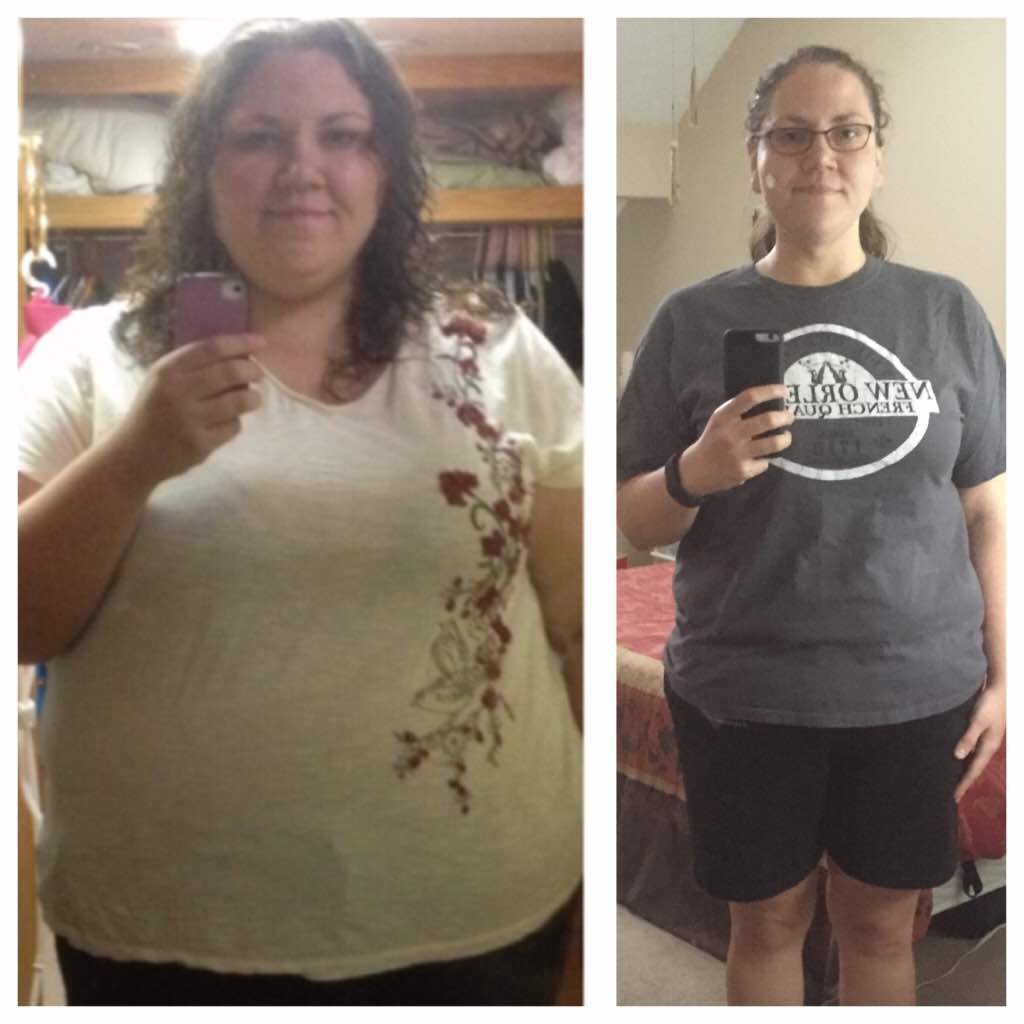
I was sleeved 9/11/13. I lost 135 pounds in the first 10 months and then I gave up until 8 days ago. I fell off track, grazed, did a lot of things I was told to avoid and gained back 11 pounds in the process. I am now back on track, following all the guidelines and exercising again. I was feeling really crappy and totally fat until I came across this gem (before photo). It made me run upstairs and take a pic of myself right now for comparison! I've got 50-60 pounds to go, but in this moment I know it's possible. (5'9", SW 350 CW 226)

-
SLF1027, a weight loss surgery photo album by SLF1027 on BariatricPal. 2 photos in Before and After Gastric Sleeve Photos.