




Sleevedmedic
Gastric Sleeve Patients
-
Joined
-
Last visited
-
-
-
-
-
-
-
-
-
-
-
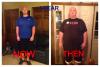
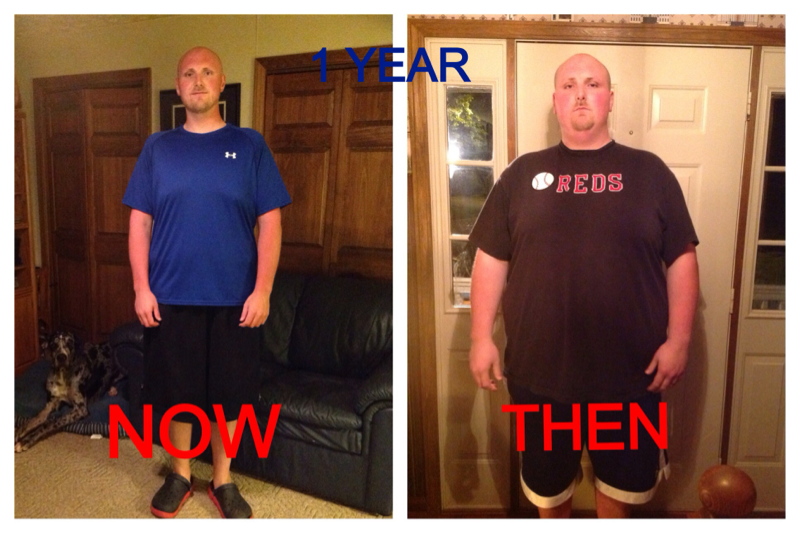
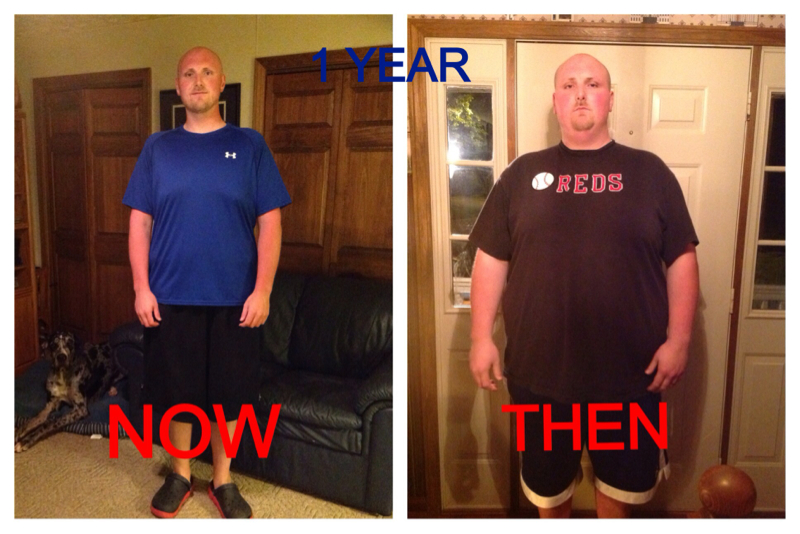
This is my 1 year post op.
-
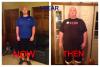
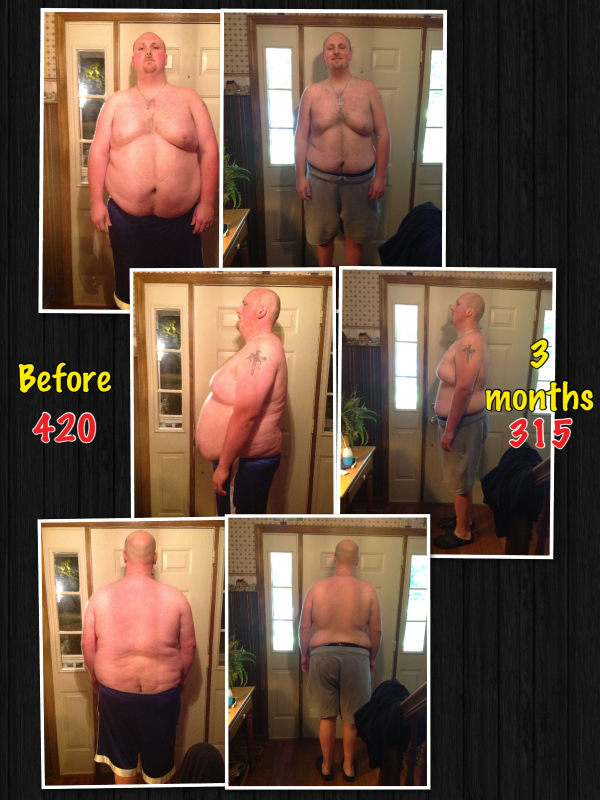
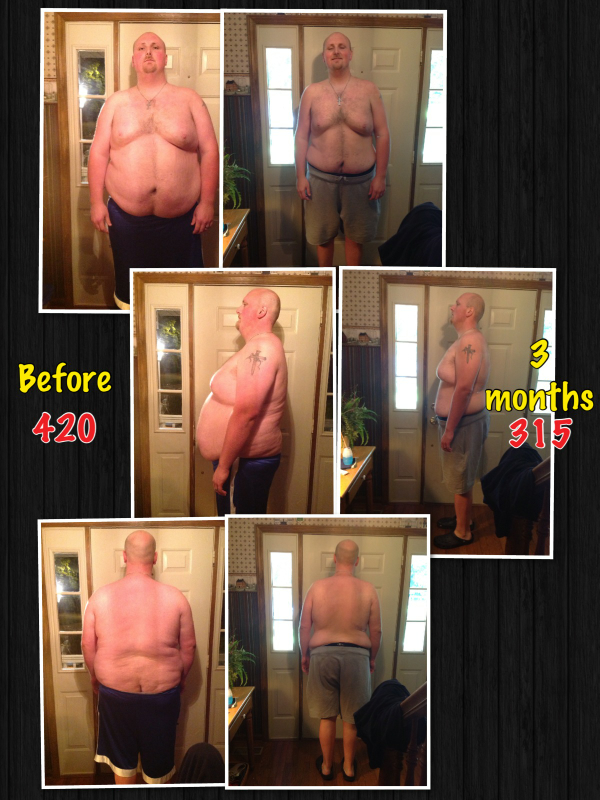
This is one 1 year out. Down 163lbs
-
Dr Weiss is the best in the state of ky by far. I had my surgery with him he is an awesome surgeon.
-
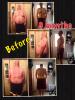
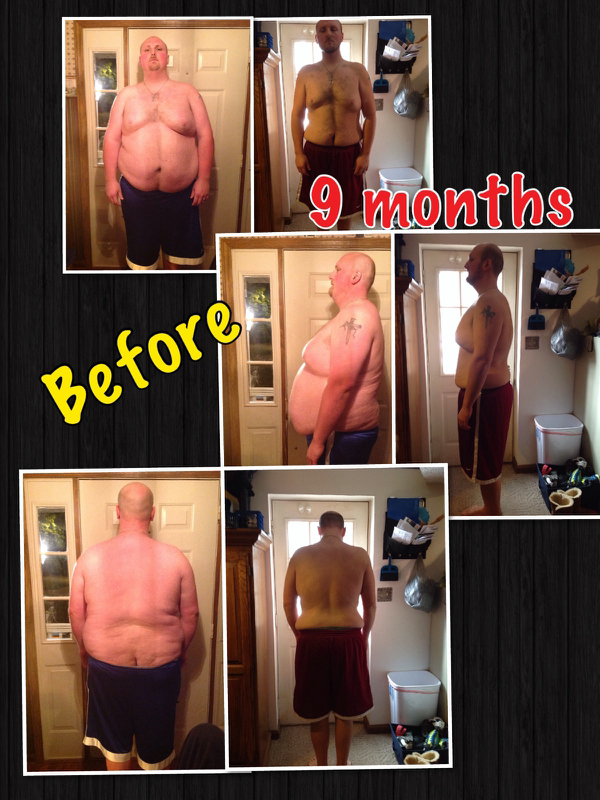
150 lbs down.
-
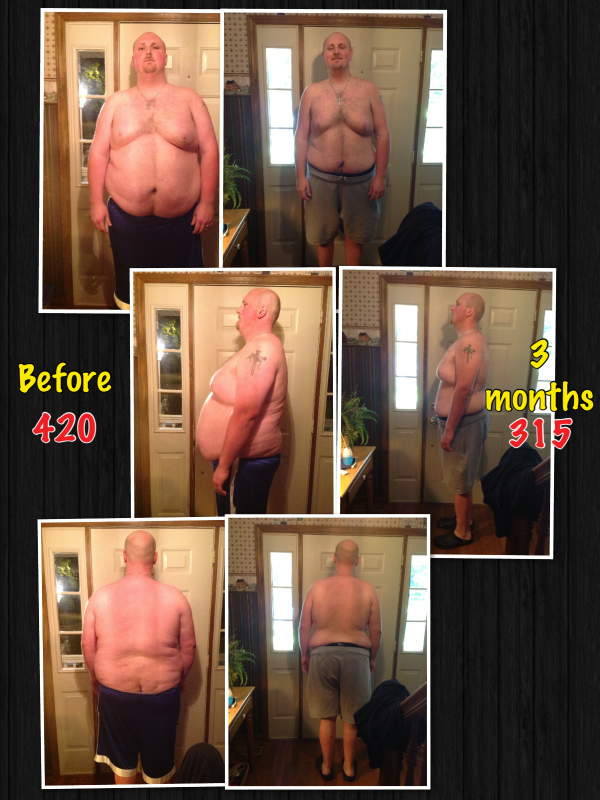
SW : 420 CW : 270 Surgery was May 23 rd
-
I went to disney world in October and I was 305 lbs and I am 6'4 I fit in all the rides I rode at magic kingdom and Epcot. I wasn't uncomfortable in them at all. I sure you will be fine.
-
Congrats on your weight loss and your new life. You look great. Keep up the good work
-
Thank you everyone for all the kind words.
-
Thanks so how have you done with your surgery.

Account
Navigation
Search
Configure browser push notifications
Chrome (Android)
- Tap the lock icon next to the address bar.
- Tap Permissions → Notifications.
- Adjust your preference.
Chrome (Desktop)
- Click the padlock icon in the address bar.
- Select Site settings.
- Find Notifications and adjust your preference.
Safari (iOS 16.4+)
- Ensure the site is installed via Add to Home Screen.
- Open Settings App → Notifications.
- Find your app name and adjust your preference.
Safari (macOS)
- Go to Safari → Preferences.
- Click the Websites tab.
- Select Notifications in the sidebar.
- Find this website and adjust your preference.
Edge (Android)
- Tap the lock icon next to the address bar.
- Tap Permissions.
- Find Notifications and adjust your preference.
Edge (Desktop)
- Click the padlock icon in the address bar.
- Click Permissions for this site.
- Find Notifications and adjust your preference.
Firefox (Android)
- Go to Settings → Site permissions.
- Tap Notifications.
- Find this site in the list and adjust your preference.
Firefox (Desktop)
- Open Firefox Settings.
- Search for Notifications.
- Find this site in the list and adjust your preference.