




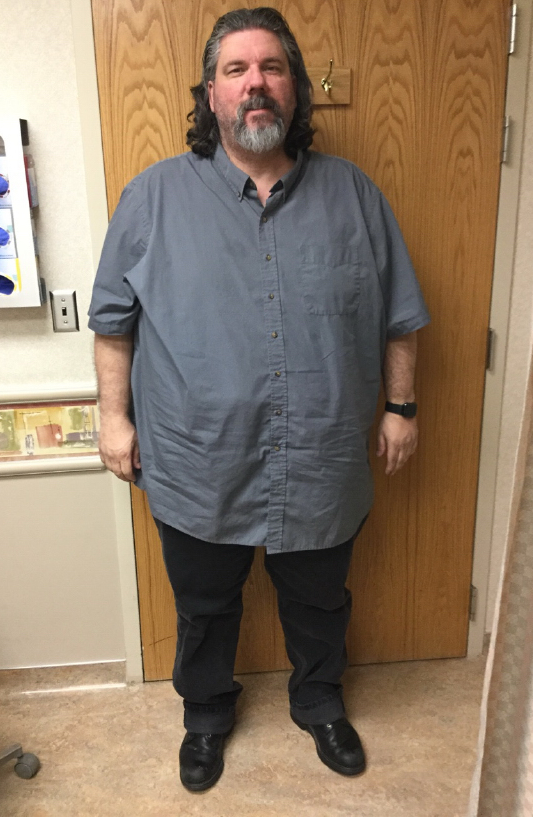

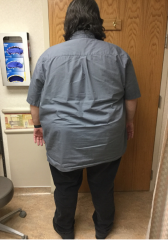
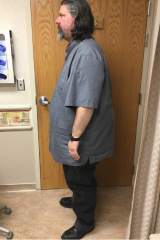
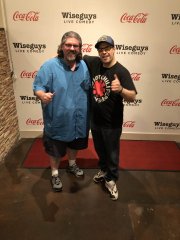
Andy Pre-3.png


By macadamia
- 706 views
- View macadamia's images
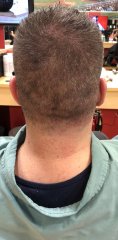
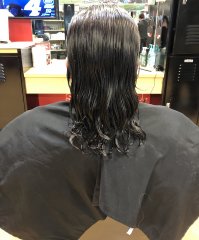
These photos were taken by the nurse at my bariatric surgeon, Dr. Eric Volckmann's office. Yes, I have an iron deficiency (actually, an ironing board deficiency... I do own an iron.)  And, I know I look like I'm packing appendix and at 7 o'clock; however, even though I have an enhanced concealed carry permit issued by the state of Idaho, I do not carry because no matter what I do, I print. I'll explain why the front looks like that soon, but in the back, my shirt is just caught on my fat hip.
Recommended Comments
Join the conversation
You can post now and register later. If you have an account, sign in now to post with your account.