




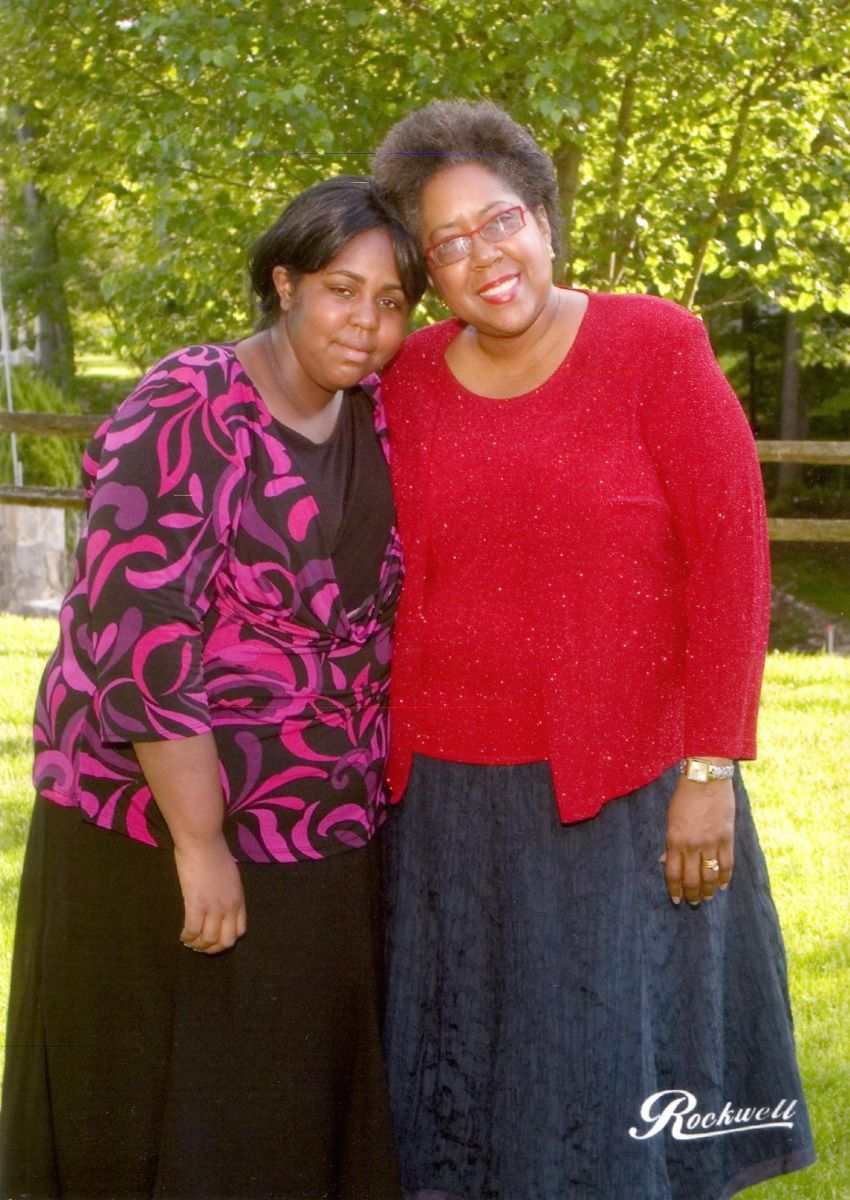

Me (Dianne) with my daughter Ariana - July 2008

- 840 views
- View DivaStyleCoach's images
This is a photograph of my daughter Ariana and I at a summer graduation for Yale Medical School. I was working for one of the Med School offices and was invited to their graduation ceremony. I brought my daughter along because my hubby had to work. We are both showing signs of bad eating habits - at least I think so. I see this photo and I want to cry - my poor daughter was falling victim to the same negative habits that I had and that I was fighting with.
I think in this picture I was close to my highest weight ever. When I weighed in the day of surgery, I was at 265 lbs. NEVER AGAIN!
Copyright
© Rockwell Studios and Dianne M. Daniels All Rights Reserved 2008, Duplication, Copying or Downloading is strictly prohibited.
Recommended Comments
Join the conversation
You can post now and register later. If you have an account, sign in now to post with your account.