




Skip to content
View in the app

A better way to browse. Learn more.

BariatricPal

A full-screen app on your home screen with push notifications, badges and more.

To install this app on iOS and iPadOS
  1. Tap the Share icon in Safari
  2. Scroll the menu and tap Add to Home Screen.
  3. Tap Add in the top-right corner.
To install this app on Android
  1. Tap the 3-dot menu (⋮) in the top-right corner of the browser.
  2. Tap Add to Home screen or Install app.
  3. Confirm by tapping Install.

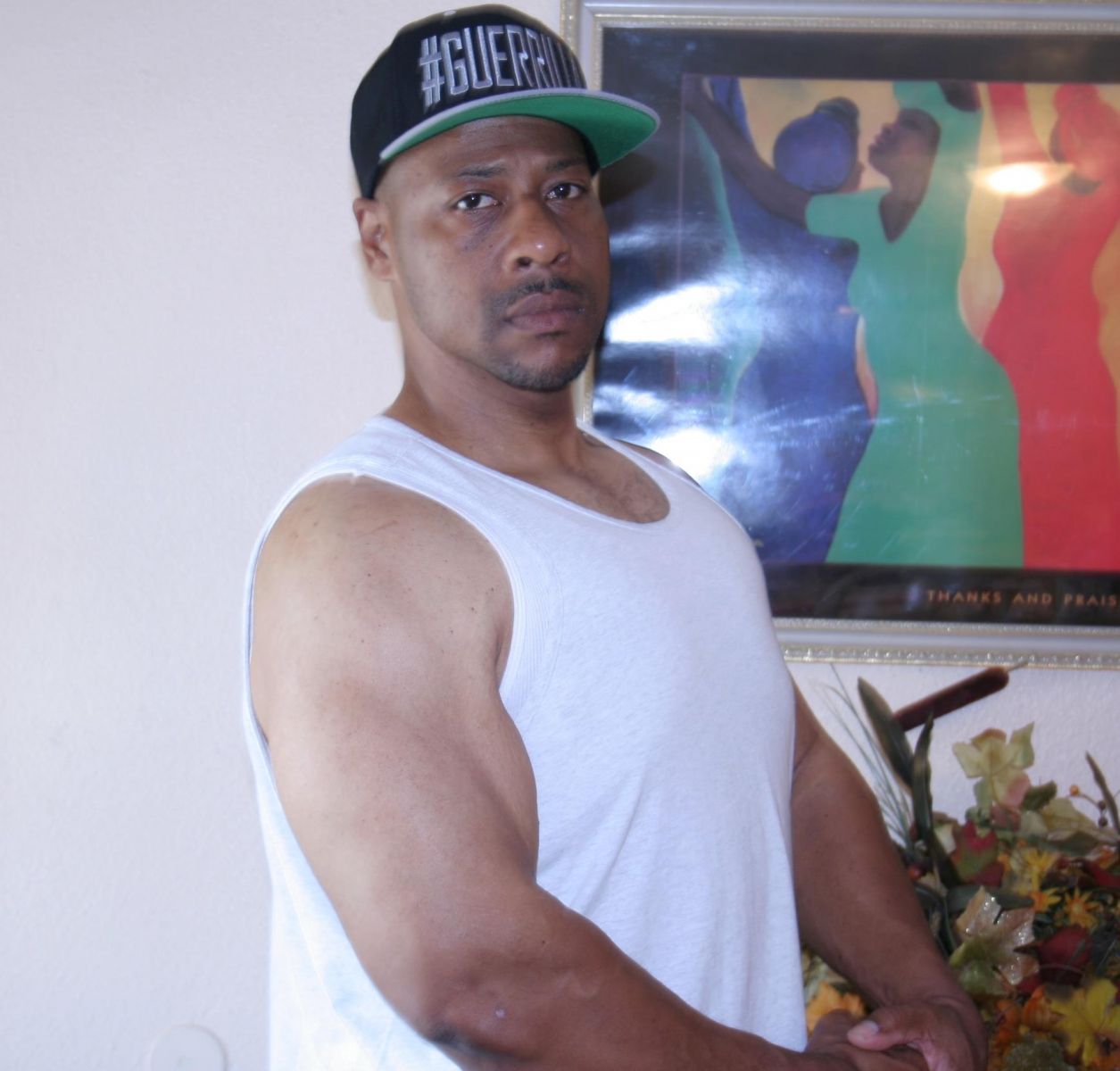
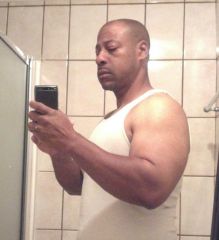
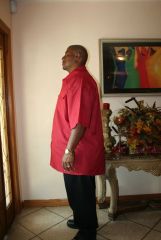
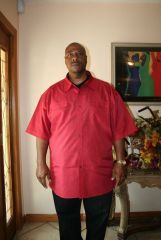
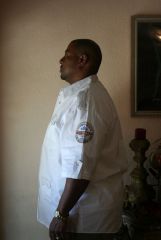
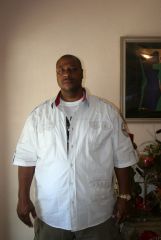
251 pounds @ 9months 3 weeks post-op (side view)

Started getting serious with my resistance workout. Also implemented Herbalife Nutrition through the Guerrilla Grind Wellness 30 day challenge. Check out GuerrillaGrind on Facebook or at www.guerrillagrind.com. These guys are amazing! Their support system and their energy will definitely get you over the hump. If you're anywhere close to the Long Beach, CA area, I encourage you to look them up!

  • From the album:

    The Final Journey

    · 9 images

    Account

    Navigation

    Search

    Search

    Configure browser push notifications

    Chrome (Android)
    1. Tap the lock icon next to the address bar.
    2. Tap Permissions → Notifications.
    3. Adjust your preference.
    Chrome (Desktop)
    1. Click the padlock icon in the address bar.
    2. Select Site settings.
    3. Find Notifications and adjust your preference.