





- 929 views
- View makemyownluck's images
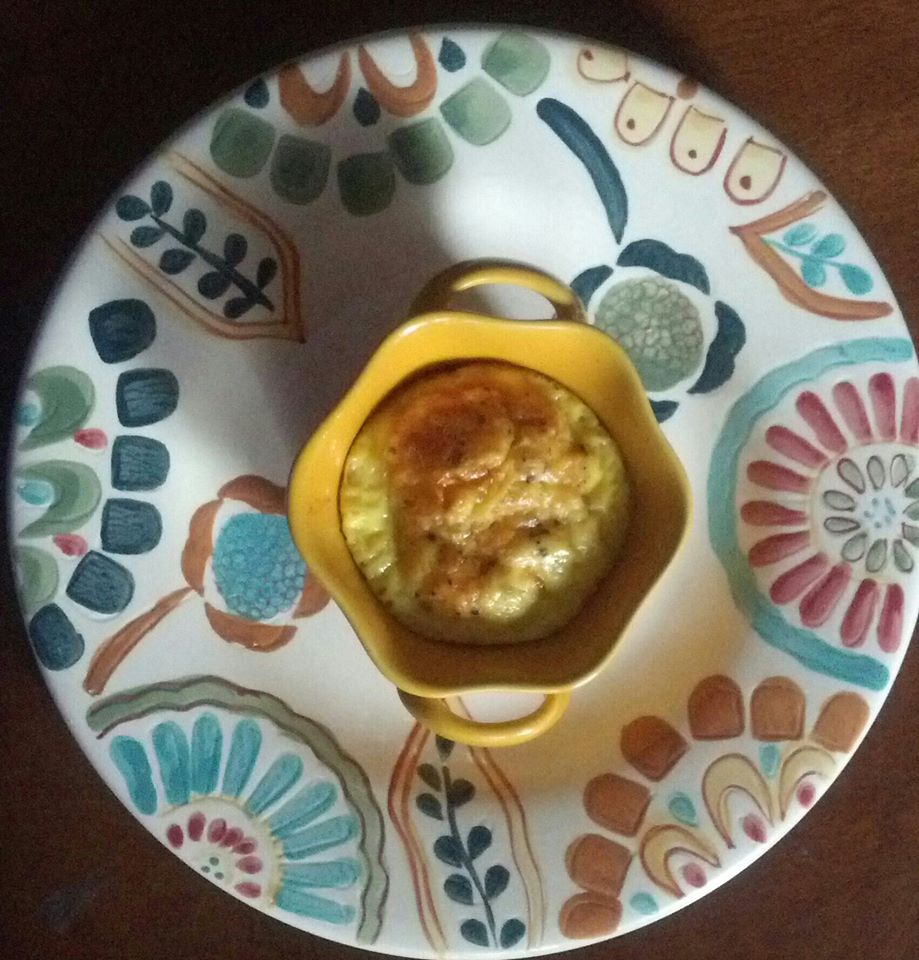
Mini crustless quiche
makes: 4 servings
ingredients:
4 slices of prosciutto, very thinly sliced!
4 eggs, beaten
1/4 low-fat ricotta cheese
1 slice american cheese (2% or skim milk cheese would be best)
1 tbsp shredded parmesan cheese
salt and pepper to taste (I also put in a bit of garlic powder - optional)
*note: prosciutto is very salty on its own and you do not need much added salt in this recipe. In fact, you might want to skip salt altogether and just salt the finished product if it's needed
instructions:
spray 4 ramekins with cooking spray
in the bottom of each ramekin, loosely pile one slice of prosciutto in each ramekin
in a medium bowl, beat the 4 eggs and ricotta cheese together, season with salt and pepper to taste.
pour mixture evenly over the prosciutto in the ramekins.
tear apart and distribute bits of the american cheese among all 4 ramekins and top with parmesan cheese and one last bit of fresh cracked black pepper on top.
Bake in a pre-heated 350 degree oven for about 13-15m or until toothpick comes out clear. Allow to rest for a couple of minutes. They should pop right out of the ramekin since you sprayed them first!
per My Fitness Pal:
per 1 serving:
148 calories
8.4g fat (you could cut this down if you use egg whites)
1.4g carbs
13.2 g protein
Recommended Comments
Join the conversation
You can post now and register later. If you have an account, sign in now to post with your account.