





Skip to content
View in the app

A better way to browse. Learn more.

BariatricPal

A full-screen app on your home screen with push notifications, badges and more.

To install this app on iOS and iPadOS
  1. Tap the Share icon in Safari
  2. Scroll the menu and tap Add to Home Screen.
  3. Tap Add in the top-right corner.
To install this app on Android
  1. Tap the 3-dot menu (⋮) in the top-right corner of the browser.
  2. Tap Add to Home screen or Install app.
  3. Confirm by tapping Install.

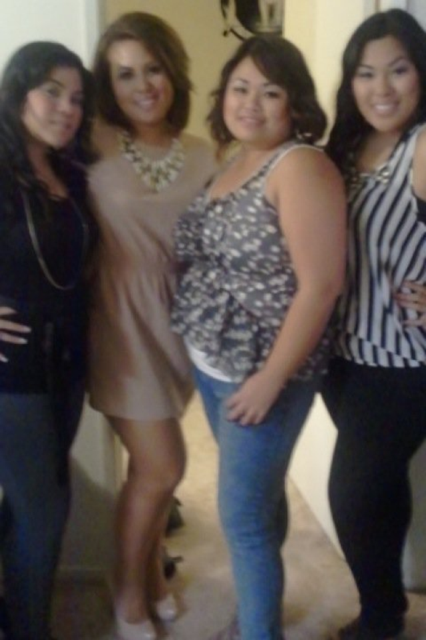
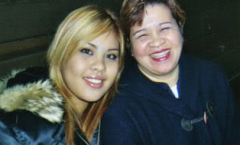
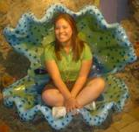
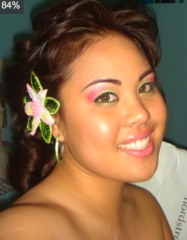
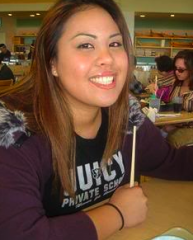
I was working out and was fitting size 10s and some 8s

I was, at this time, still working out super often and drinking protein shakes and really...obsessed with working out and running. A few months later, I ran the Nike SF marathon. I mean I only made it to mile 22 but really, cmon. that was truly an achievement to me. AND I still got the finisher's Tiffany's necklace because I kept going even past the time limit. Yahoo!

  • From the album:

    CHubS

    · 9 images

    Account

    Navigation

    Search

    Search

    Configure browser push notifications

    Chrome (Android)
    1. Tap the lock icon next to the address bar.
    2. Tap Permissions → Notifications.
    3. Adjust your preference.
    Chrome (Desktop)
    1. Click the padlock icon in the address bar.
    2. Select Site settings.
    3. Find Notifications and adjust your preference.