









By nalasmom
- 423 views
- View nalasmom's images
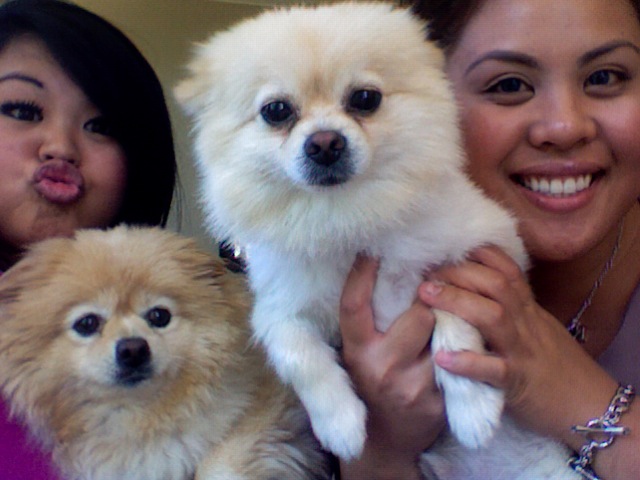
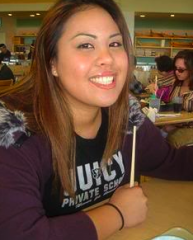
You see the doggy on the left? Thats Nala, my dog. Hence, my ID name. Nala was like me. Eating things (me and my family's fault) that she was not supposed to eat. I spent over $8,000 dollars a week before my surgery because Nala was diabetic ketoacidotic and had pancreatitis. They didn't even think she was going to make it. Before then, we spent $3,000 for the exact same thing. The doctor's had told me to stop feeding her human food. Now look, my best friend is taking insulin shots everyday, twice a day and it breaks my heart to make her cry. I paid a top Cornell vet dietician to formulate a new food for her. Me and nala are going to get healthy. I bet my life on it!
Recommended Comments
Join the conversation
You can post now and register later. If you have an account, sign in now to post with your account.