




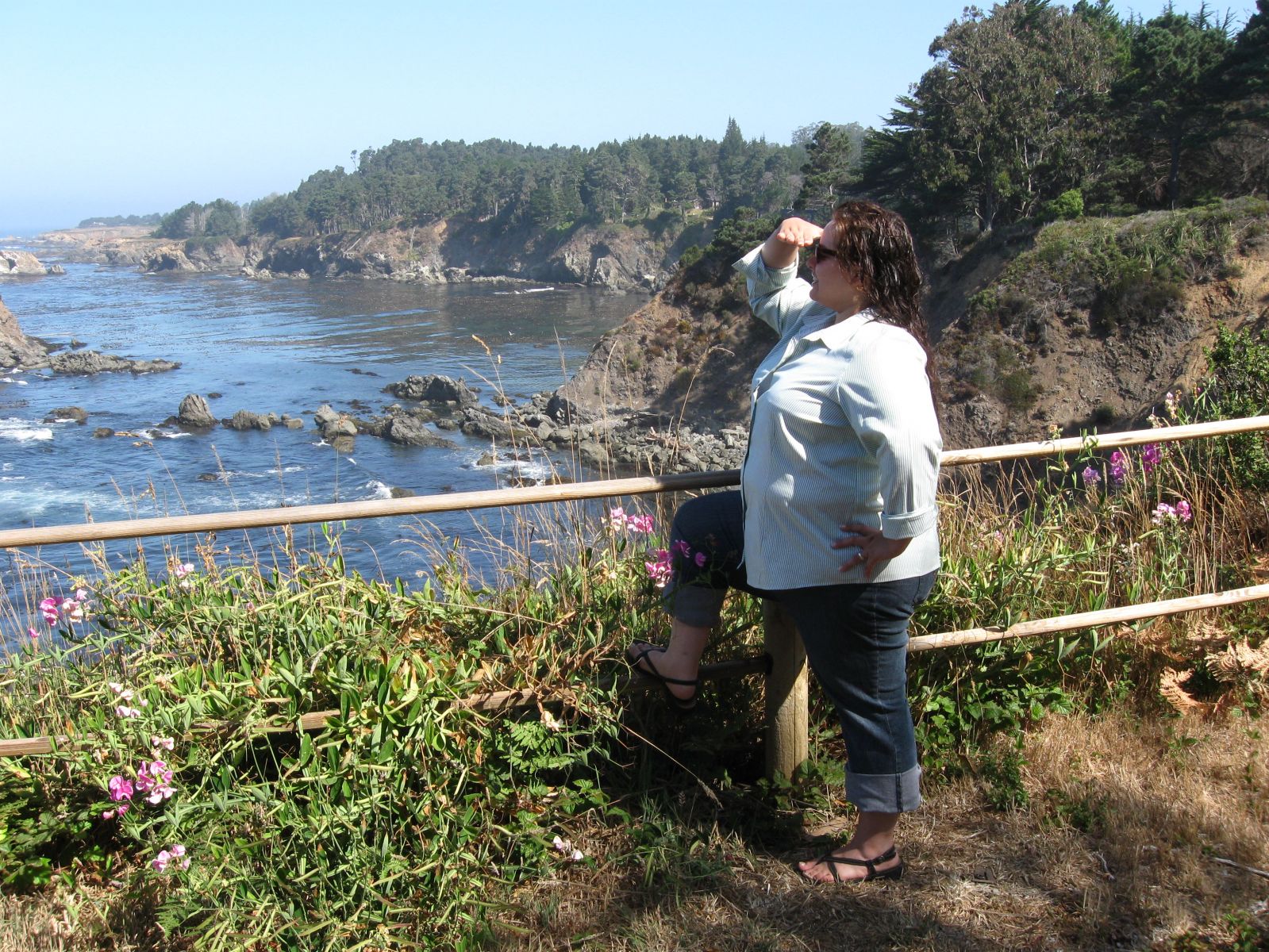






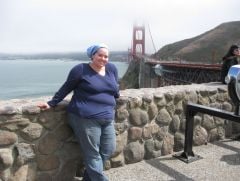
Three years ago next month, come to think of it.

By Globetrotter
- 1,388 views
- View Globetrotter's images
This was one year before I had surgery, miserable in my body, though I tried to hide it, no piece of clothing felt big enough, even if it was a muumuu, because my own skin felt too small, I could never get a really refreshing lungful of oxygen, weighed down as I was with flesh AND sorrow over my size. Grateful to no longer be this way, I should post these pics around my house, to remind myself to be grateful AND to keep me on the right path so I don't end up back there!!
Recommended Comments
Join the conversation
You can post now and register later. If you have an account, sign in now to post with your account.