




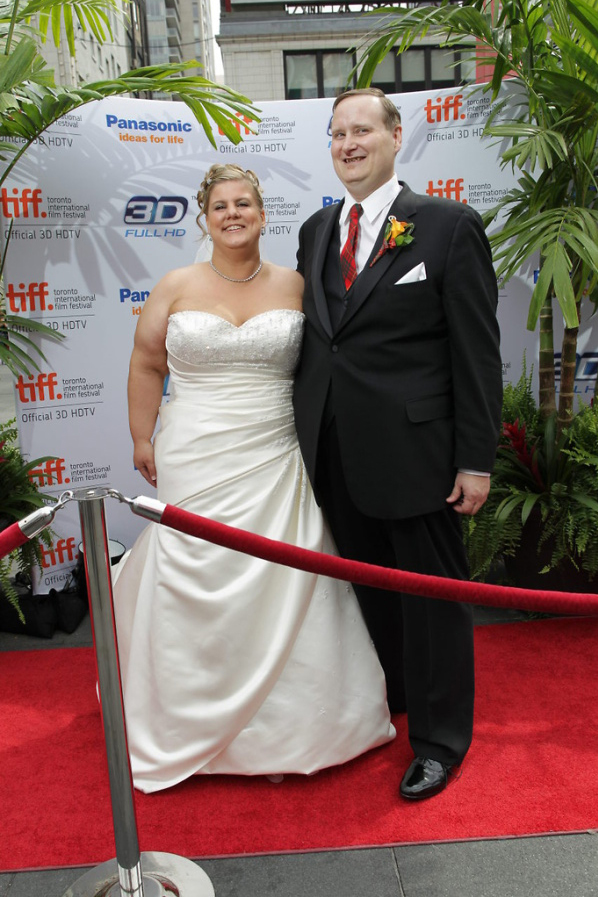



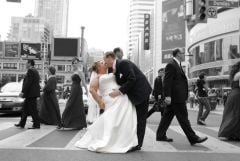



On our wedding day! (Sept. 12, 2010)

By Webchickadee
- 714 views
- View Webchickadee's images
The Toronto International Film Festival (TIFF) happens every September in our city. Our wedding was on Sept. 12, 2010 and we went downtown to the main "square" in Toronto, hoping to get pictures with the fountains. They had shut the fountains down and built a stage for TIFF! The security guards ordered us to stay FAR away from the stage, etc. and we spent some time taking pictures in the area. Finally, one of the TIFF staff said we were so cute, we should take some pictures on the red carpet (Brad Pitt and Angela Jolie had been there the day before!).
Recommended Comments
Join the conversation
You can post now and register later. If you have an account, sign in now to post with your account.