




Kathy 4th Bandiversary with Good Luck Bear 2012 0317

By SpecialK
- 1,405 views
- View SpecialK's images
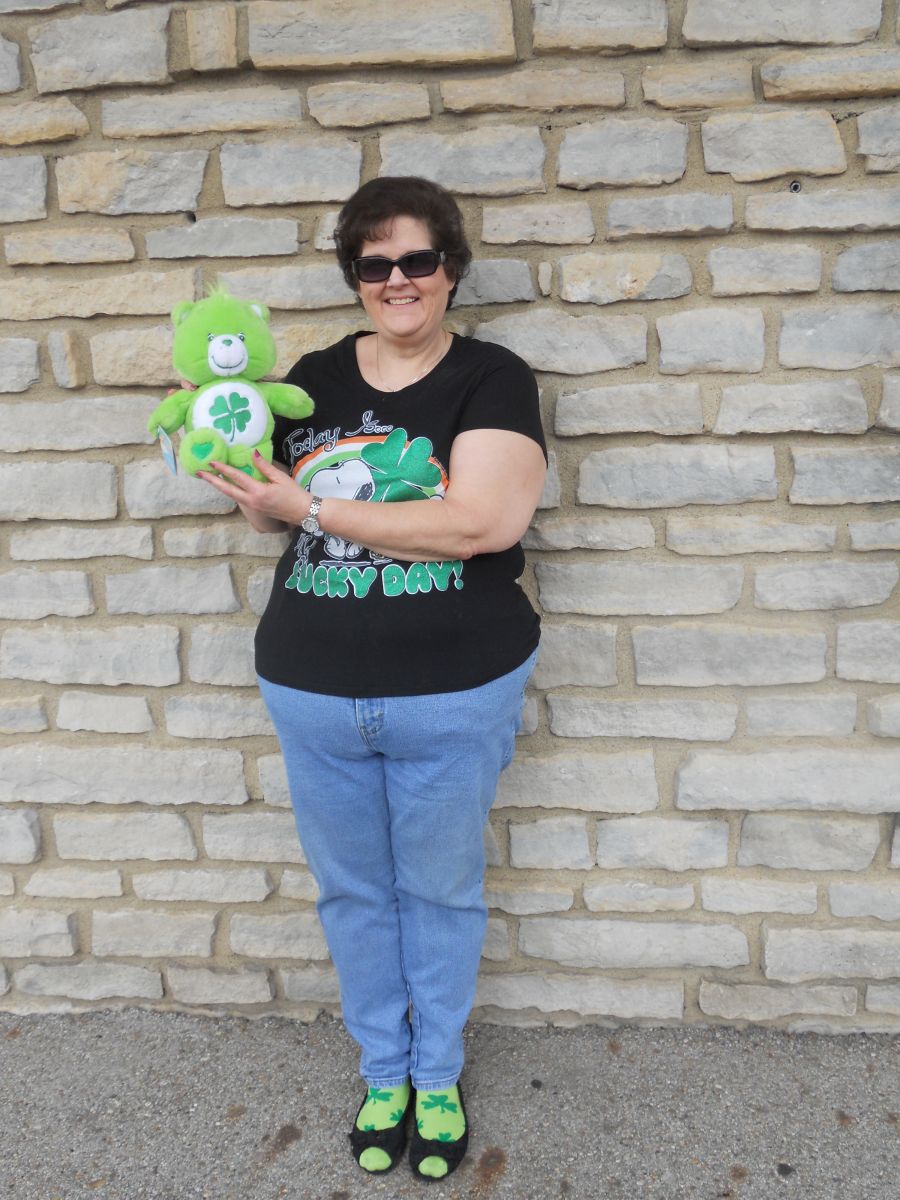
Celebrating 4 years since my Lapband surgery at Mt. Carmel West hospital with Dr. Price today on St. Patrick's Day!
This picture shows me holding my Good Luck Care Bear that I had as a symbol for the Shrinking Shamrocks group name we gave to all the March 2008 lapband surgery patients here on LapbandTalk. I took the bear to the hospital for me and I keep it as a remembrance of where I came from.
Still not where I want to be at the end of my journey but still pleased with maintaining 120 lbs lost since surgery.
Recommended Comments
Join the conversation
You can post now and register later. If you have an account, sign in now to post with your account.