










By NurseShay
- 837 views
- View NurseShay's images

A better way to browse. Learn more.
A full-screen app on your home screen with push notifications, badges and more.
Join BariatricPal free
Start here
Choose the path that fits today. We’ll take you to the most useful discussions.
By NurseShay
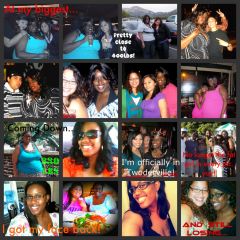
 OMG I banned my friends posting this pic and tagging me on facebook!LoL Now I'm Happy to post it in comparison to this year.
  First one was in the Stratosphere Las Vegas in March 2010 the other is my birthday May 2011 (about 15lbs ago).
Recommended Comments
Join the conversation
You can post now and register later. If you have an account, sign in now to post with your account.