




My first consultation-March 21st/ 2011
- 540 views
- View Rhonda's journey's images
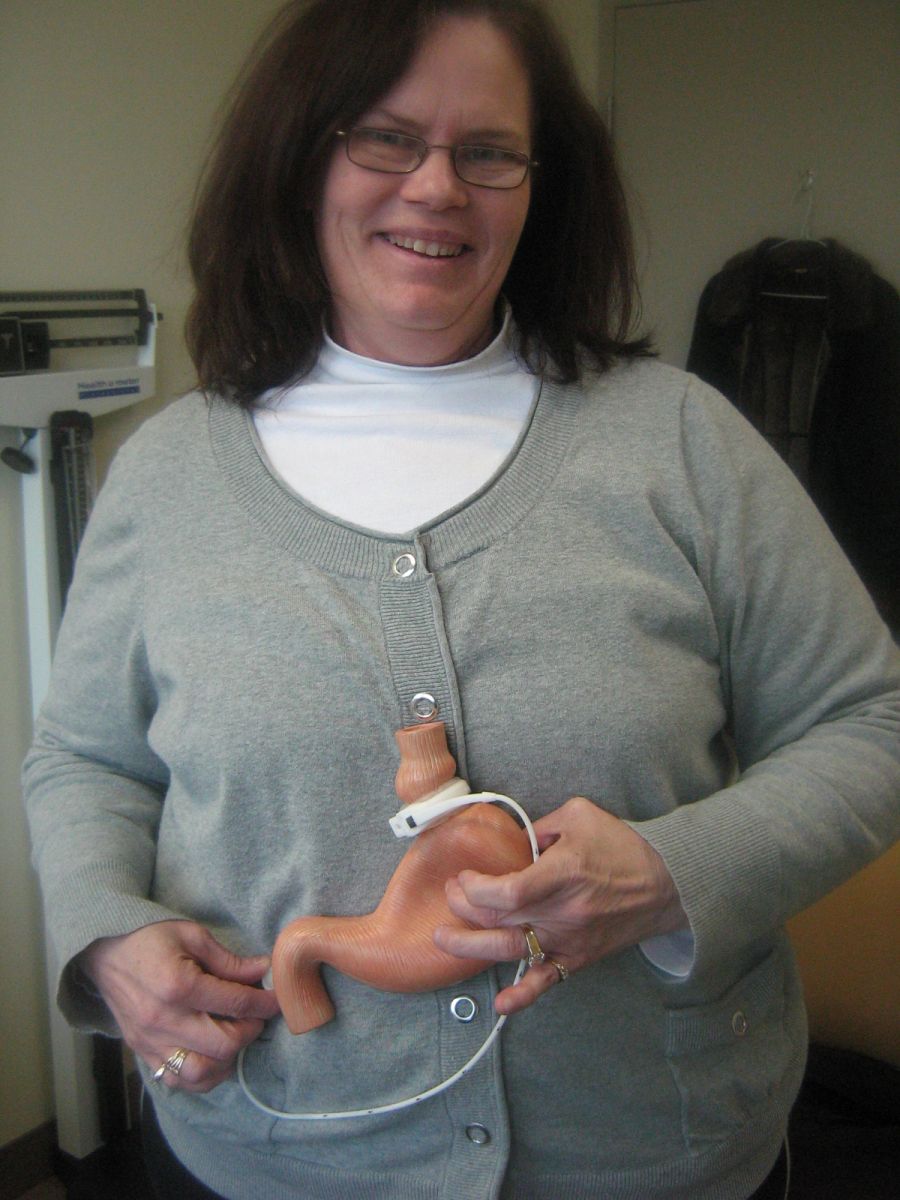
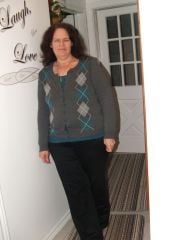
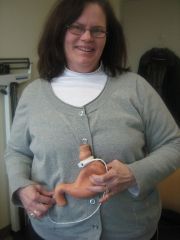
I took this picture at my first consultation visit to the CIBO Clinic in Toronto.My first visit was March 21/2011.I wanted to have a picture to show my family and friends what type of surgery I was having. little surprising that nobody new what lap band was until I was able to show everyone what it looked like and how it worked inside of me.I was very happy with the results of my first consultation.The director of patient services Nisrine Shammas showed me her results and thats all it took me too convince myself that if she could look like that,I'm sure I can DO IT.My fiancee was very supportive through my decision making and gave me 100% funding to have the surgery.It sure makes a big difference when you have lots of supportive people to help you out from the beginning to the end.<br>
Recommended Comments
Join the conversation
You can post now and register later. If you have an account, sign in now to post with your account.