






Skip to content
View in the app

A better way to browse. Learn more.

BariatricPal

A full-screen app on your home screen with push notifications, badges and more.

To install this app on iOS and iPadOS
  1. Tap the Share icon in Safari
  2. Scroll the menu and tap Add to Home Screen.
  3. Tap Add in the top-right corner.
To install this app on Android
  1. Tap the 3-dot menu (⋮) in the top-right corner of the browser.
  2. Tap Add to Home screen or Install app.
  3. Confirm by tapping Install.

Join BariatricPal free

  • Ask your own questions
  • Reply and follow topics
  • Message other members
  • No cost, no spam

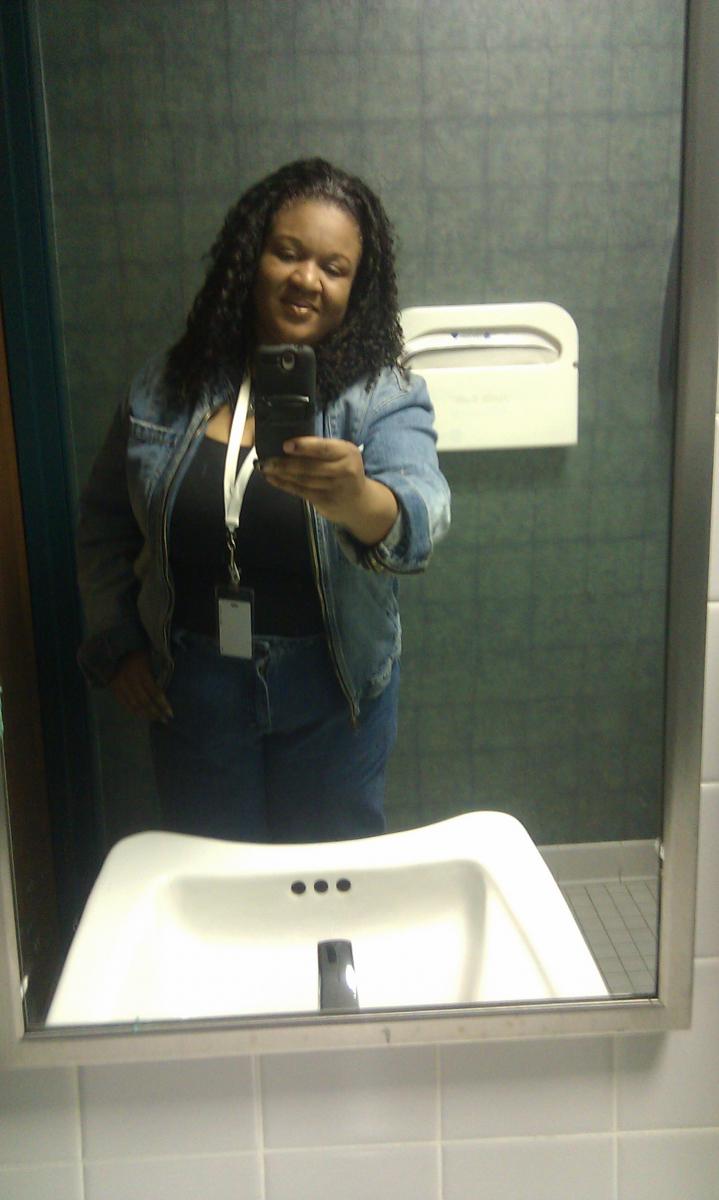
Who would have thought it !!!

Wow!!!!!!!!!!! this is a huge acomplishment for me I had been so used to being a size 24 and now I am fitting into a 20 and still losing I am faithful to the YMCA going 5 days a week now and I am seeing major results you must work with the band and if you do you will get the body you want... Just going in for refills is not going to do it but when you work out and lift weights it really helps speed up the process and you start feeling good about yourself.. I have not been this size since the birth of my first son and that was 23yrs ago

  • From the album:

    2 Mos Post Op

    · 2 images

    Account

    Navigation

    Search

    Search

    Configure browser push notifications

    Chrome (Android)
    1. Tap the lock icon next to the address bar.
    2. Tap Permissions → Notifications.
    3. Adjust your preference.
    Chrome (Desktop)
    1. Click the padlock icon in the address bar.
    2. Select Site settings.
    3. Find Notifications and adjust your preference.