








Skip to content
View in the app

A better way to browse. Learn more.

BariatricPal

A full-screen app on your home screen with push notifications, badges and more.

To install this app on iOS and iPadOS
  1. Tap the Share icon in Safari
  2. Scroll the menu and tap Add to Home Screen.
  3. Tap Add in the top-right corner.
To install this app on Android
  1. Tap the 3-dot menu (⋮) in the top-right corner of the browser.
  2. Tap Add to Home screen or Install app.
  3. Confirm by tapping Install.

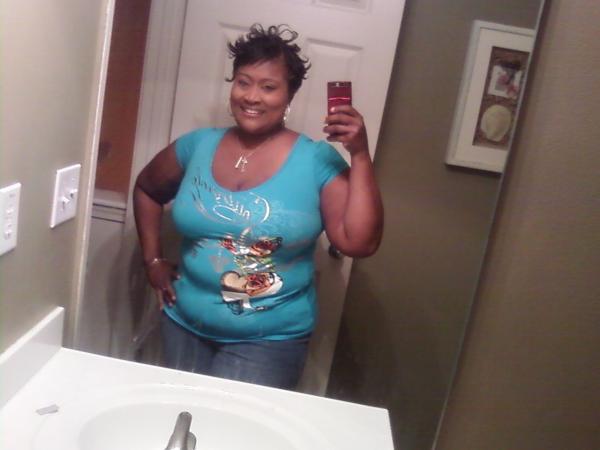
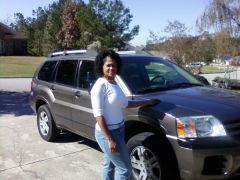
for some reason, I seem to really like taking pictures now. It feels like I have lost so much more weight than I actually have. Feeling so much more confident. Can't wait until that 50 pounds gone mark gets here..maybe by February 5?? that'll be 6 mont

for some reason, I seem to really like taking pictures now. It feels like I have lost so much more weight than I actually have. Feeling so much more...
  • From the album:

    Me.

    · 15 images

    Account

    Navigation

    Search

    Search

    Configure browser push notifications

    Chrome (Android)
    1. Tap the lock icon next to the address bar.
    2. Tap Permissions → Notifications.
    3. Adjust your preference.
    Chrome (Desktop)
    1. Click the padlock icon in the address bar.
    2. Select Site settings.
    3. Find Notifications and adjust your preference.