




1 Week Post-Op
· 745 views
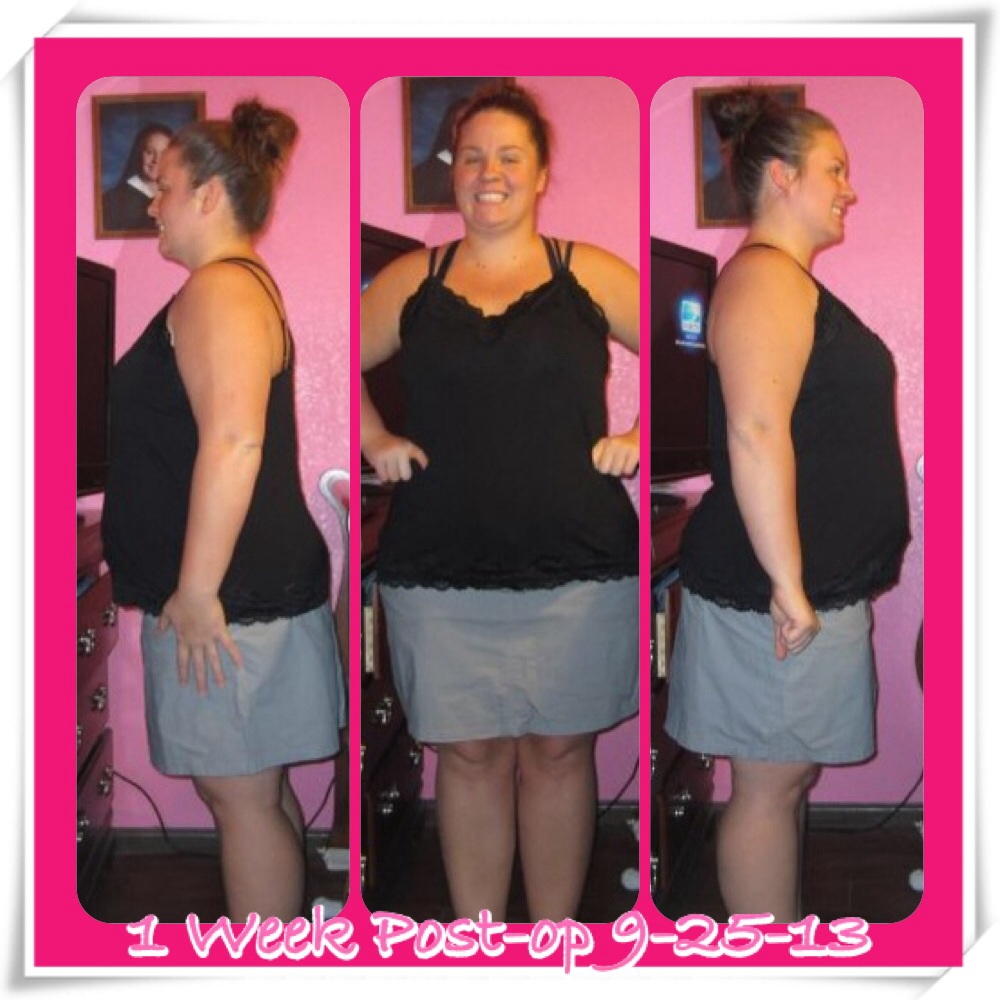 I'm 1 week post op and feeling good. I have a little issue with pain on 1 incision but it's not bad enough to take pain medicine. Thankfully the allergic reaction to the antiseptic is finally going away. I have stuck to the diet completely. Depending on the day I'm still starving most of the time and so ready for the soft food stage. Good news is I'm down 23 pounds total and 12 since my surgery date. Yay! I'm excited about the changes. I can already tell that I'm losing.
Recommended Comments