Skip to content
View in the app

A better way to browse. Learn more.

BariatricPal

A full-screen app on your home screen with push notifications, badges and more.

To install this app on iOS and iPadOS
  1. Tap the Share icon in Safari
  2. Scroll the menu and tap Add to Home Screen.
  3. Tap Add in the top-right corner.
To install this app on Android
  1. Tap the 3-dot menu (⋮) in the top-right corner of the browser.
  2. Tap Add to Home screen or Install app.
  3. Confirm by tapping Install.
  • Appearance

1 Day Pre-Op

blogs/blog-0738392001379606909.jpgYesterday I was having issues with gas but today the gas has gotten better. Since the gas pains have gone I am starting to feel the discomfort of the incisions. I had to sleep sitting up last night because it was to much to lay flat. Bless my mom's heart she is taking great care of me.


Overall the pain isn't bad. I have had ice on my stomach pretty much since I had surgery. My back is hurting today so I have been laying on a heating pad. I can't wait for the pain to go away so I can start moving some more. For now I am catching up on my reading.


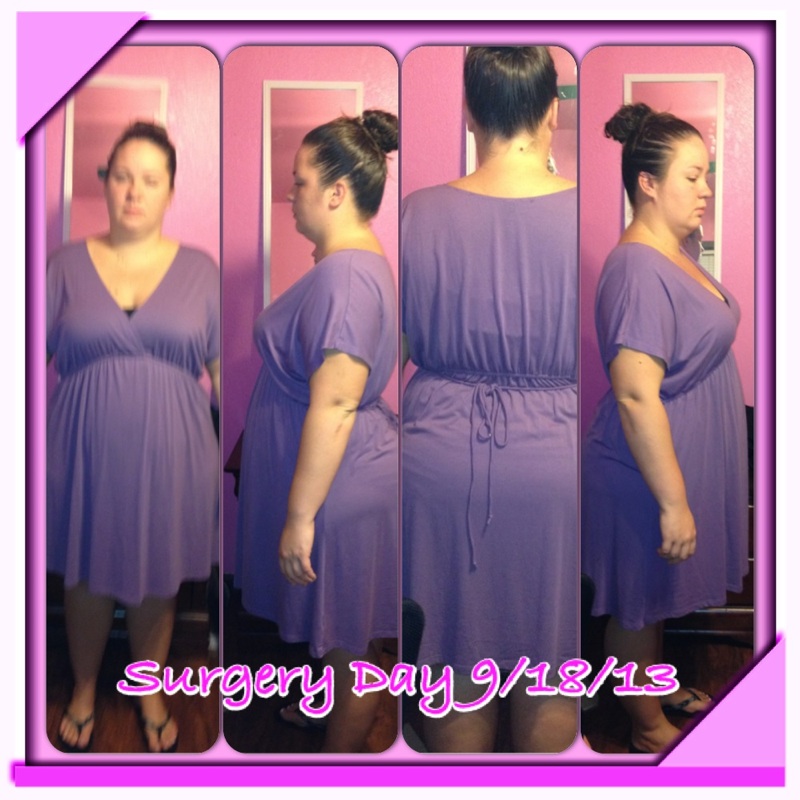
The attached picture is from yesterday.

3 Comments

Recommended Comments

dylanmiles23

LAP-BAND Patients

You're doing great. We have all had the pain and gas. Did you get pain meds from the doctor? Many years ago I had surgery and my PCP's nurse told me to stay ahead of the pain by always taking the pain med every 4 hours? or so and don't let yourself get into the pain mode.

After the band I slept on my right side with a pillow. Recliners are great if you have one, too.

Enjoy your new life and journey.

JessicaLynn04

LAP-BAND Patients

I slept in the recliner last night. It seems like the best place to be right now. The only issue I am really having now is getting out of the chair.

Bandista

LAP-BAND Patients

Hi there, hope you had a good night and that you're doing well with your recovery!

Guest
Add a comment...

Account

Navigation

Search

Search

Configure browser push notifications

Chrome (Android)
  1. Tap the lock icon next to the address bar.
  2. Tap Permissions → Notifications.
  3. Adjust your preference.
Chrome (Desktop)
  1. Click the padlock icon in the address bar.
  2. Select Site settings.
  3. Find Notifications and adjust your preference.