Skip to content
View in the app

A better way to browse. Learn more.

BariatricPal

A full-screen app on your home screen with push notifications, badges and more.

To install this app on iOS and iPadOS
  1. Tap the Share icon in Safari
  2. Scroll the menu and tap Add to Home Screen.
  3. Tap Add in the top-right corner.
To install this app on Android
  1. Tap the 3-dot menu (⋮) in the top-right corner of the browser.
  2. Tap Add to Home screen or Install app.
  3. Confirm by tapping Install.

29 and here

Single I have my surgery on May 23rd just want a loyal friend to converse with 20220416_172615.jpgScreenshot_20220307-221114_BLK.jpg
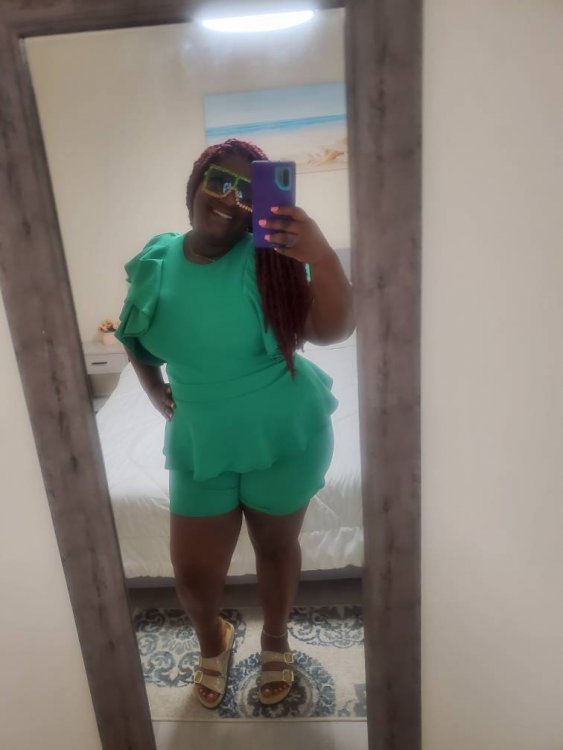
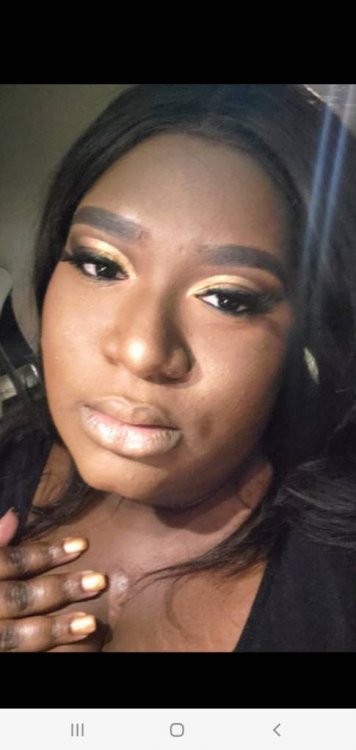
Sent from my SM-N975U using BariatricPal mobile app

  • Replies 3
  • Views 3k
  • Created
  • Last Reply

Top Posters In This Topic

Posted Images

Featured Replies

Welcome! Read as much as you can and follow all of your team's instructions as well as you can. Remember that everyone's journey is different. Don't expect to lose all your weight overnight; this is a process and it takes time. Good luck!

Welcome! Congrats on this big change!

Search for the May 2022 surgery buddies thread and it's a good place to keep up with others who are going through all of it at the same time.

Sent from my SM-G975U using BariatricPal mobile app

Welcome and congratulations on your surgery date. This is a heck of a journey you are in for. Check out the may surgery thread to find others at the same stage as you.

Join the conversation

You can post now and register later. If you have an account, sign in now to post with your account.

Guest
Reply to this topic...

Trending Products

PatchAid Vitamin Patches

Account

Navigation

Search

Search

Configure browser push notifications

Chrome (Android)
  1. Tap the lock icon next to the address bar.
  2. Tap Permissions → Notifications.
  3. Adjust your preference.
Chrome (Desktop)
  1. Click the padlock icon in the address bar.
  2. Select Site settings.
  3. Find Notifications and adjust your preference.