Skip to content
View in the app

A better way to browse. Learn more.

BariatricPal

A full-screen app on your home screen with push notifications, badges and more.

To install this app on iOS and iPadOS
  1. Tap the Share icon in Safari
  2. Scroll the menu and tap Add to Home Screen.
  3. Tap Add in the top-right corner.
To install this app on Android
  1. Tap the 3-dot menu (⋮) in the top-right corner of the browser.
  2. Tap Add to Home screen or Install app.
  3. Confirm by tapping Install.
  • Appearance

Join BariatricPal free

  • Ask your own questions
  • Reply and follow topics
  • Message other members
  • No cost, no spam

Sleeve

  • Replies 4
  • Views 1k
  • Created
  • Last Reply

Top Posters In This Topic

Posted Images

Featured Replies

Cool... and welcome to the page. So if you want to share (you dont have to) What is your height and weight? What made you choose Sleeve? and is Insurance covering it or self paying?

Welcome to the group, Herenia. Let us know how it goes. Update your profile information if you want to and take time to explore the many threads here that provide lots of useful and helpful information about anything and everything WLS related.

Welcome Herenia. I have found this group to be the absolute best resource for information as well as support. I hope you do too.

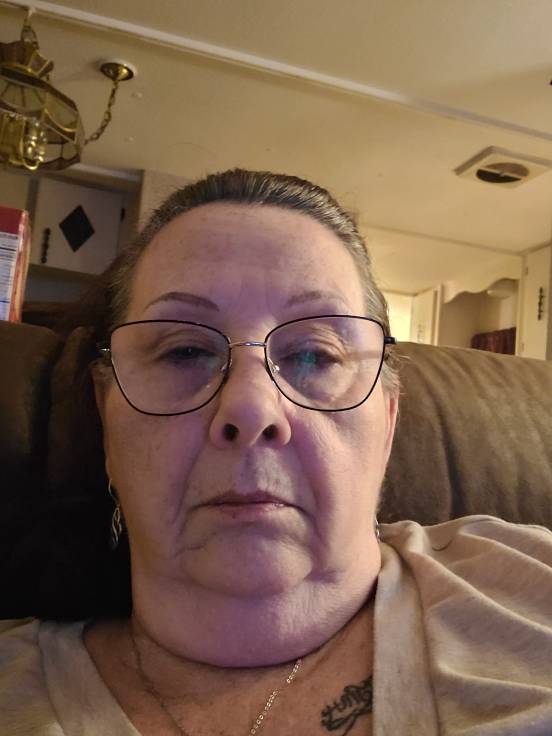
Hi just starting, surgery is scheduled for 4/21. Very nervous wondering if I can stick to the pre requirements mostly the 2 week liquid diet. However I really want this surgery. I an 64 been overweight my whole life. Of course I have lost and gained but never able to keep it off. This surgery feels right but still very nervous!20220211_195930.jpg

Join the conversation

You can post as a guest; create a free account to track replies, follow topics, and be part of the largest weight loss surgery community.

Join the conversation

You can post now and register later. If you have an account, sign in now to post with your account.

Guest
Reply to this topic...

Account

Navigation

Search

Search

Configure browser push notifications

Chrome (Android)
  1. Tap the lock icon next to the address bar.
  2. Tap Permissions → Notifications.
  3. Adjust your preference.
Chrome (Desktop)
  1. Click the padlock icon in the address bar.
  2. Select Site settings.
  3. Find Notifications and adjust your preference.