




6 months post op w/ pics
- Replies 31
- Views 4.4k
- Created
- Last Reply
Top Posters In This Topic
-
BlueEyedAngel28 6 posts
-
firefighter3158 5 posts
-
Walter.Sobchak 2 posts
-
frust8 2 posts




Most Popular Posts
-
Wowsers, you went from Hmmmn to Smoking Hot, so cute so fine and so much where I hope to be. I can't duplicate the cuteness factor but with work I can present that size body to the world. You inspire
-
Thank you. words cant explain the way you will all feel. i waited 6 years to get this surgery but now that i finally got it. i sit here and wonder y i didnt do it sooner. Sent from my SM-S120VL usin
-
posting pics, i dont mind at all i want to show every step along the way. dont give up and always believe u can do whateva u set ur mind to. i am so proud of myself. Sent from my SM-S120VL using Bar
Featured Replies
Join the conversation
You can post as a guest; create a free account to track replies, follow topics, and be part of the largest weight loss surgery community.
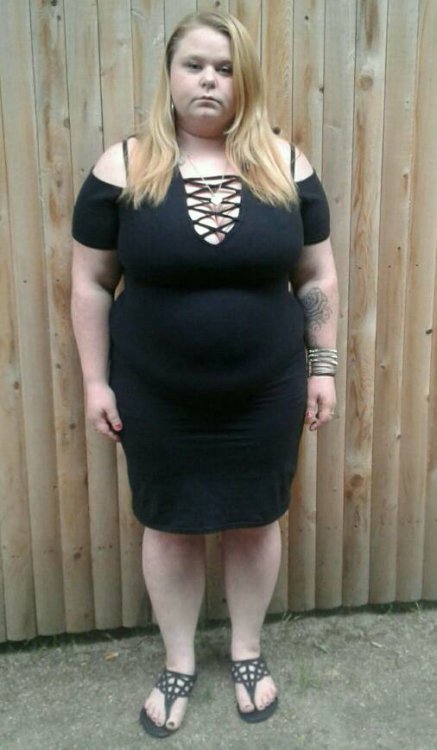
I weighed 232lbs 6 months ago now down to 160lbs. Feel like a whole new person
highest weight: 274lbs
surgery weight: 232lbs
current weight: 160 lbs
goal weight: 150lbs
.

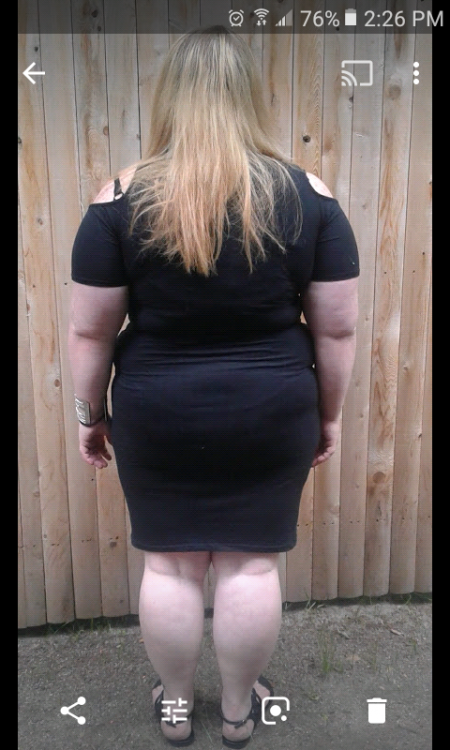

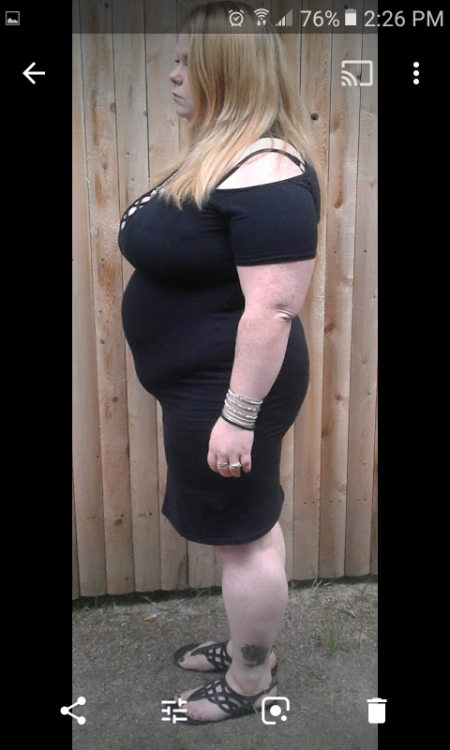

Sent from my SM-S120VL using BariatricPal App