



Run SS sun
- Replies 1
- Views 623
- Created
- Last Reply
Featured Replies
Archived
This topic is now archived and is closed to further replies.

A better way to browse. Learn more.
A full-screen app on your home screen with push notifications, badges and more.
This topic is now archived and is closed to further replies.
Today starts my log after my surgery on Monday November 27th I'm a little bit scared and worried
because I'm having acid reflux problems really bad .this is my picture before my late weight loss and I'm going to do my darndest to change my lifestyle .I know there will be ups and downs. but, this is my first entry to the beginning my life over I am a mother of two older children I have no grandchildren my kids are out of the house .I am a single woman I'm doing this for me because I deserve to make me better and healthier.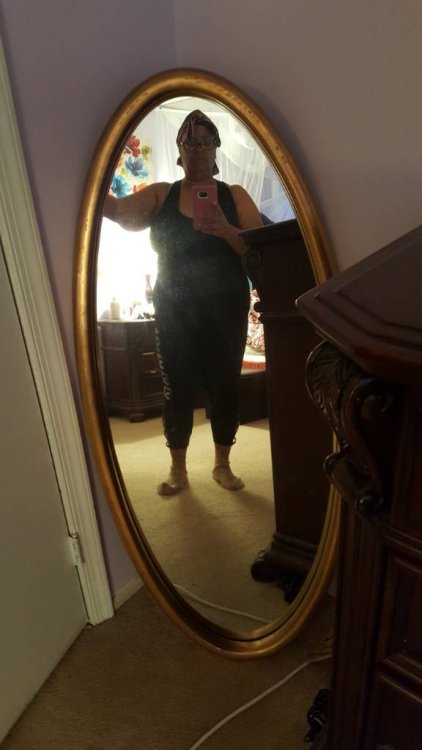 here's to the beginning of my new life
Sent from my SM-N920P using BariatricPal mobile app