Skip to content
View in the app

A better way to browse. Learn more.

BariatricPal

A full-screen app on your home screen with push notifications, badges and more.

To install this app on iOS and iPadOS
  1. Tap the Share icon in Safari
  2. Scroll the menu and tap Add to Home Screen.
  3. Tap Add in the top-right corner.
To install this app on Android
  1. Tap the 3-dot menu (⋮) in the top-right corner of the browser.
  2. Tap Add to Home screen or Install app.
  3. Confirm by tapping Install.

SURGERY TOMORROW!

So my surgery is tomorrow, and I made the mistake of not asking off today. I didn't know that I had to drink a whole bottle of magnesium citrate today so today will be interesting... I'm super excited for tomorrow though!

  • Replies 10
  • Views 737
  • Created
  • Last Reply

Featured Replies

Yes, you will need to stay close to the bathroom after drinking the magnesium citrate. :)

Congratulations on the arrival of your surgery day! I wish you the very best and a speedy recovery.

Best of luck, and wishing you a speedy recovery!

  • Author

Thank y'all!


3 hours ago, Mallory95 said:

So my surgery is tomorrow, and I made the mistake of not asking off today. I didn't know that I had to drink a whole bottle of magnesium citrate today so today will be interesting... I'm super excited for tomorrow though!

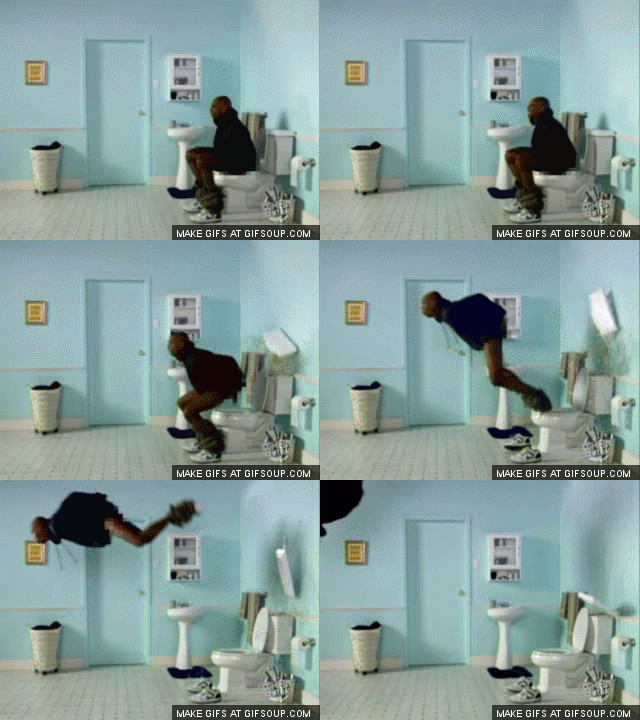
While this probably won't be fun for you, it is hilarious and thanks for sharing!!

dave-chappelle-power-deuce-o.gif

  • Author

Thank you!


Good luck! I've read a lot of people have to drink the magnesium citrate. Oddly, I wasn't given those instructions (luckily!)


I was told to drink 2 tablespoons in the morning and 2 tablespoons in the evening. You have to drink the whole bottle?


  • 3 weeks later...

I did the same and had to leave work early!


This great information that I did not know, I was planning on working day before also. I'm still in the pre-op phase, so I will surely ask my surgeon! Good Luck to you! [emoji2]


Archived

This topic is now archived and is closed to further replies.

Trending Products

PatchAid Vitamin Patches

Account

Navigation

Search

Search

Configure browser push notifications

Chrome (Android)
  1. Tap the lock icon next to the address bar.
  2. Tap Permissions → Notifications.
  3. Adjust your preference.
Chrome (Desktop)
  1. Click the padlock icon in the address bar.
  2. Select Site settings.
  3. Find Notifications and adjust your preference.