Start here
Where are you in your journey?
Choose the path that fits today. We’ll take you to the most useful discussions.
- GLP-1 medication Zepbound, Wegovy, access, side effects, progress, and support.
- Before surgery Compare procedures, plan ahead, and get honest pre-op answers.
- Post-op Recovery, food stages, symptoms, and support.
- Long-term Regain, labs, habits, and life after the honeymoon.
- Revision Explore revision options, complications, and next steps.

cmg10888
LAP-BAND Patients
-
Joined
-
Last visited
-
yea ive heard nothing but great things about dr. teng. i cannot wait. thank you! and i will definately keep you all posted!
-
cool! and wow you have quite the progress, congratulations on that. 22 to a 6 wow. im a 20 right now, i hope to be in a 6, that would be wonderful!
-
Current, not banded yet., a weight loss surgery photo album by cmg10888 on BariatricPal. 8 photos in Member Photo Gallery.
-
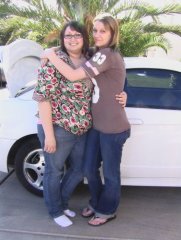
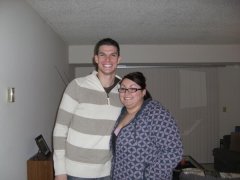
Hello All, Im Tina, i am a 19 year old female living in Las Vegas, NV. I am 5'8 and weight 269.5 pounds. I am getting Banded on July 24th, 2008 by Dr. Teng here in Las Vegas. I cannot wait to start my life over and finally be active again. I plan to post pictures and tell you all about my journey. Sincerely, Tina