Start here
Where are you in your journey?
Choose the path that fits today. We’ll take you to the most useful discussions.
- GLP-1 medication Zepbound, Wegovy, access, side effects, progress, and support.
- Before surgery Compare procedures, plan ahead, and get honest pre-op answers.
- Post-op Recovery, food stages, symptoms, and support.
- Long-term Regain, labs, habits, and life after the honeymoon.
- Revision Explore revision options, complications, and next steps.

Beella
Pre Op
-
Joined
-
Last visited
-
-
-
-
-
-
-
I feel stuck I'm in a stall I'm not losing!! [emoji55]
-
-
-
Keep it up you got this
-
OMG! Glad they found it! [emoji55]
-
-
-
-
-
Thanks for sharing [emoji41]
-
Great job! Training for 5K plus weight lifting helps
-
-
-
Go girl! Yes! Congratulations
-
-
Amazing! You're looking good
-
-
-
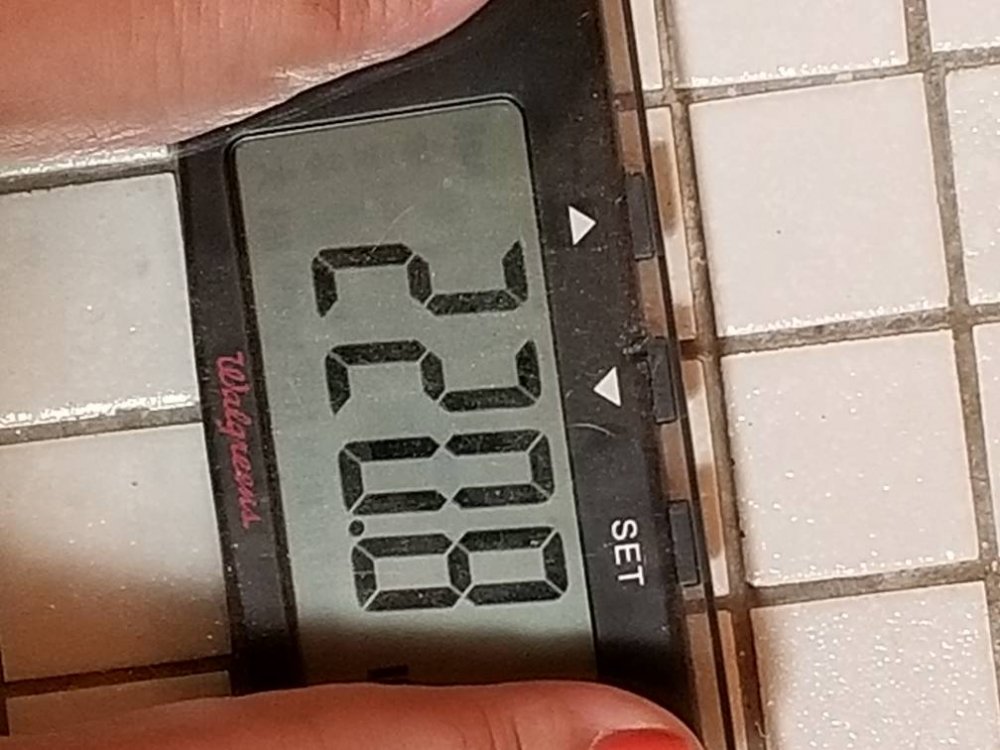
It can be done! Still healing drinking a lot of water, walking. I was in a stall for two weeks! Want to strat swimming soon 2x a week !
-
Yes I m sorry for your pain. Thank you for your support and help.
-
[emoji41]
-
I would love to get into half marathons and 5ks. Looking for all kinds of charities my favorite breast cancer: all cancers diabetes etc. Thank you for sharing.
-
You are doing it! Look great and younger! You children must be proud. Healthy lifestyle keeps you going. Thanks for sharing [emoji41]
-
Looking good & younger
-
Keep it up!
-
Agree


.png "Care")