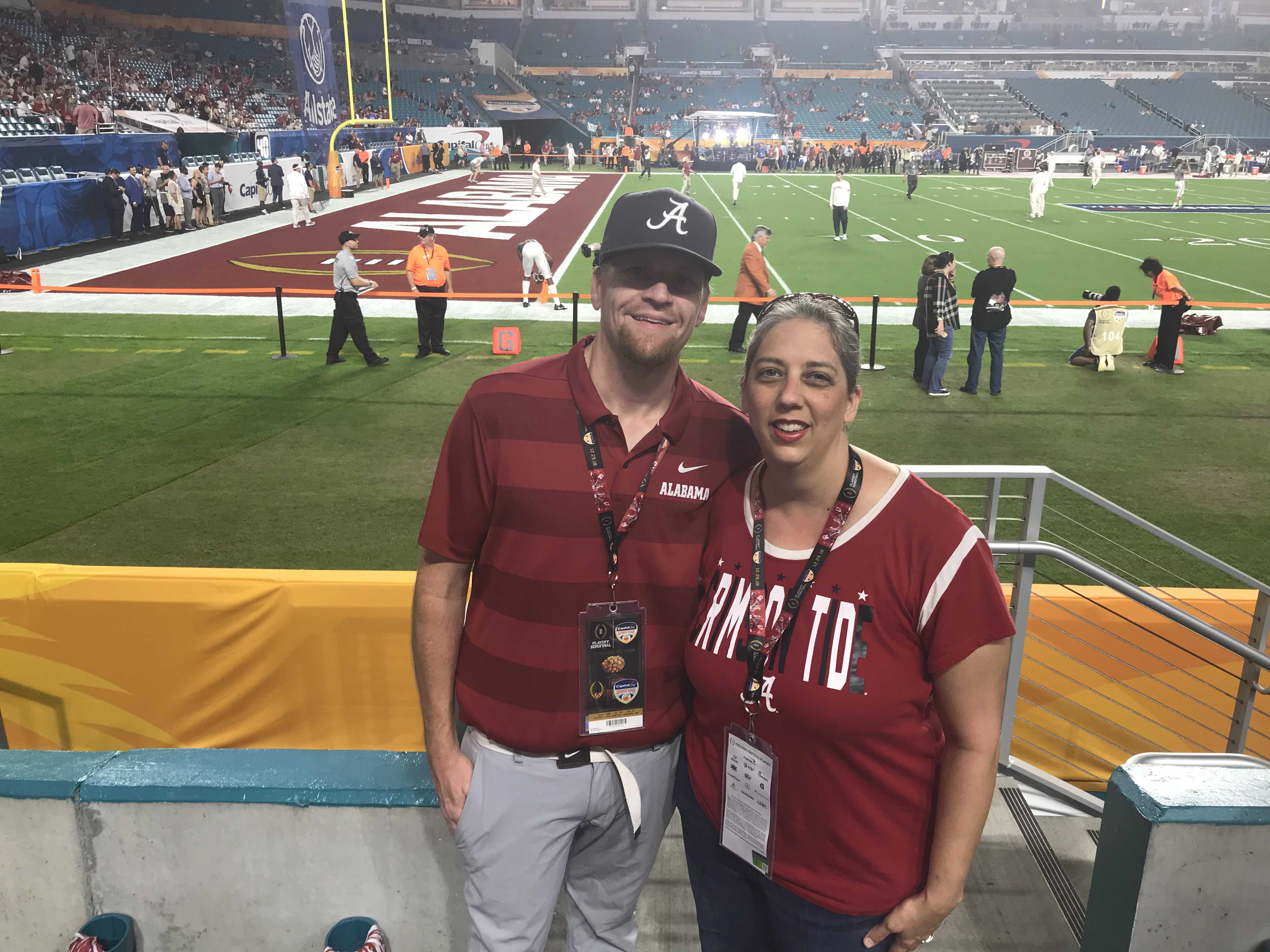
wade5901
Pre Op
-
Joined
-
Last visited
-
-
-
-
-
I need some Advice. Through the past year I have struggled I let people tell me that I had lost to much and look sickly I went from 400 to 218 I’m back up to 275. The snowball effect is killing me. I need some advice to get this back in check.
-
I’m drinking a shake usually consists of 200 to 300 calories
-
-
Hello everyone. I know I have done ok I’ve lost over 174 since surgery my low has been 216 I’m currently 223. I know I need to exercise more. My schedule consists of the following 4:30-5:30– I drink a protein shake 7:00-7:30– cup of coffee 12:30-1:00-eat lunch 5:45-6:15-dinner I know it’s head hunger and I eat more at night lately, but even when doing good I can’t get consistently past 230 what if any recommendations do you guys have. Also when did you guys stop losing weight I’m at 2.5 years out just wandering
-
-
-
I’ve been struggling lately with to much eating or eating the wrong thing. Still not eating a lot just getting past Christmas. I’ve had some issues with digestion like everyone else and a previous (TMI warning) anal fissure. Miralax instead of Stool softeners are being used. If it wasn’t for the fissures I would use more fiber. I would like to get back on track and I feel it starts this week. My late night 32oz of tea is not helping Got to cut it out. I’m trying more KETO oriented diet. Body Tech protein every morning I love the cinnamon cereal. I was just checking how is everyone else doing.
-
-
-
I have gone off the deep end with snacks and sweets of late I’m trying to reign it in. I dot have any sweet recipes would love to see some. But here is what I did for sausage balls 1/2 lb of sausage (I used venison) 1/2 cup of cheddar cheese 1/2 cup of pecan meal( if you have any other ideas for a binder I’m all ears) Baked on 350 for 30 minutes turned out great Shoot your Christmas recipes
-
Mine hurt on left. And I thought I was having acid reflux but my back was killing me.
-
-
Going through weekend on fiber and protein I have been going to bathroom but I don’t feel I am completely vacating my bowels. And I’m straining as a person with hemroids and fissures I am scared to strain. I’m getting enough water and liquid I’m going to try to get 90 oz or more of water today. I don’t like straining I can’t use a stool at work.
-
-
Ok let’s settle this I have just got rid of the miralax. I have used chia seed but know they can cause constipation. I eat a bunch of kale lately. What does everyone prefer.
-
Guys I’ve done relatively good I was sleeved 4/2017 I was 398 today 7/2018 I’m 220. My problem at one time was bowel movements with a little TMI i had hemroids and fissures. Finally got over that with heavy dosage miralax and stool softeners with stimulants. I am now using miralax since it is an osmotic and not stimulant in morning and at in afternoon. I’m not sure what long term effects will be. Since I only eat a protein shake in the morning and a small lunch and small dinner usually 1 cup per meal it’s hard to get fiber in. I also feel that lose stuffed and heavy if I don’t take the miralax.
-
I really don’t have a goal I was stuck between 250 and 240 since December and was getting frustrated. I went back to measuring my food and started losing again losing weight is addictive so I would like to see how far I can go.
-
I’m feeling good started out at 398 the day of surgery. Today I was 237.8 I have had to have my gallbladder out because of weight loss. I have had to same issues as everyone else with constipation which as caused a few other problems especially since December/ January. But miralax and stool softeners with stimulants have helped. I’ve noticed more energy from working in the yard to playing with the kids and other things. I started kayak fishing, my golf swing has struggled due to no belly being there to be a swing guide. It’s been something for the best.
-
Sleeve and I’m not really taking any right now
-
Does anyone have any recommendations on vitamins I’ve noticed my hair feeling a little different I was also told recently that if I don’t take vitamins regularly it will slow down my weight loss which I think it has. So I would love to here some recommendations
-
I lost around 140 quick around 6.5 months . Then in November I had gallbladder removed due to weight loss. Lost 10 more that week I’m sitting at 250 right now. The stomach issues I’m having which means I’m in the bathroom a hour or so after I eat. I’m constantly hungry now I’m still limiting to a cup per meal and I go over every now and then. I have not lost weight In 2 months I’m getting a little worried I’m falling off the wagon. I counted my calories today and they are around 1000 when I get done with today and imagine that will be the same or less. But this hunger of food going through me is killing me I want to start losing again.

.png "Care")