jennjones5
Pre Op
-
Joined
-
Last visited
Everything posted by jennjones5
-
I thought about 6" vs 6' after I posted. You all know what I mean. Also I don't count calories[emoji43].
-
There's a big difference yeah but I've been able to eat that easily since I was able to eat solids! I just think everyone is different and experience different things!
-
I can eat a whole 6' sub with all the fixings without any issues. I'm 6 months out and have lost 133lbs but I also work out 2hrs a day and lift weights. I believe you need those calories to keep your energy. Also, everyone is different and their meals plans are as well. So keep doing what your doing!
-
Hello. Surgery 12/2/15 SW 333 CW 215. Couldn't be happier!!



-
I was sleeved December 2nd my starting weight was 333, SW 299 and CW is 220. I'm 5'11" and 34yrs old. Good luck with your journey!

-
I'm sorry. I feel the same way. I'm hoping that we can figure this out. I want to be happy with life that's one of the reasons I made the decision for surgery.
-
I'm sorry that's happening to you. It's very odd I expected this to be a positive thing for the both of us and it is not. Thank you for sharing your story with me.
-
I don't want to go into details about my life but the more weight I loose the more distant my husband has become. I figured my weight loss would of had the opposite effect. I have invited him to the gym with me. I'm working more than before to help pay for some family summer trips. So needless to say our quality time is limited. He makes remarks about my "boyfriend" he thinks I might have. I get the cold shoulder constantly. I literally work 50+ hrs a week and go to the gym and I'm home with the kids. Why do I feel so guilty for that? I just wasn't prepared for this! Also before I lost weight everything was great. We may of had a small handful of arguments in the last 5 years of marriage. And yes I have invited him to the gym and been denied. Has anyone had this happen to them?
-
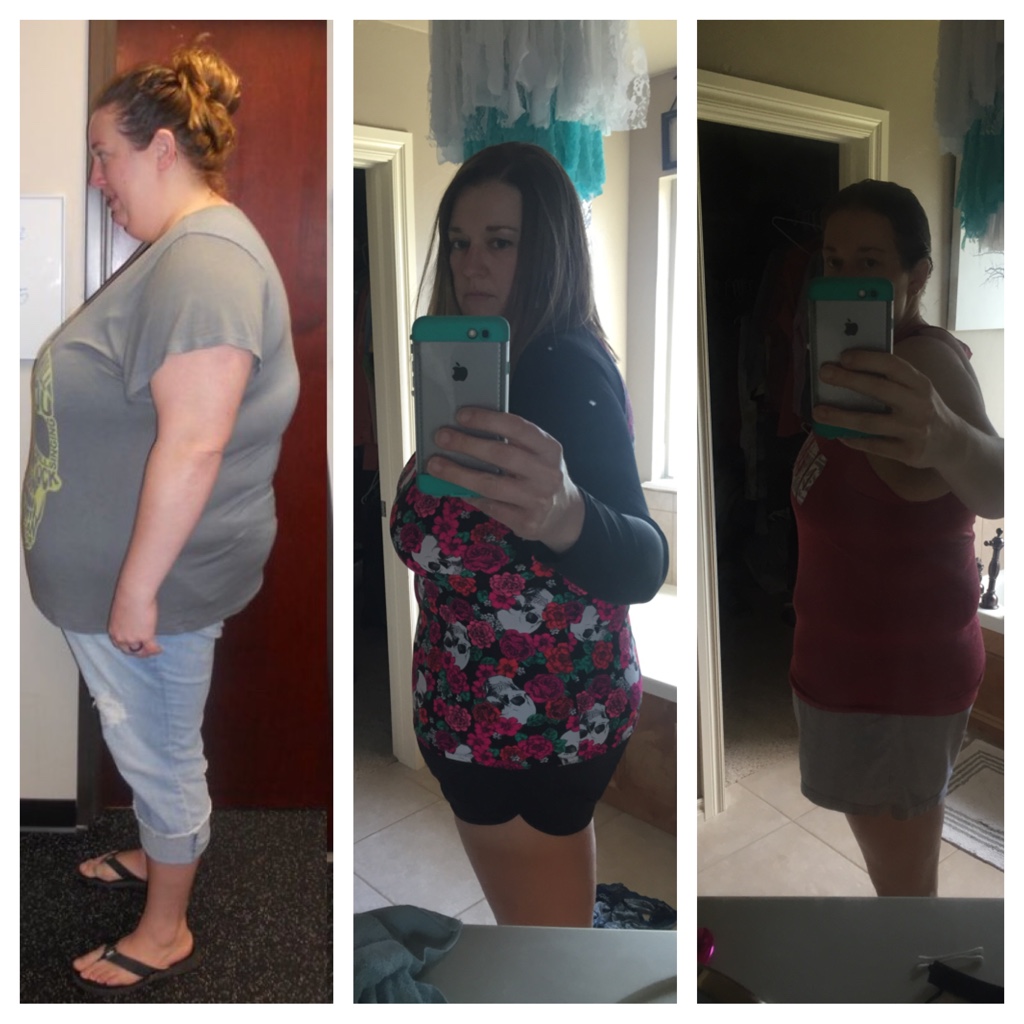
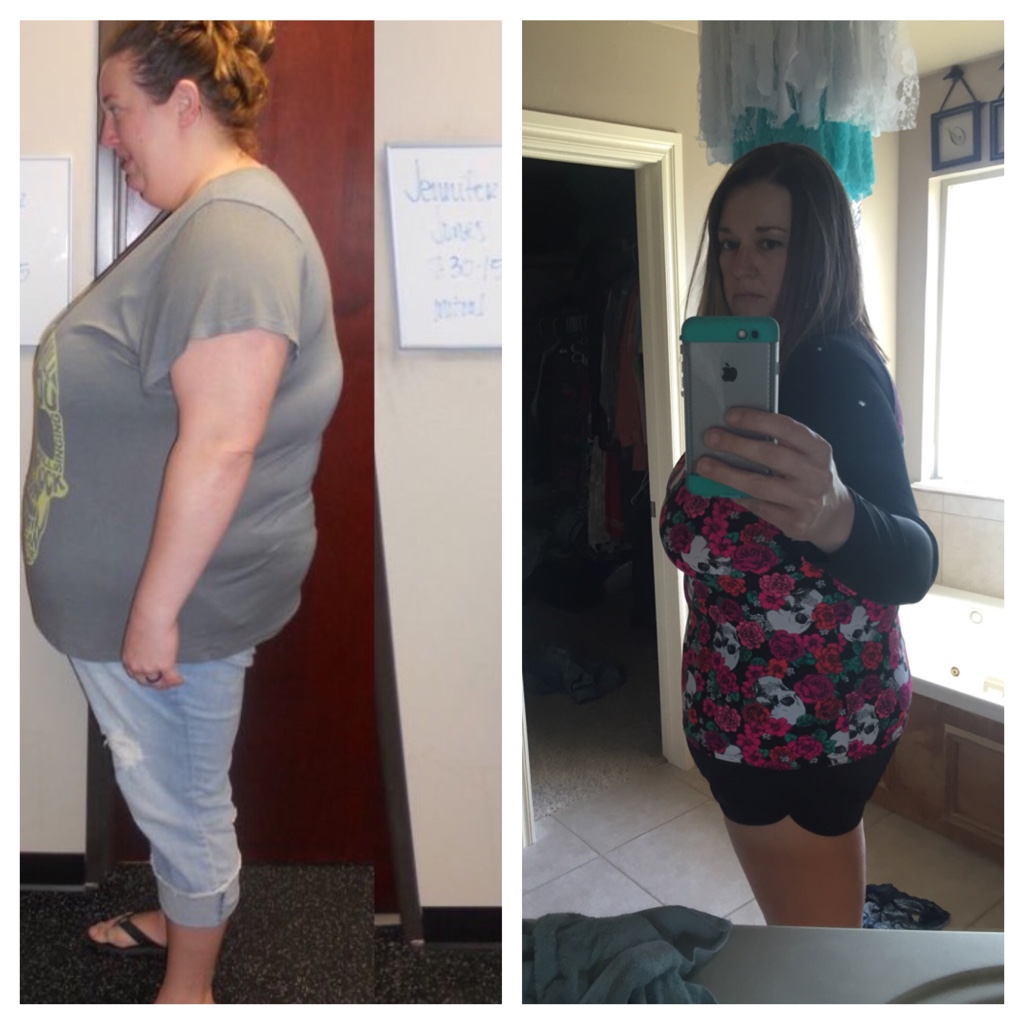
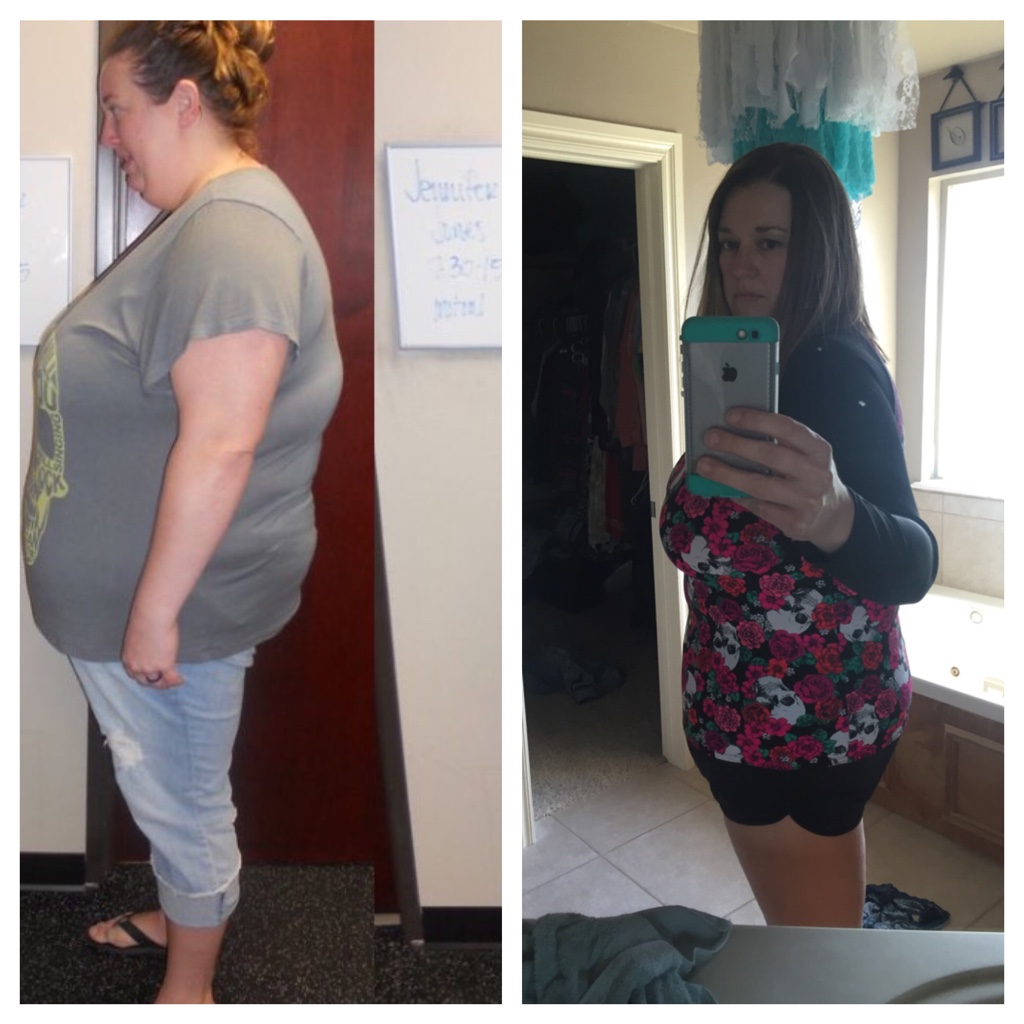
Heres 100lbs gone forever.

-
All these stories/pics are inspiring! Thanks for sharing!![emoji3] All these stories/pics are inspiring! Thanks for sharing!![emoji3]
-
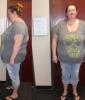
I started this journey July 2015. I was sleeved 12/2/15. Starting weight 333, Surgery weight 299, Current weight 233. I decided to post since I'm at my 100lbs weight loss!!!



-
I had surgery on 12/2/15 and my SW was 333, SW 299, and current weight is 250. I'm excited about the future my goal is to be 180!!
-
. What is your starting weight... What are you doing to lose the weight so fast My starting weight was 333lbs. SW 299 last dr apt two weeks ago was 271lbs I weight myself a couple days ago and I weight 260. Oh and I'm 5'11", I follow my surgeons instructions and I drink 96 oz of Water a day, take all my Vitamins, I eat three meals mainly Protein with vegetables no Snacks between. And I exercise about 5-6 days a week for about an hour to an hour and half. My exercising consist of swimming, walking and yoga.
-
. What is your starting weight... What are you doing to lose the weight so fast
-
I'm new to this site. I was sleeved 12/2/15 and I'm down 62 lbs!! I don't have a lot of full body shots but maybe when I get to my goal weight I'll have more! I love seeing all the pictures they give my hope and excitement for the future!


-
I'm a week out from surgery and I have lost 6lbs during that week. I noticed today that my abdomen looks larger then before. I have been blaming swelling and irritation from the surgery. If that's true or not I'm not sure, but anywho just wanted to say I'm having the same thing going o with me hopefully it's just one of this things!
-
I was sleeved on 12/2 I have a lot of gurgling and gas like some of you but I have noticed my stomach acts up more with cold liquids. I am on a full liquid diet for two weeks. Then I get to advance to a soft diet. It's an all day struggle to get all my liquids in and I have yet to get any of my proteins in. I just hope the stomach gurgles and gas are a short term thing?