Start here
Where are you in your journey?
Choose the path that fits today. We’ll take you to the most useful discussions.
- GLP-1 medication Zepbound, Wegovy, access, side effects, progress, and support.
- Before surgery Compare procedures, plan ahead, and get honest pre-op answers.
- Post-op Recovery, food stages, symptoms, and support.
- Long-term Regain, labs, habits, and life after the honeymoon.
- Revision Explore revision options, complications, and next steps.

sugabear44
Gastric Sleeve Patients
-
Joined
-
Last visited
-
-
-
-
-
-
-
-
u look so much younger now,wow...congrats
-
u look amazing,good job,hope I reach tht goal,I wnt to be 155
-
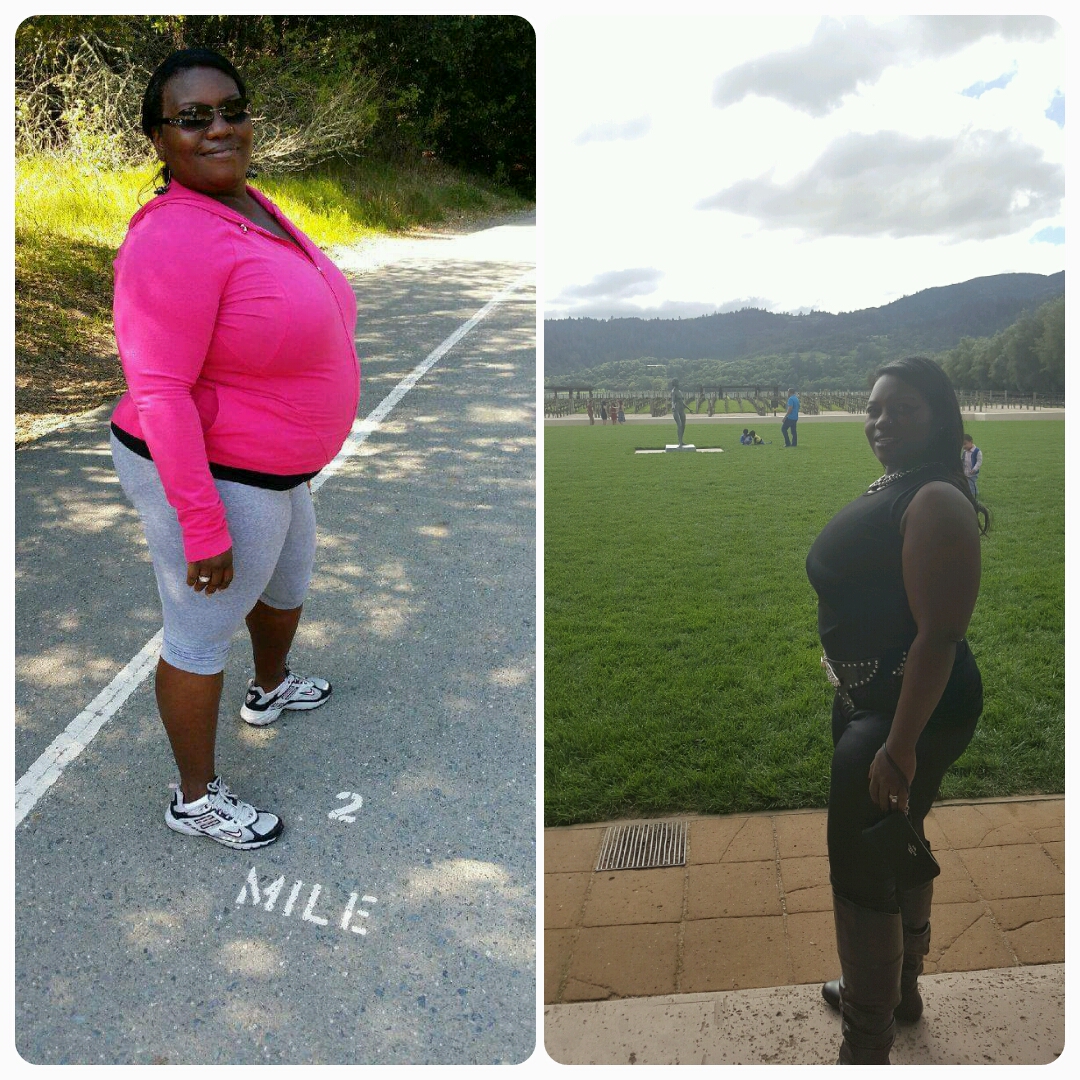
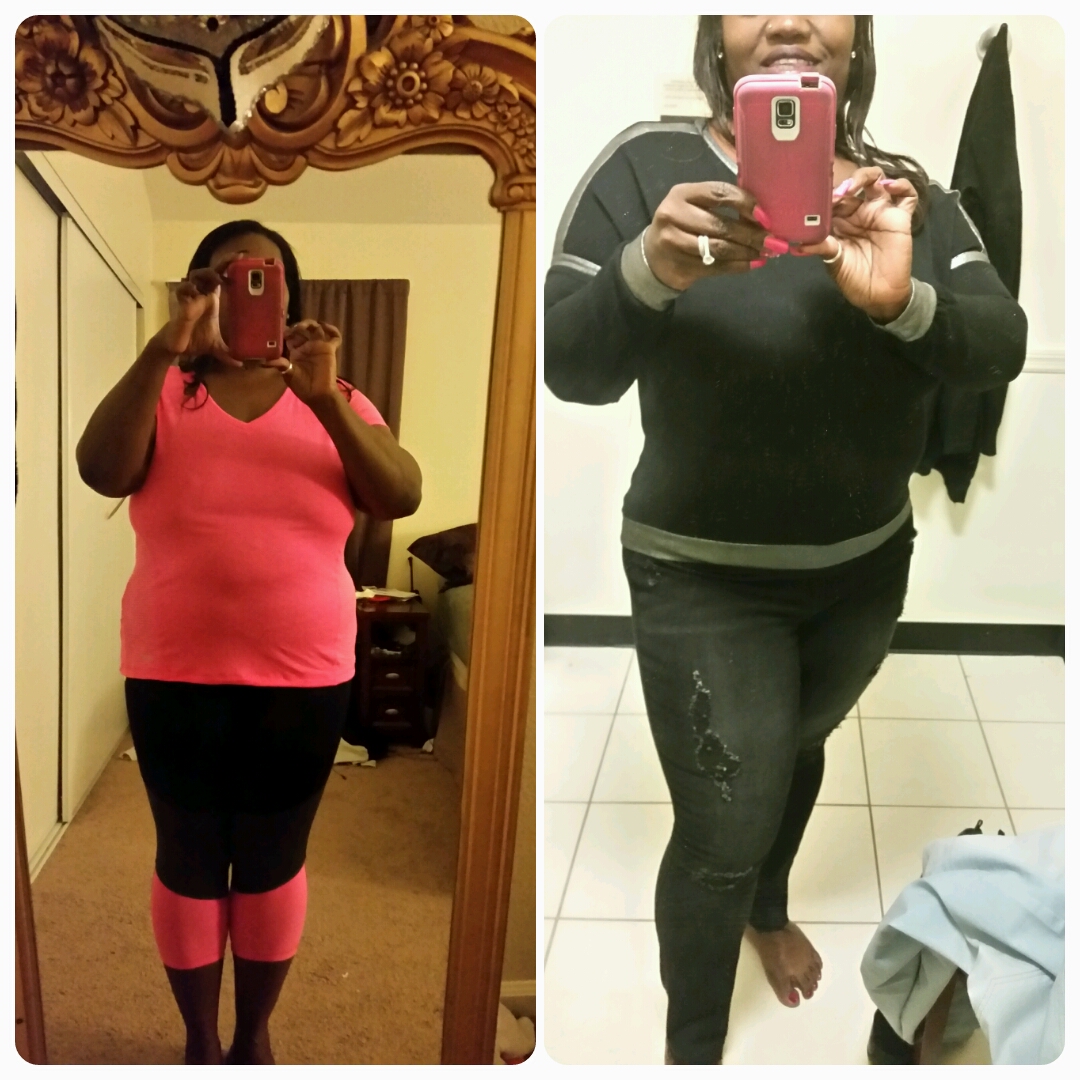
Today I am 1 month shy of being 1yr sleeved and I feel awesome,best decision I could of made. Sw:303 Cw:174 Gw:155

-
wht was your beginning weight and weight now?
-
HTTereHere is is my before and after waist training plus the sleeve,still need t training plus the sleeve, lose 20lbs for gw,Tobut im 10 months out on today


-
wht u mean u dnt hv much to show u look awesome,look at tht b4 pic the now looks like half in yo tummy area,keep up the good fight!
-
Wow,awesome,that was my beginning weight,how long it tk u to get ther?
-
Aha,nice
-
please tell me how did u get rid of the belly,iv lost over 80lbs but muffin top not leaving,its shrunk some,but not gone,yours is completly gone,you look awesome!
-
you look awesome,thts my weight goal 165 and im almost 7 months out but sw was 303 now 220
-
great job,u look awesomeToday is 5 months post op started at 303 now 218 40 more to goSt


 Today is 5 months post op started at 303 now 218 40 more to goSt