





Mremilio
Pre Op
-
Joined
-
Last visited
-
-
-
-
-
-
-
-
-
-
-
-
-
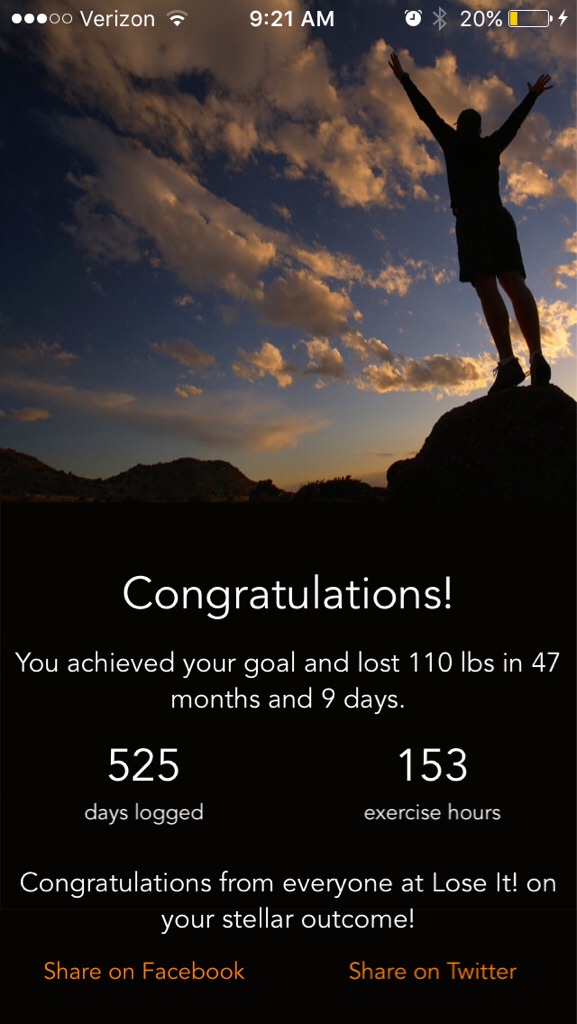
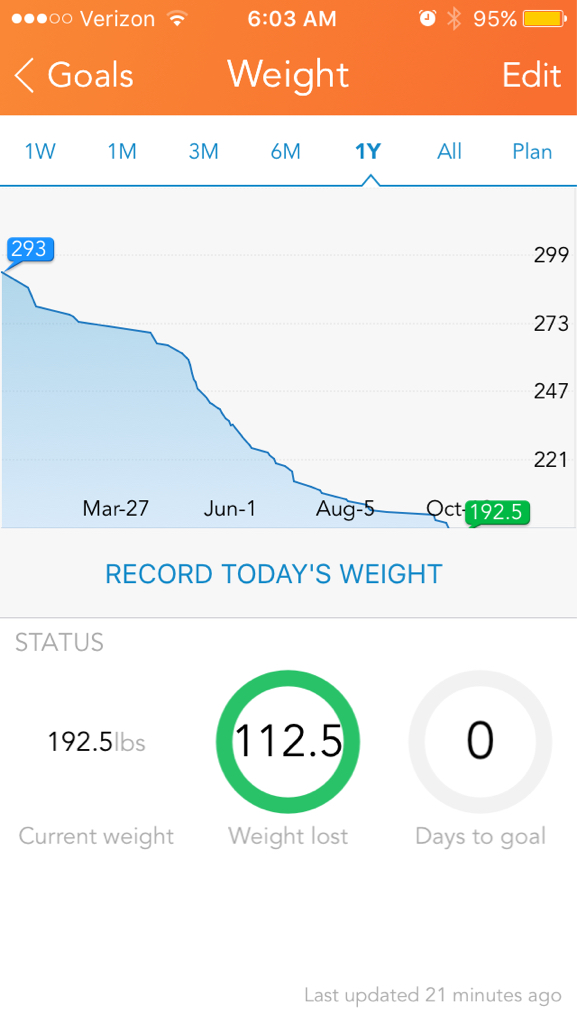
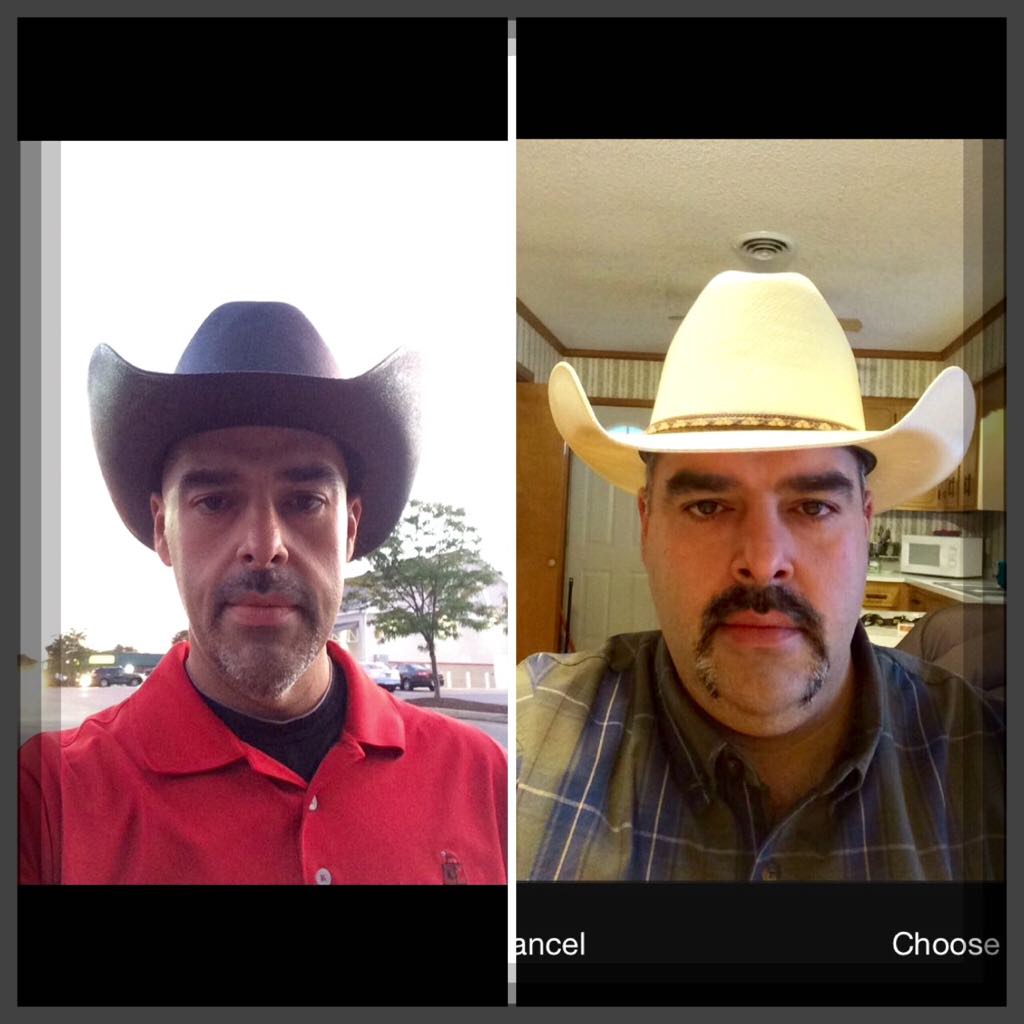
That's great progress! I do Zumba as well I love it! Congrats on your success. ❤️ I think you should increase calories and you will loose more weight. Just a thought. ????????I do excise at 530-630 am 7am Drink homemade Protein shake peanut butter/banana and take Vitamins 10 am Greek yogurt and Protein Bar 1230 subway sandwich turkey or roast beef(remove top bread) and oatmeal raisin cookie 3pm Premier Protein ready made shake 6pm any meat with a little veg and maybe a little rice or bread(LITTLE) 8pm 4 oz ice-cream or small piece of cake After that only s/f ice pops or Water or no cal tea....Congrats and your doing great. I lost all my weight just walking cycling and stretching..... Be careful cause I injured back and hip lifting and could not do any exercise for a few weeks. There something about losing a lot of weight and your muscles and connective tissue becomes loose and it my be easy to hurt yourself and or have pain in some areas.it will go away slowly. Don't stop.... Keep going....❤️It's called lose it and it's available on android or Apple ????????Same here.....305 starting weight 268 surgery weight 197 current weight I got to 205 and it started loose about 1 lbs / week Then stalled for 4 weeks.... I was eating about 1500 calories /day and 1 hr light cardio 4 times /week Since my goal is to get to 190 it didn't bother me and waited it out , also change walking/ light cardio and did cycling 1 hr day 6 times week. Stayed with 1500-1800 calories/ daily I think your body needs a rest sometimes from loose weight. Also started doing cycling at 530am to 630 am and did not eat before doing cycling ( only water)Did u have sleeve or bypass.... The big difference between is cause your stomach is removed, so is grehlin producing "sensors"Please don't let anyone or anything bring you down. I know it hurts but just keep going and let your actions speak louder than your words. When I have heard enough, I go Walking or cycling. You will do. You will conquer.Hi Lisa d Three meals and 1 hi protein snack is what my nut said...if I did that it would be more like 3.5 hrs in between.....????My nut instructs me to eat every 2 to 3 hours - if I don't I would not get my Protein in or enough calories

Account
Navigation
Search
Configure browser push notifications
Chrome (Android)
- Tap the lock icon next to the address bar.
- Tap Permissions → Notifications.
- Adjust your preference.
Chrome (Desktop)
- Click the padlock icon in the address bar.
- Select Site settings.
- Find Notifications and adjust your preference.
Safari (iOS 16.4+)
- Ensure the site is installed via Add to Home Screen.
- Open Settings App → Notifications.
- Find your app name and adjust your preference.
Safari (macOS)
- Go to Safari → Preferences.
- Click the Websites tab.
- Select Notifications in the sidebar.
- Find this website and adjust your preference.
Edge (Android)
- Tap the lock icon next to the address bar.
- Tap Permissions.
- Find Notifications and adjust your preference.
Edge (Desktop)
- Click the padlock icon in the address bar.
- Click Permissions for this site.
- Find Notifications and adjust your preference.
Firefox (Android)
- Go to Settings → Site permissions.
- Tap Notifications.
- Find this site in the list and adjust your preference.
Firefox (Desktop)
- Open Firefox Settings.
- Search for Notifications.
- Find this site in the list and adjust your preference.