foevlo
Gastric Sleeve Patients
-
Joined
-
Last visited
Everything posted by foevlo
-
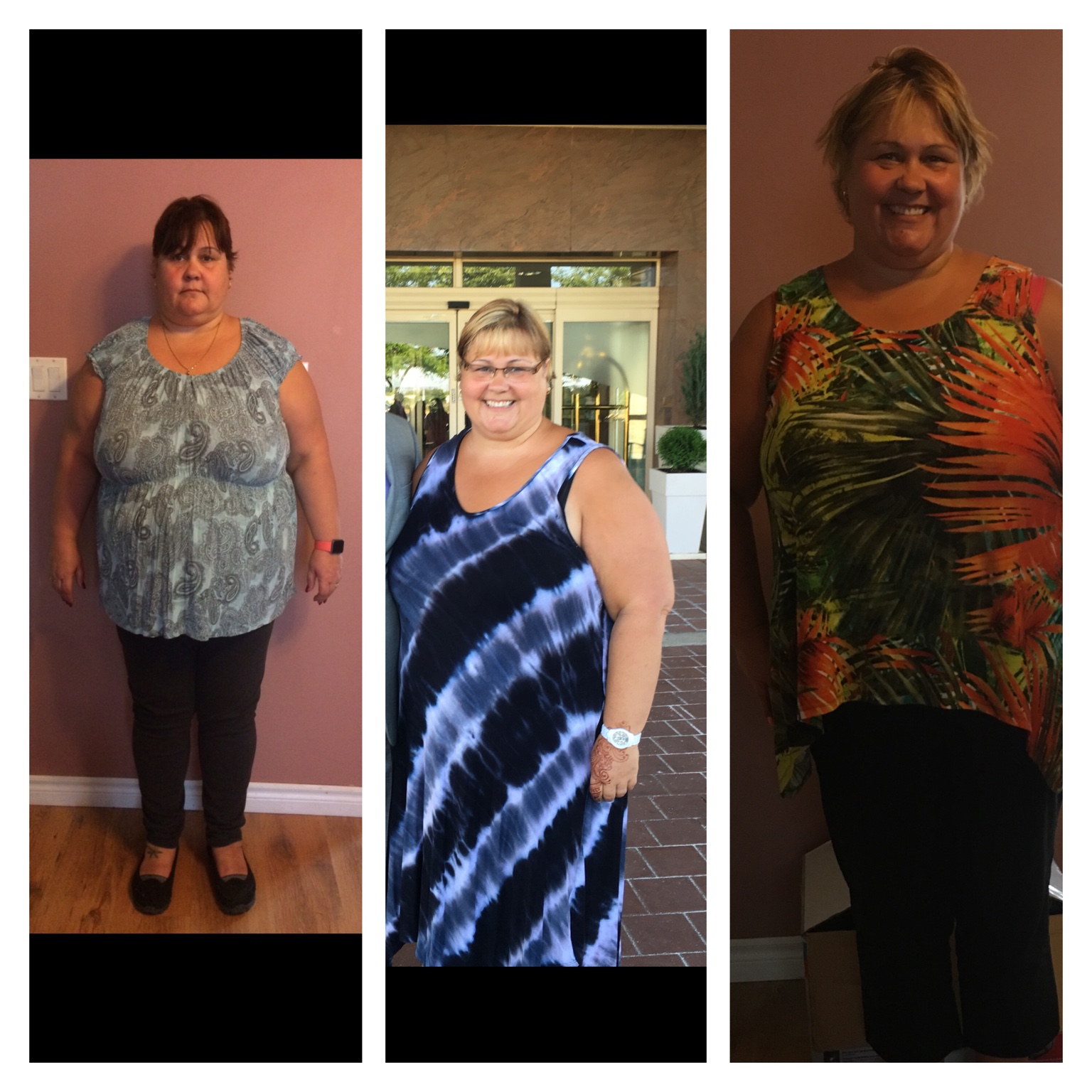
Has anyone had a Duodenal Switch. I had my sleeve a little over a year ago and have lost 95lbs. I am considering having the DS to help with additional weight loss. Has anyone out there done it or thought of doing it?
-
I agree with both of you. I am going to look into seeing someone to deal with the food issues.
-
I Agee that my relationship with food must change. I am working on that battle everyday. I just keep slipping no matter how hard I am trying. The new habits are not as easy to follow as the old ones.
-
My dr told me when I got my sleeve last April that I can have a DS in a year. Has anyone done this? I've lost 100lbs but still am 250 and have a bmi of around 40. I am going to see dr in April just wanted some feed back first
-
Help! I am eating badly and every time I get back on track I last a few days and then I'm doing it again. Am I doomed to gain my weight back. I'm down 100 lbs from my sleeve surgery. My surgeon told me at one year I could have a duodenum switch has anyone done that? Should I even do it if I'm not focused on changing? Grrr I wish I had the answers.
-
You look amazing. Keep that beautiful smile girl you deserve it Sent from my iPhone using the BariatricPal App
-
Just hit 101lbs at 9months post op and feeling darn good about it. Doctors say i'll only lose 30% from surgery and that will be 105lbs so I have gone back to weight watchers to lose another 50lbs to bring me down to onederland. Has anyone else have to go back to old diets to make it work?? Also, im scared im stretching my stomach. I can eat quite a bit now. Looking for people feeling and experiencing the same thing Sent from my iPhone using the BariatricPal App
-
262 Sent from my iPhone using the BariatricPal App
-
263 Sent from my iPhone using the BariatricPal App
-
Feeling proud of my progress. I can't believe it's been 6 months. I'm down 86lbs from the pre-surgery weight of 350. I have struggles with eating too fast and then getting sick from it and I getting worried about cravings taking over and leading me down a path I hoped was gone forever. Despite these two hurdles i am pushing through and losing weight slowly. At 264lbs I am much more mobile and even though I have chronic pain, I am able to move around more. I need to start going to workout but I really hate it and haven't found the motivation to get my behind down there. (I have a membership). I keep reading about people's successes on this site and am hoping to get myself moving soon. Fingers crossed Foevlo Sent from my iPhone using the BariatricPal App
-
Pain is running my life and I am hoping that I can get some control with weight loss. Sent from my iPhone using the BariatricPal App
-
Almost 5 months out and I still get sick from eating too fast. BUT. when I do eat slow I feel great. So don't quit trying to re-learn this bad behaviour. Sent from my iPhone using the BariatricPal App
-
CW 267 Up a bit but I'm not worried. Sent from my iPhone using the BariatricPal App
-
Today 266 Goal 259
-
Thanks for your feedback, my bad habits are snacking on sweets, grazing when I am not hungry and worst of all not tracking what I am eating. I have decided that today I am going to commit to tracking my food in a food journal ( that is right I am going old school and using a pen and paper) I have a meeting on the 16th of September at the bariatric clinic for what is supposed to be my 3 month follow up and I will be almost 6 months post op when I get there. They like us to bring our food journals so I am going to track from now to then at least and see if I can reign in the grazing and senseless snacking. As far as counselling goes, I used to see an awesome girl that kept me on point. She left so I haven't been seeing anyone in her place, I am going to talk to my family doctor and see about starting counselling again. I am grateful for your comments and support.
-
I am down 84lbs since I started this journey in April but I am having so much trouble staying on track now that I am losing slower. I have met all my goals until now but afraid that I won't continue. Old habits are sneaking back into my life and along with them some beliefs that I'll never make it where I want to be and that is under 200lbs. I am 266 now and still need to lose 67lbs to hit my goal. The staff at the Bariatric clinic tell me not to expect to lose that much and I don't want to believe them when they tell me I probably won't. I want to keep losing at least 5lbs a month at this point am I being crazy having these goals or what?! How do I get these negative thoughts out of my head! Everyone around me is so supportive but it's me i'm worried about. Sent from my iPhone using the BariatricPal App Sent from my iPhone using the BariatricPal App
-
I
-
I am in weight loss mode. 269.6 on 8/22 my goal weight is 259.6 Sent from my iPhone using the BariatricPal App
-
I am sorry to here that you have gained some weight back. I strongly believe that you can lose it again with a little focus. I also suffer with depression and among other things I take abilify. Slowly but surely I am losing weight 1-2 lbs per week. When it slows more than that I go back to basics. Lean Protein and lots of Water. This works for me. If your stomach is stretching water will help fill it up. Good luck. And stay strong. Sent from my iPhone using the BariatricPal App
-
I am also stalled at 8-9 weeks! I started at 350 and am now 291. 59 lbs is a great weight loss but I can't stand that i haven't lost for a couple weeks. I eat my Protein very day. I don't pay attention to much else but I understand the frustration even though I've had a great loss so far. Let's not give up. Sent from my iPhone using the BariatricPal App
-
I'm April 8th and I would also like the link
-
you are not a failure! I also couldn't stomach the shakes while I was on the liquid part of the diet after surgery. I just did what i could and kept drinking Water. I have been eating food now since Sunday and am able to consume 60grams a day by having many small meals. I am only days ahead of you and I feel so much better that I did at your stage. Just hang in there until you are at the next stage and you should feel better. Good Luck Foevlo
-
I am 12 days post op and can certainly respect what you are saying. I had so much trouble with a prescription they gave me and was throwing up twice a day from it but I talked to my doctor and we are trying another script and I am fine. I can't drink the Protein shakes I gag immediately after smelling it. So I am working on other options. You are not alone with having trouble, just try to hang in there and each day it should improve.
-
I am planning a trip to Chicago and would like to fly there but will likely only be 4-6 weeks out from surgery Is it safe to fly so soon after surgery?
-
I have completed all the steps necessary to go forward with surgery. I am waiting to meet with the surgeon now and then my surgery will be booked. I live in Canada and the wait for surgery is very long. It has been 14 months since I went to orientation to get this process started. Finally, in January they called and I have seen the social worker, nurse, internal medicine doctor and nutritionist. All my testing is done and I am approved to go forward.......the wait is driving my crazy. I wish that they would just call and give my appt so at least i know what I am waiting for. I would appreciate any tips or advise about preparing for the surgery and I enjoy reading how people manage after their surgeries to get me ready to manage my adventure. Dawn